One lawn care company.
Every PresenceWave tool.
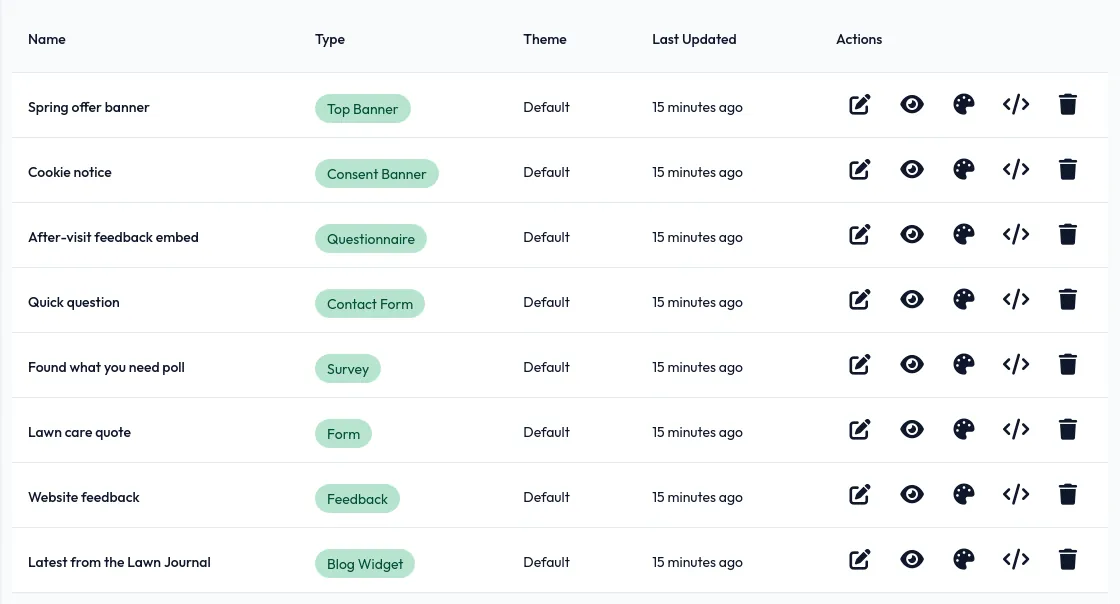
Meet Greenstripe Lawn Co. We took a lawn care company's website and set up everything PresenceWave offers around it: quote forms, offers, a blog, hiring, feedback and more, styled in Greenstripe's own colours and fonts. Every screen below is real.
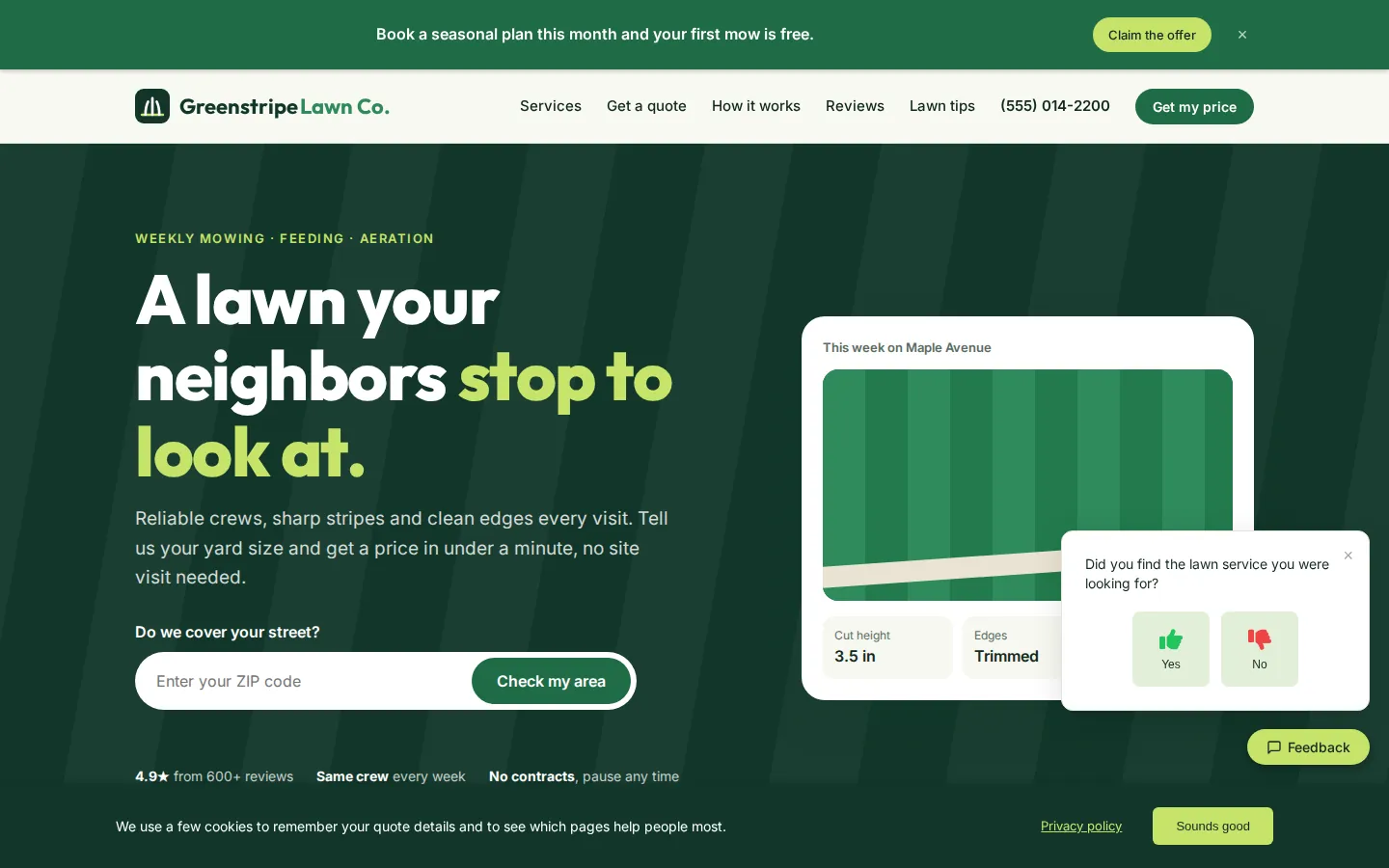
Greenstripe is a demo business we built for this page. Its website uses Fairway, one of our five free lawn care themes; everything with a PresenceWave label below was added with one snippet.
Turn a visit into a price request.
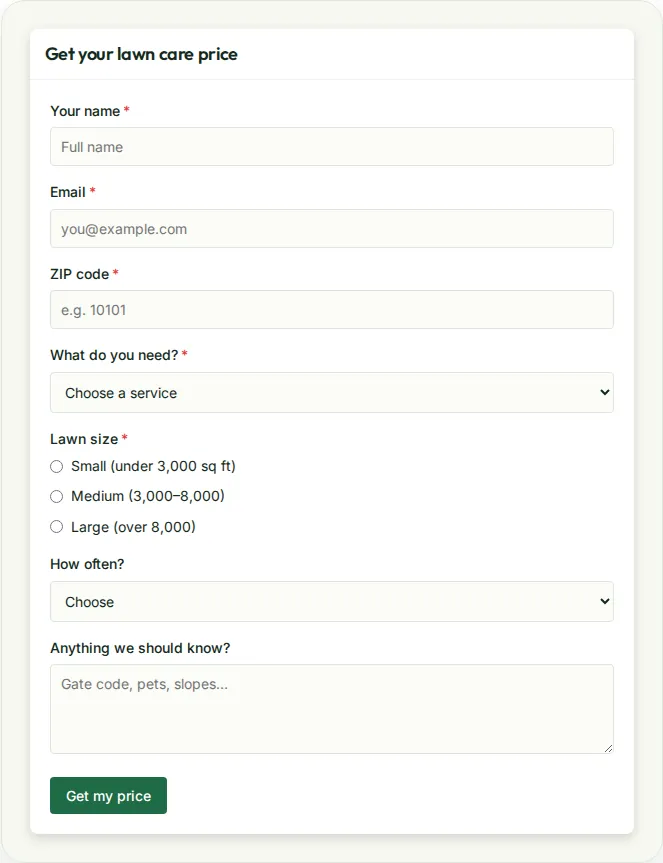
A quote form that asks about the lawn
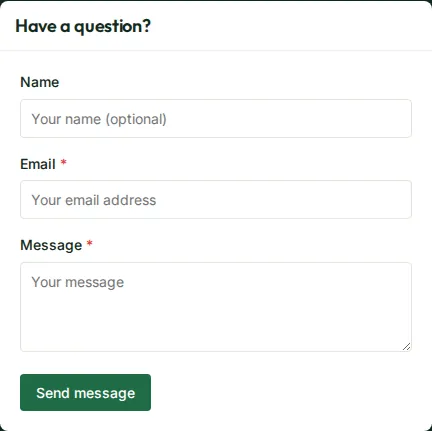
Lawn care prices depend on the details: the ZIP code, the size of the lawn, mowing or treatments, how often. Greenstripe's quote form asks exactly that, sits inside its own pricing section, and sends every request to the dashboard and the owner's inbox.
- Text, email, dropdown and multiple-choice fields
- Styled to the site — no "embedded form" look
- A short contact form in the footer for quick questions
- Submissions can go straight to a CRM with webhooks
Give people a reason to book this week
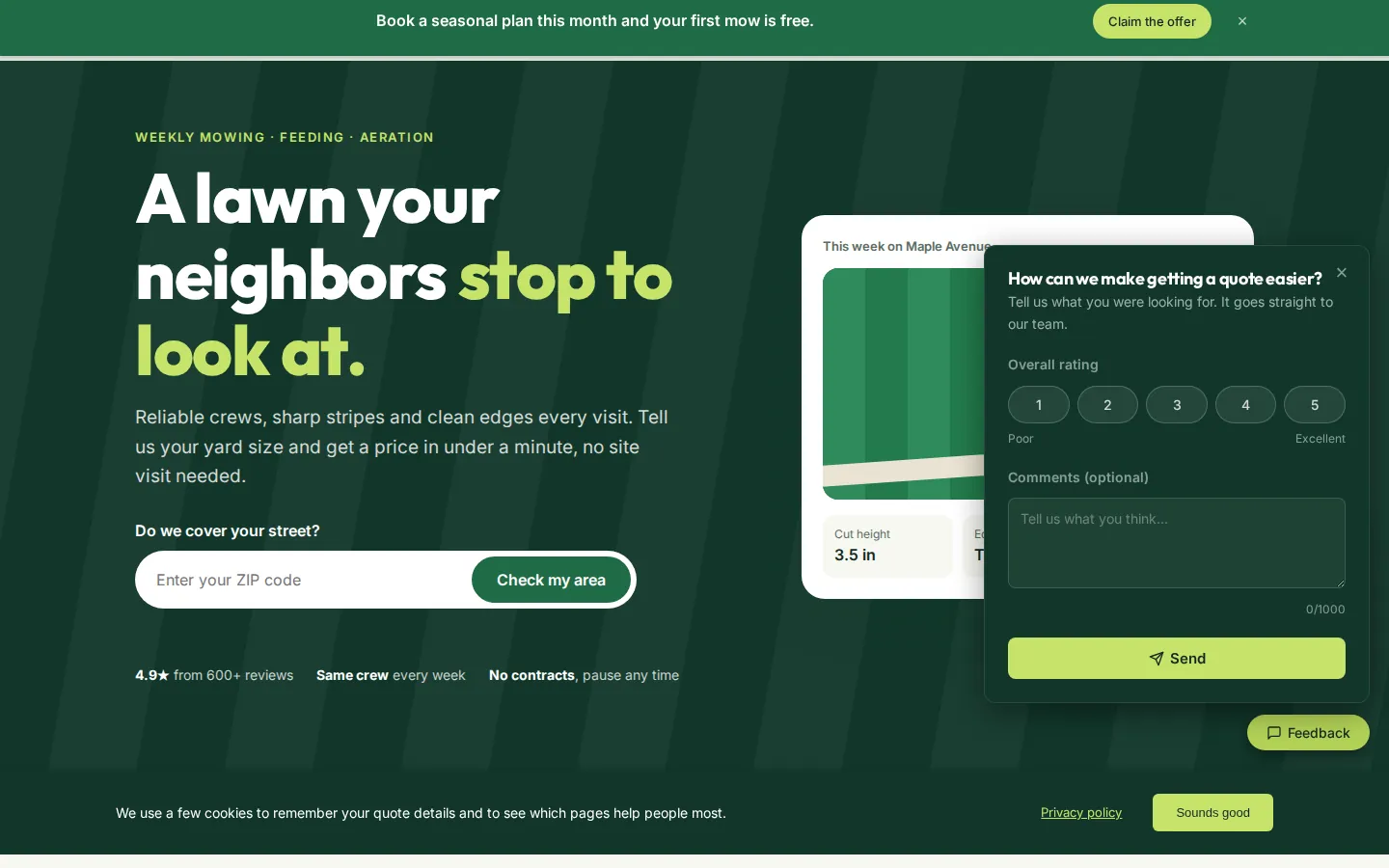
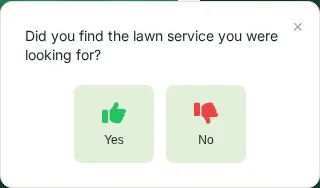
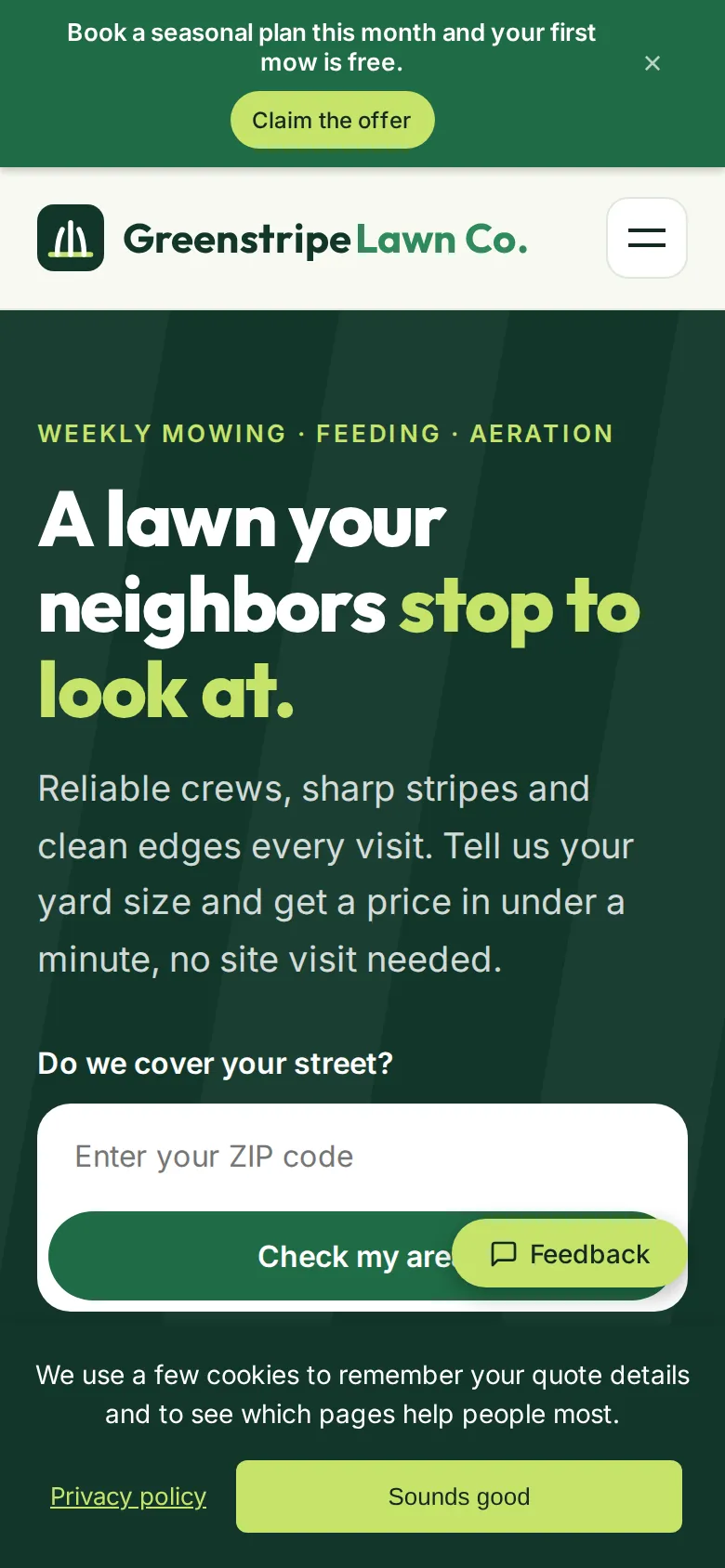
The spring offer, a free first mow with any seasonal plan, runs as a banner across the top of every page. Greenstripe changes the text or turns it off from the dashboard, with no website update. A one-question poll asks visitors whether they found the service they wanted, and a feedback tab lets them say what's missing before they leave.
A blog that answers the questions people search.
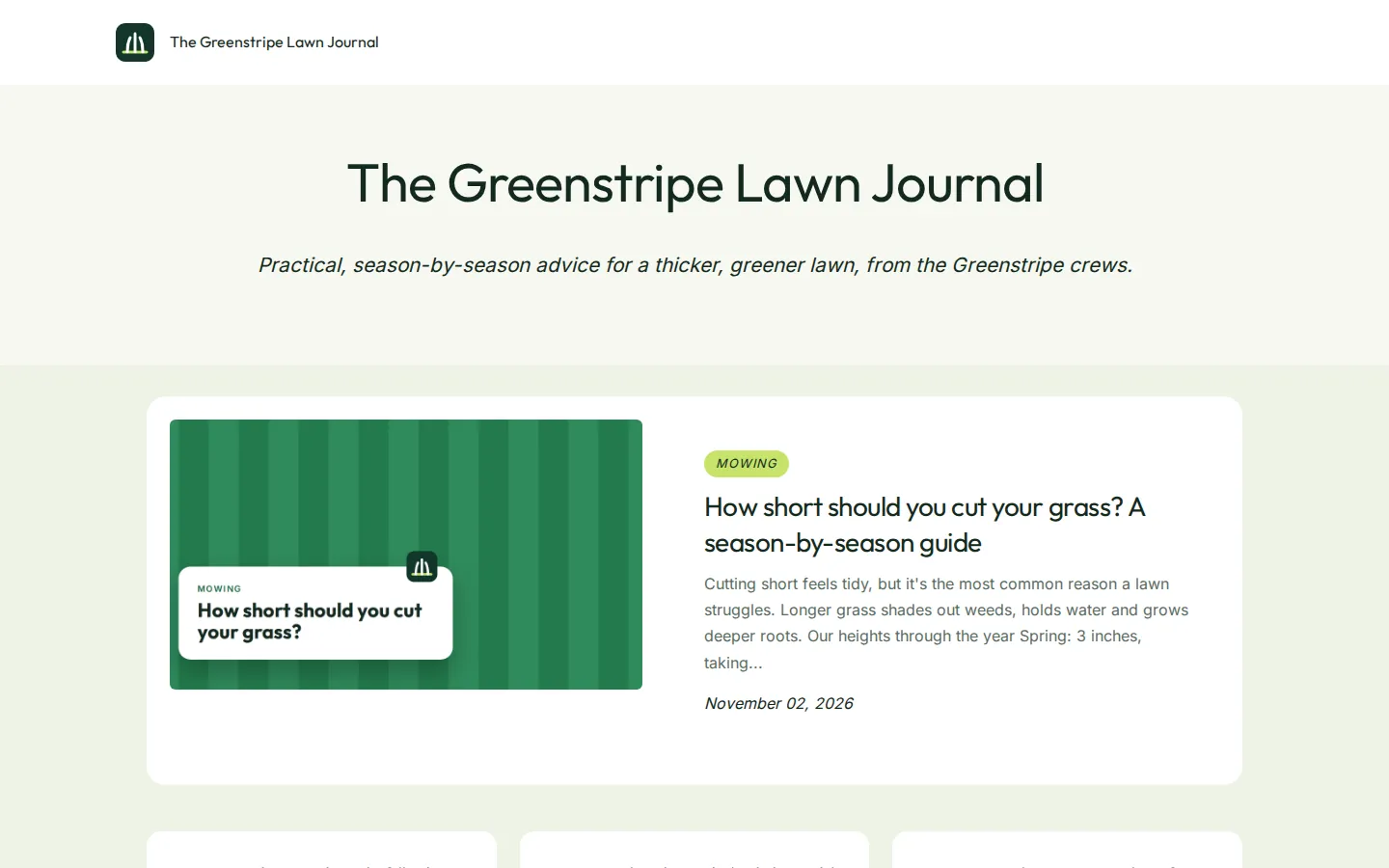
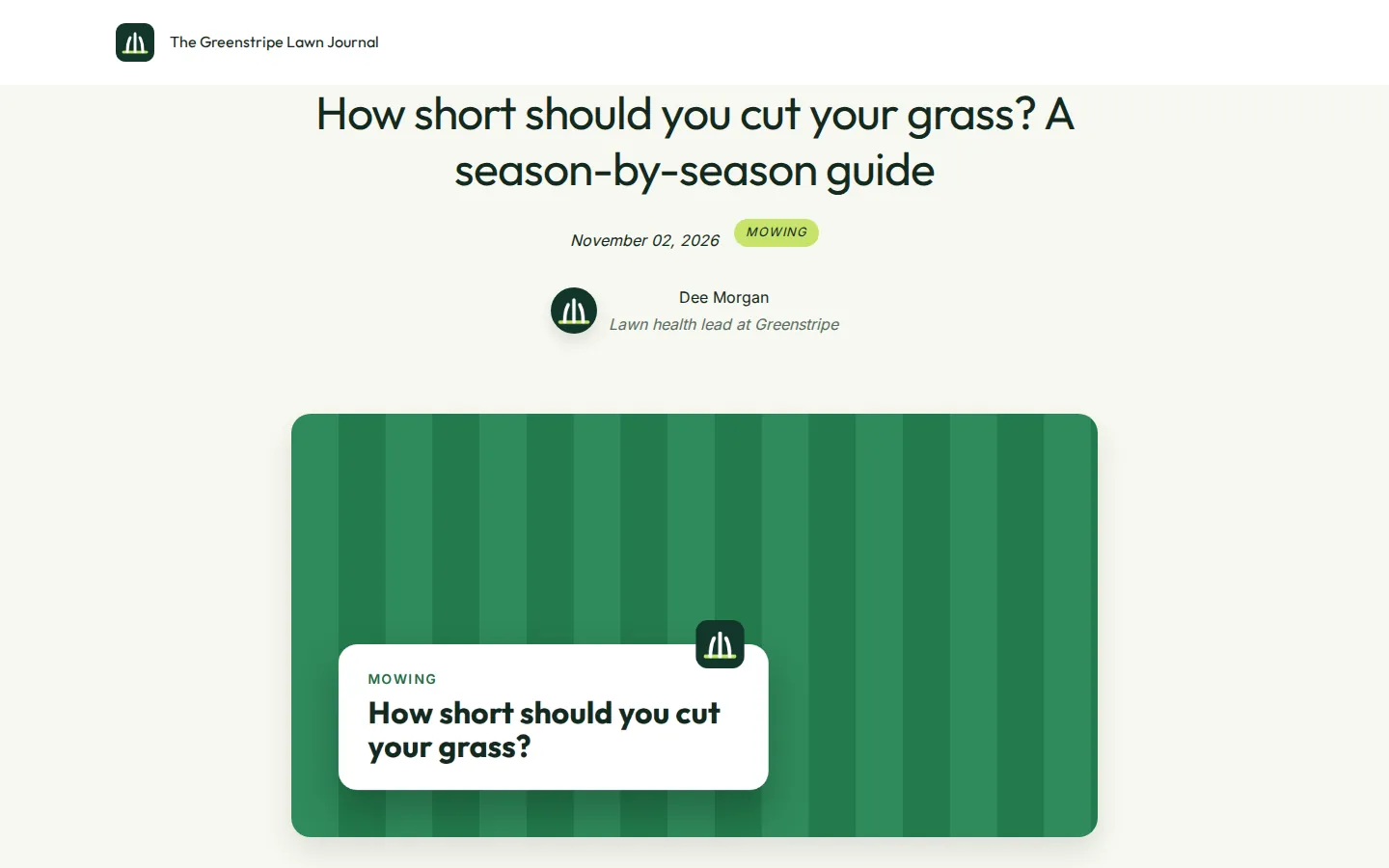
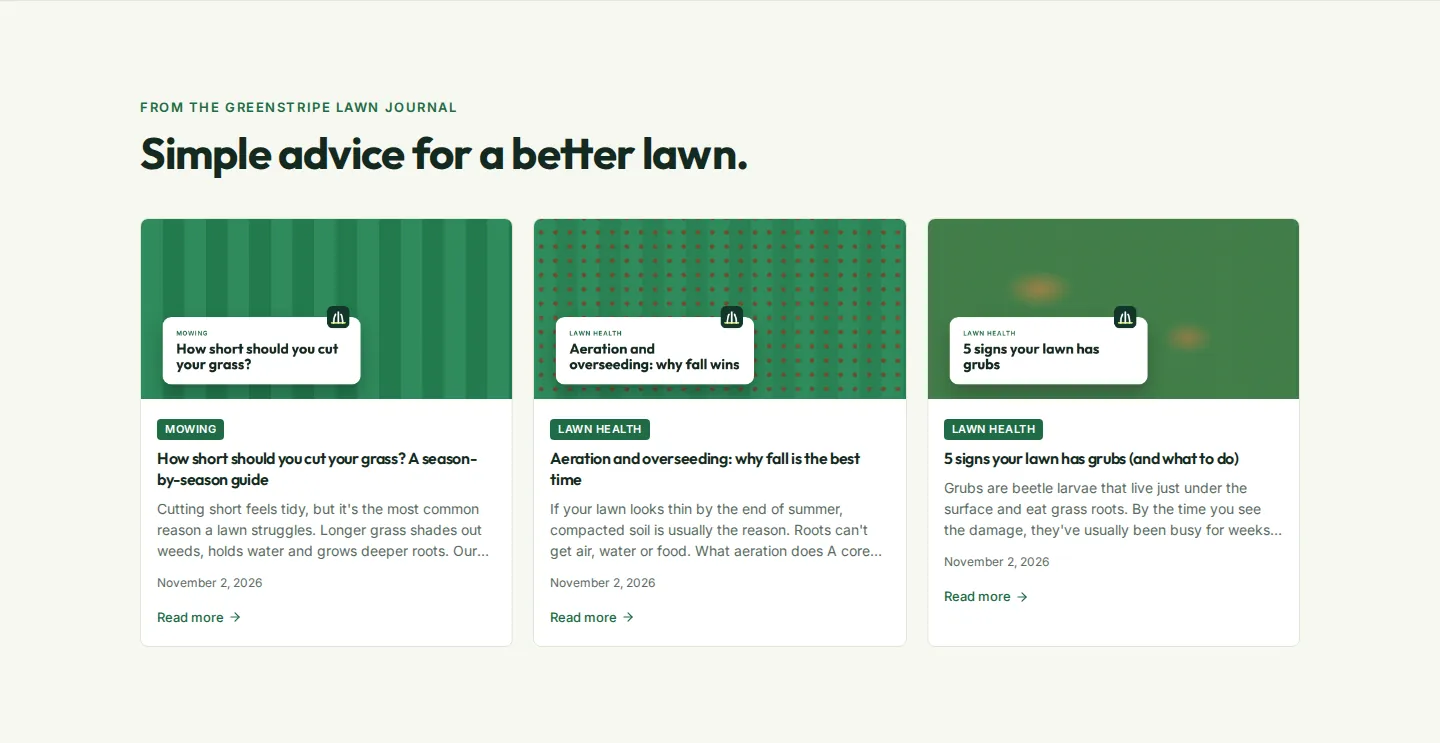
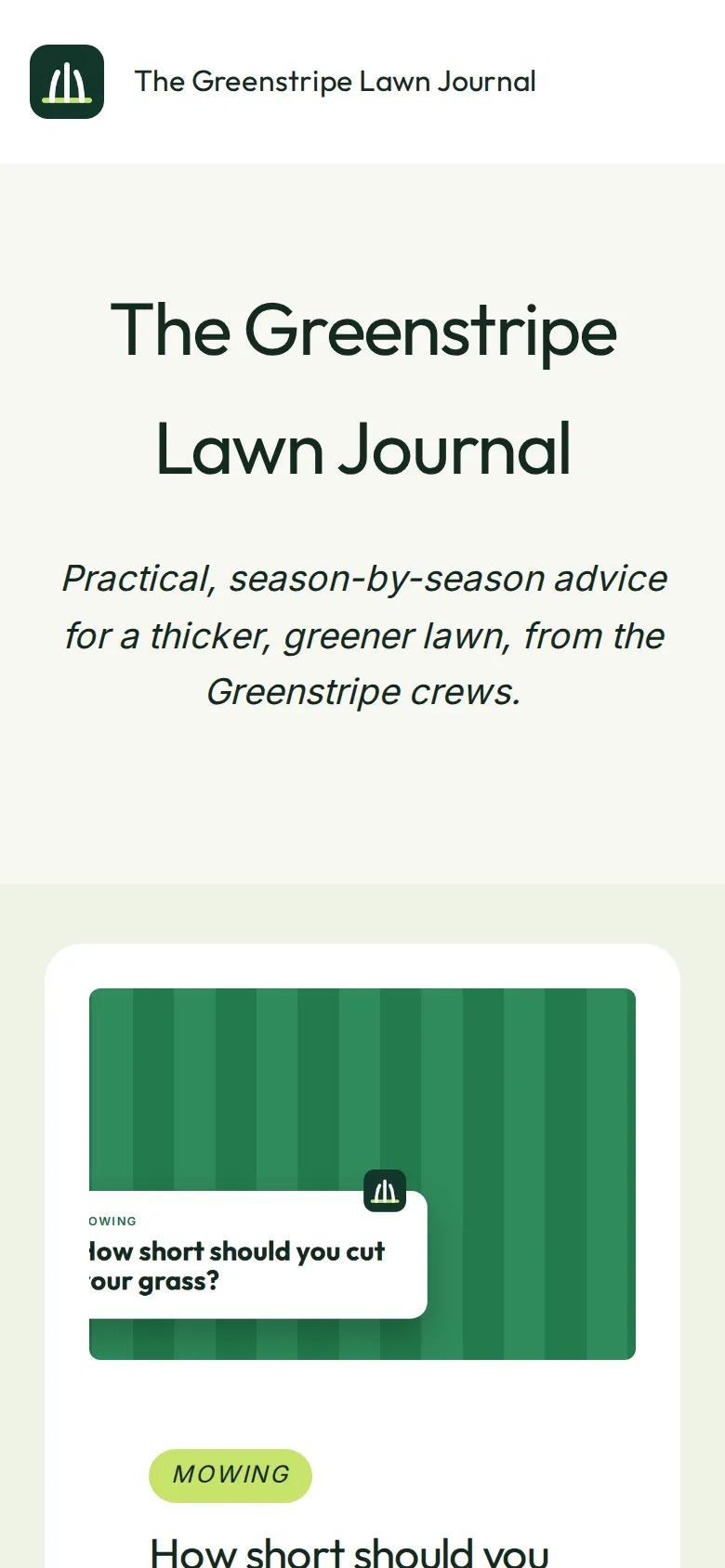
The Greenstripe Lawn Journal lives on Greenstripe's own domain, in its fonts and colours. How short to cut, when to aerate, how to spot grubs, whether treatments are safe for pets: the posts answer what homeowners search for before they call someone.
- Seven themes, each restyled to the brand
- Categories, tags, paging, RSS and sitemap built in
- Schedule seasonal posts, or publish from your own tools with the API
- Latest posts appear on the home page with the blog widget
Ask how the lawn looks, while it's fresh.
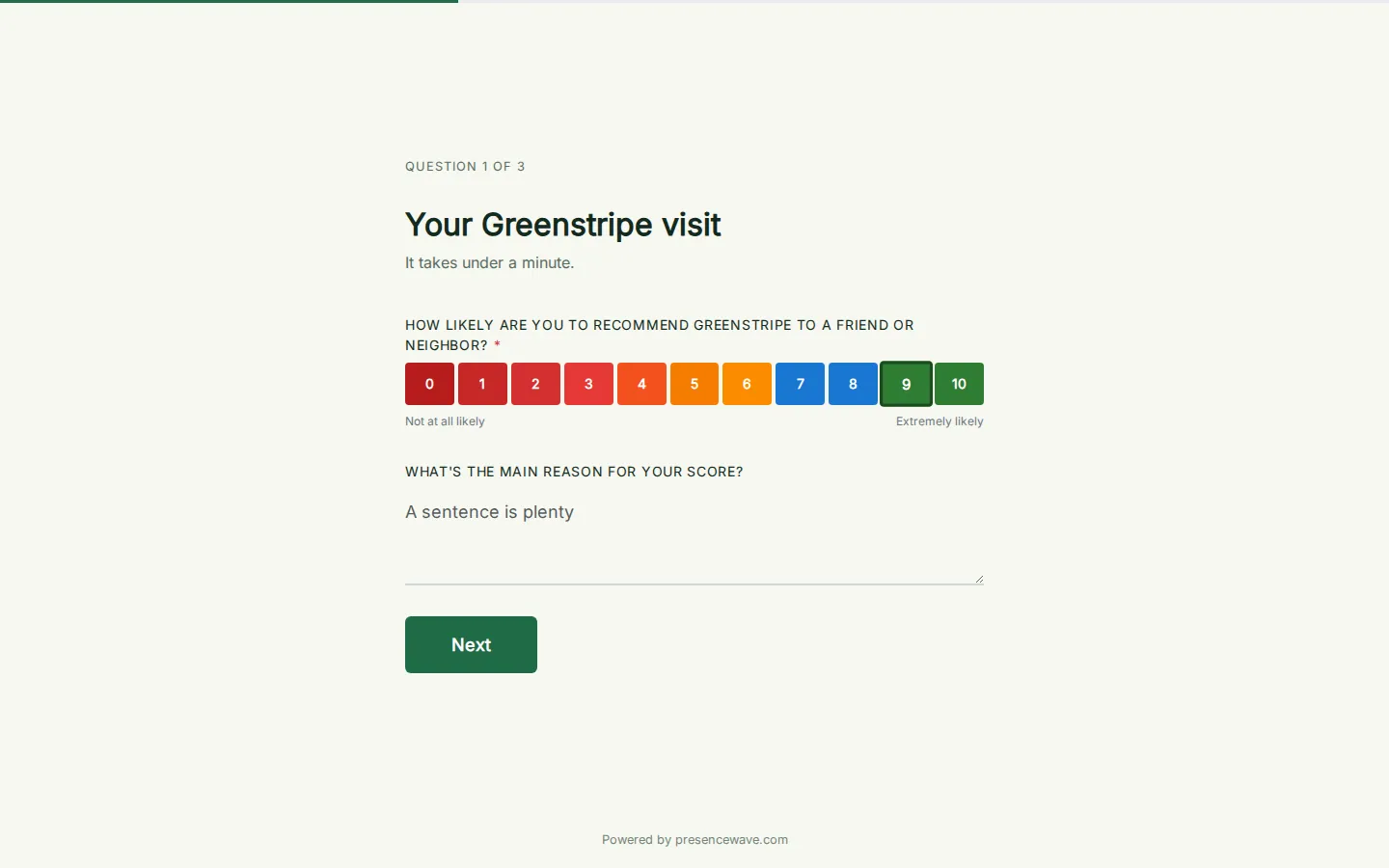
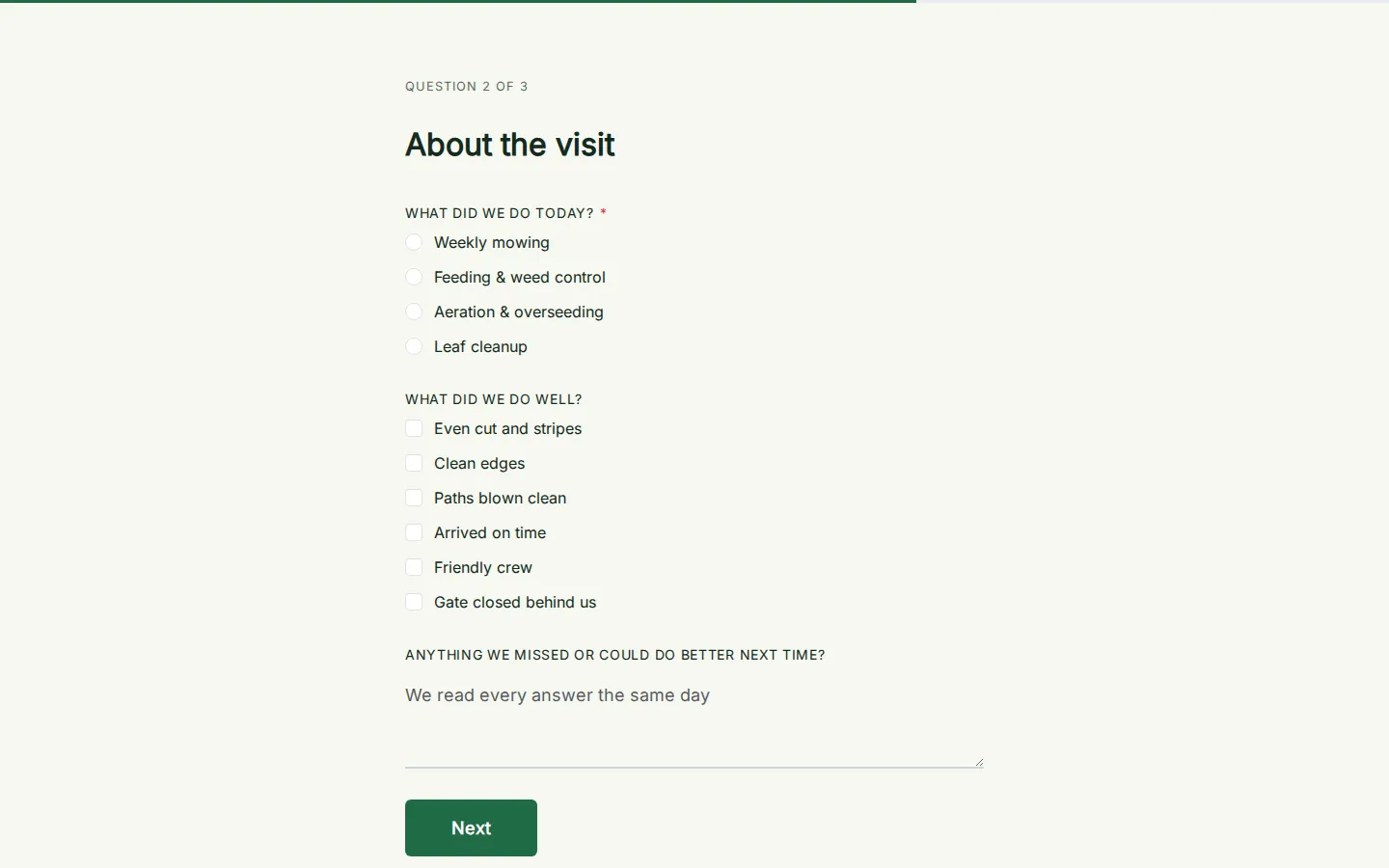
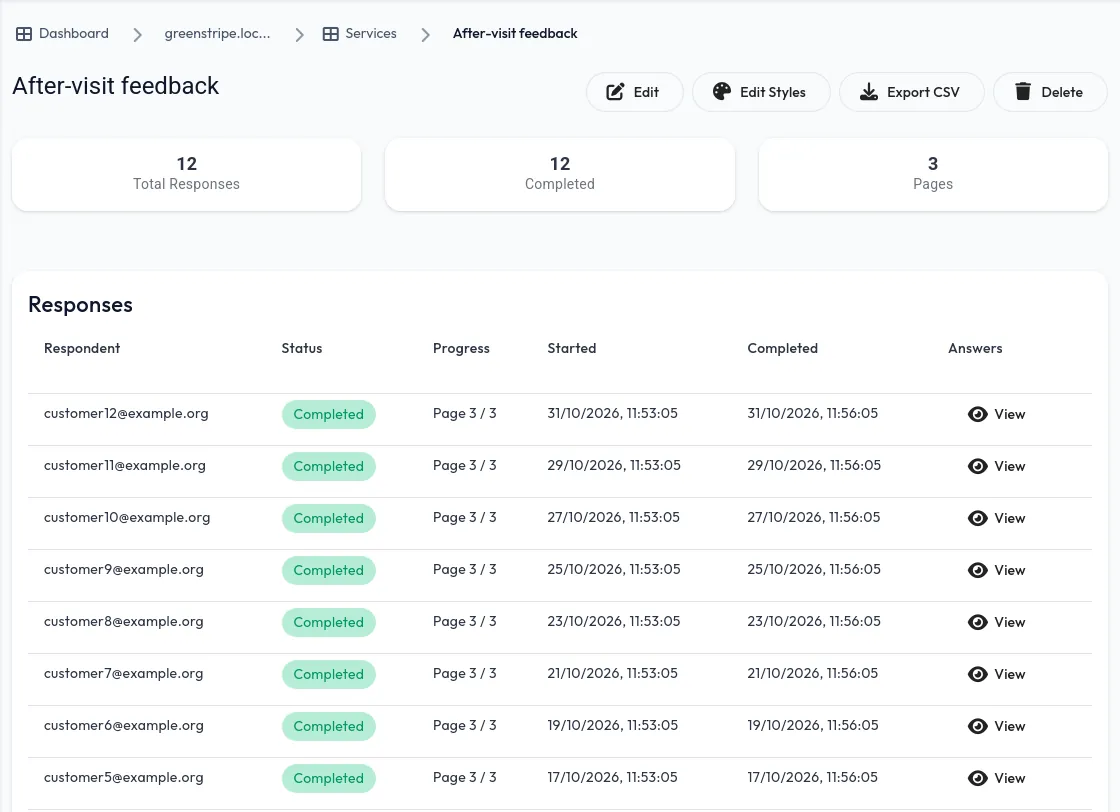
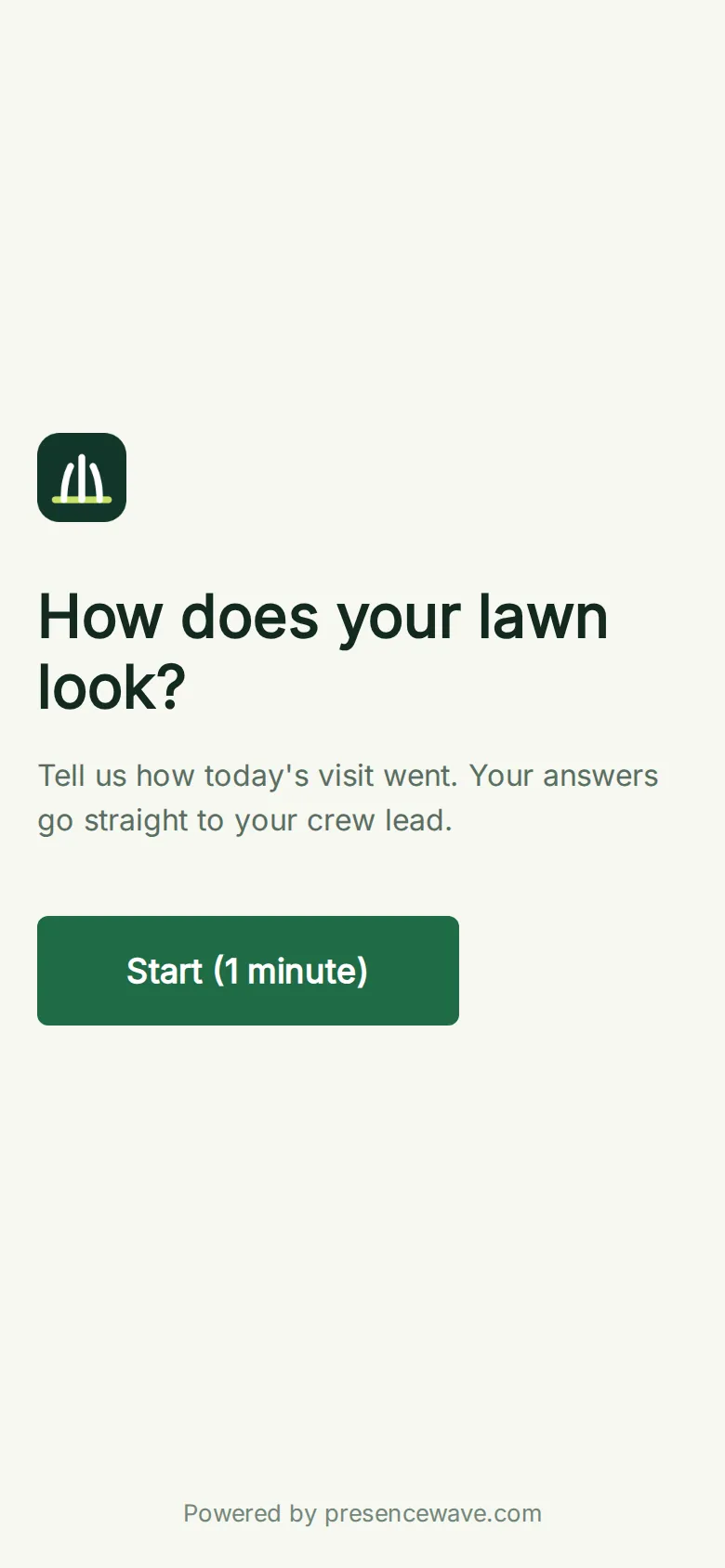
Greenstripe's after-visit survey opens with the Net Promoter Score question, then asks what was done, what went well and whether the customer wants a quote for anything else. Customers reach it from a QR code on the door hanger the crew leaves, a short link in the visit text, or right on the website.
- NPS, multiple choice and free-text questions
- A thank-you discount code on the last page
- Every response in the dashboard, exportable as CSV
Stay in touch through the winter.
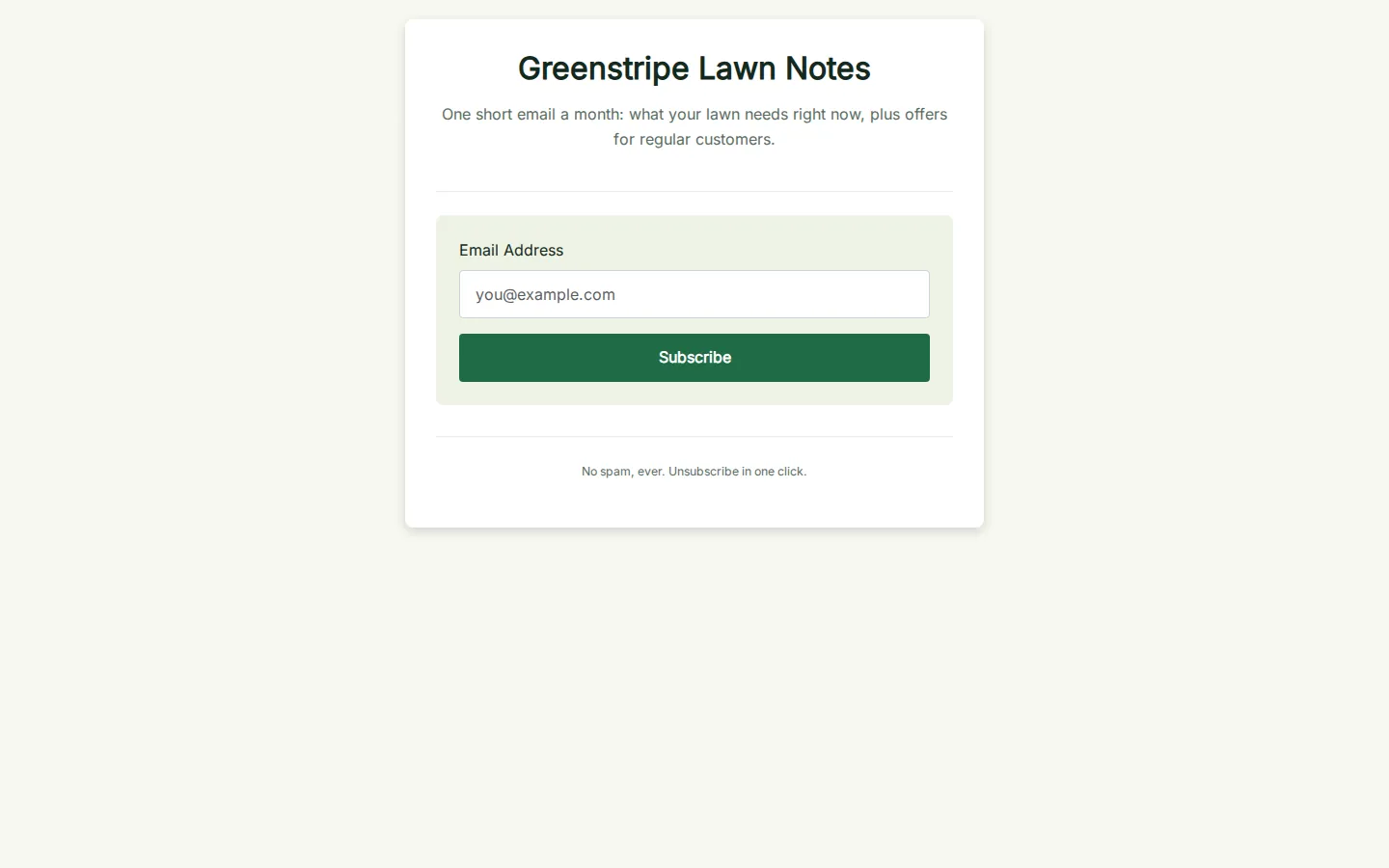
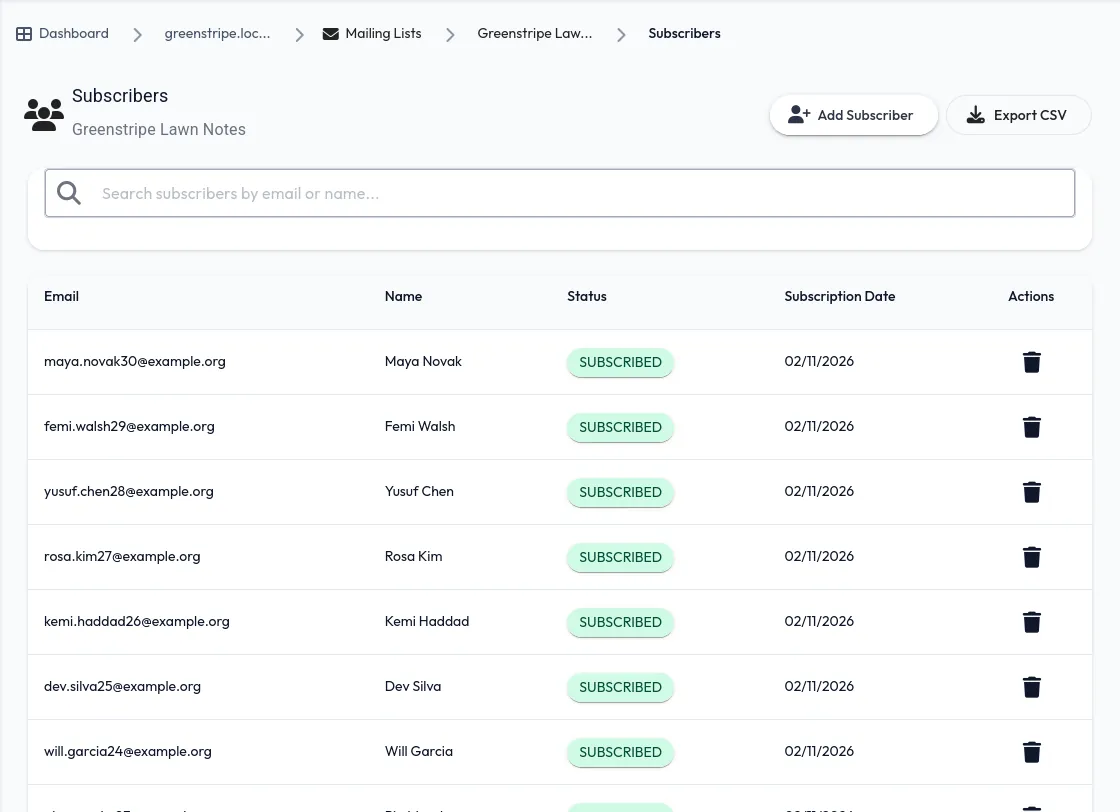
Greenstripe Lawn Notes is a short monthly email: what the lawn needs right now, offers for regular customers, and a reminder to book spring cleanups before the rush. The signup page is on Greenstripe's domain, and subscribers are managed and emailed from the same dashboard.
- Double opt-in and one-click unsubscribe
- Compose emails or automate a welcome sequence
- Export your subscribers any time
Fill the route before the first cut.
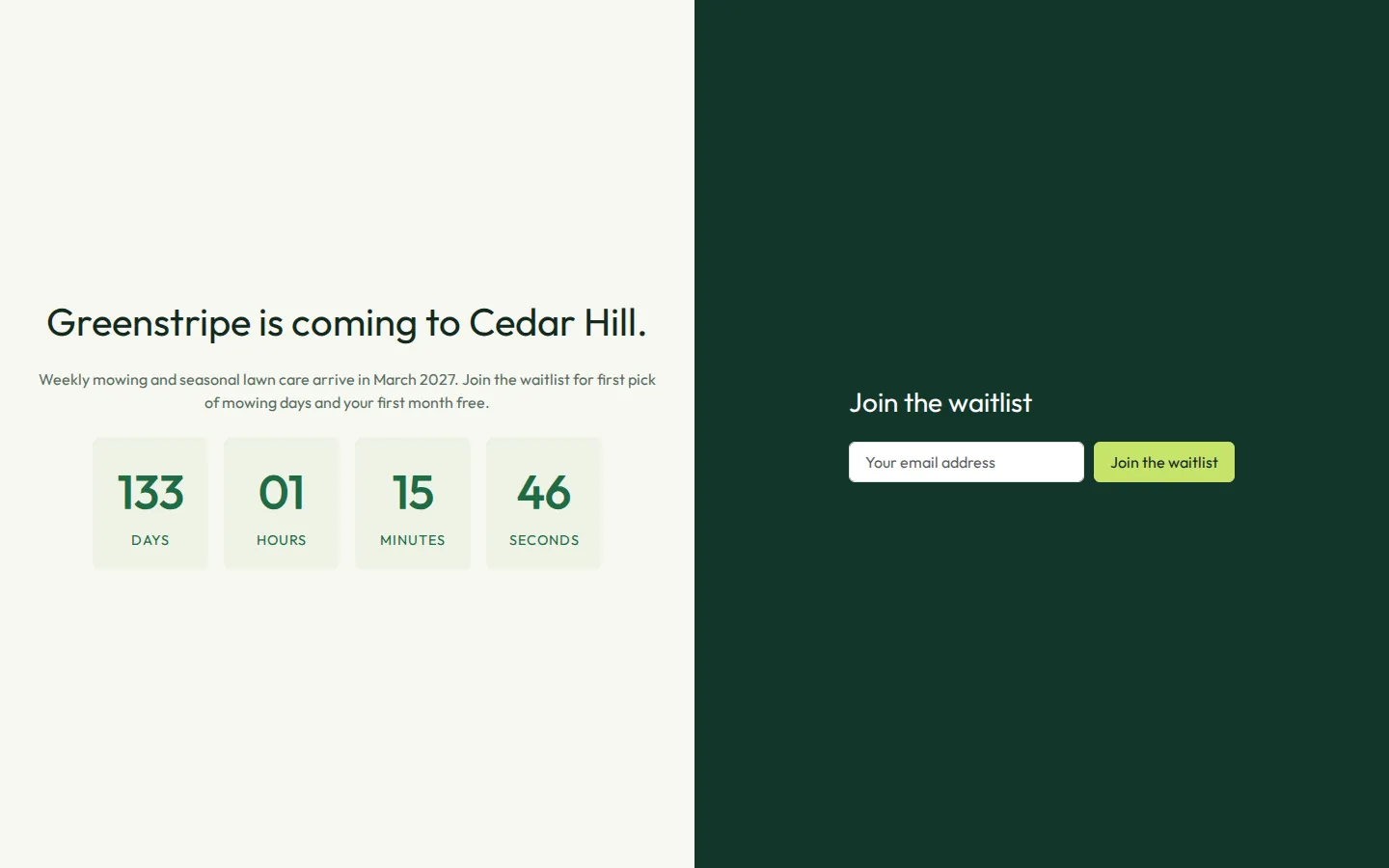
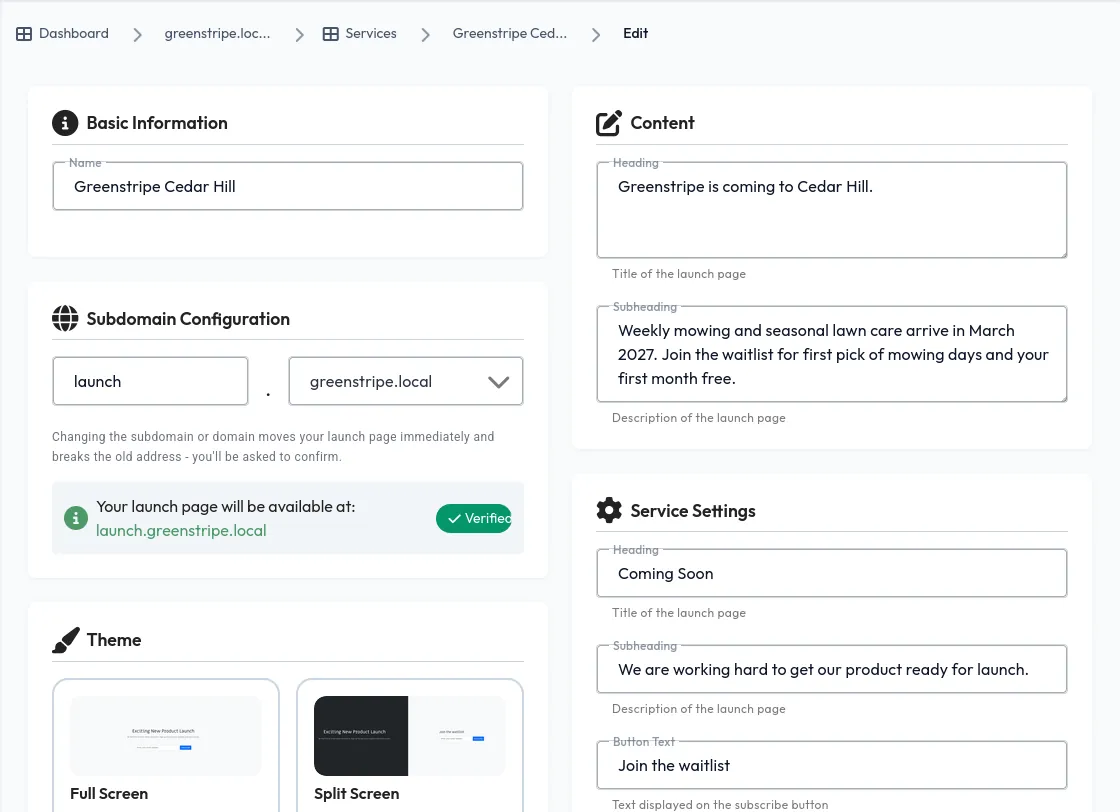
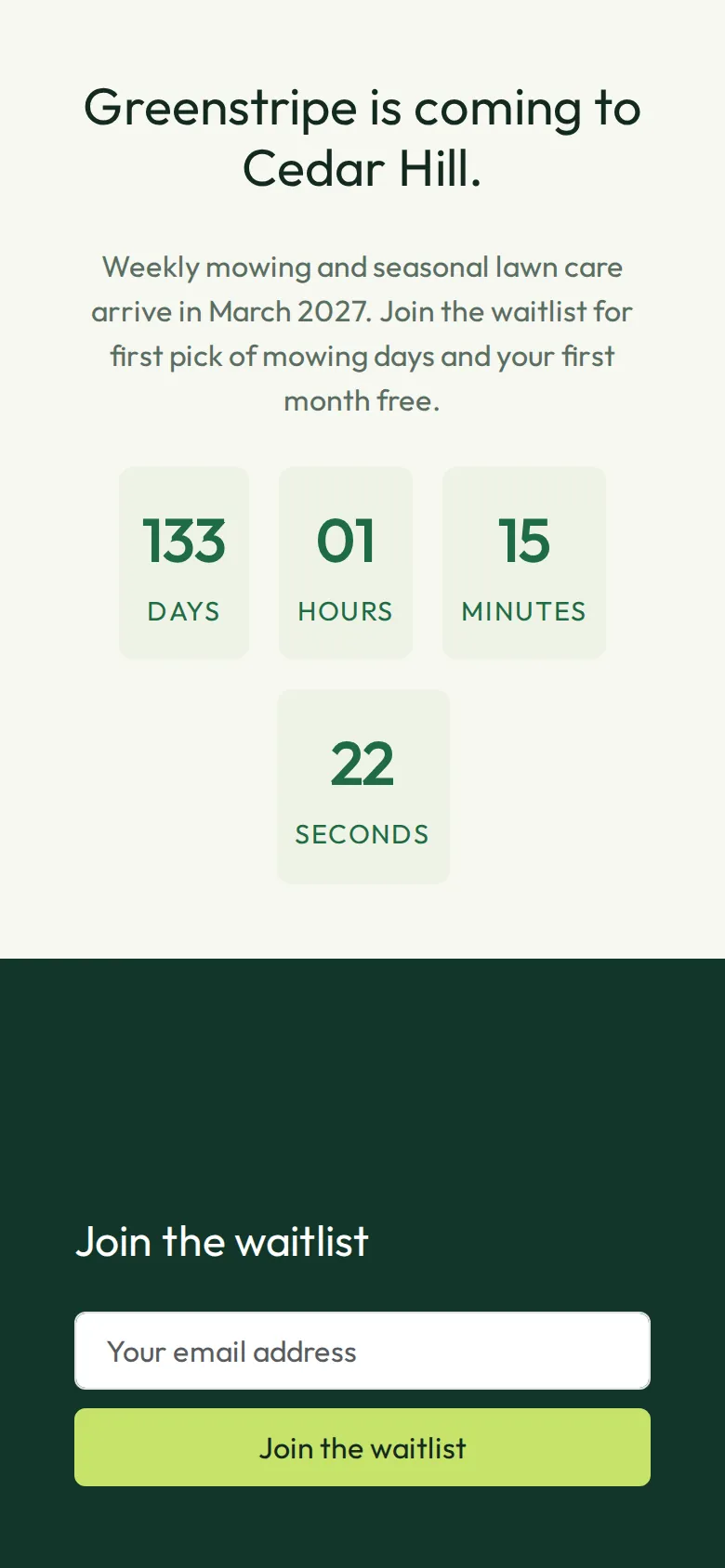
Greenstripe is coming to Cedar Hill in March. The launch page counts down to the first cuts and collects a waitlist, which becomes a mailing list automatically, so the new route is full of customers who already asked before a mower is unloaded.
- Countdown, waitlist and social-proof themes
- Every signup lands in its own mailing list
- On Greenstripe's domain, in Greenstripe's colours
A careers page that fills the trucks by spring.
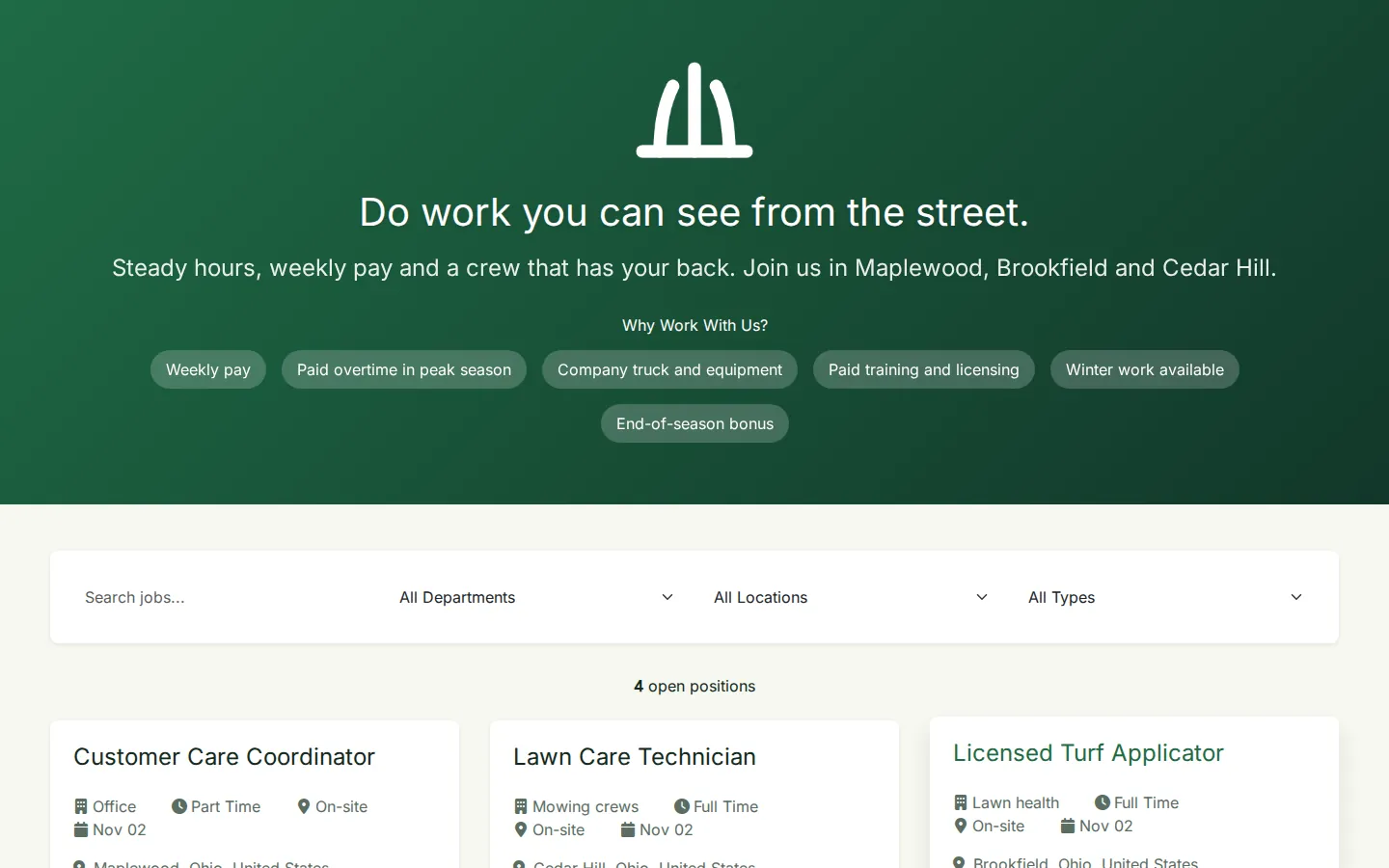
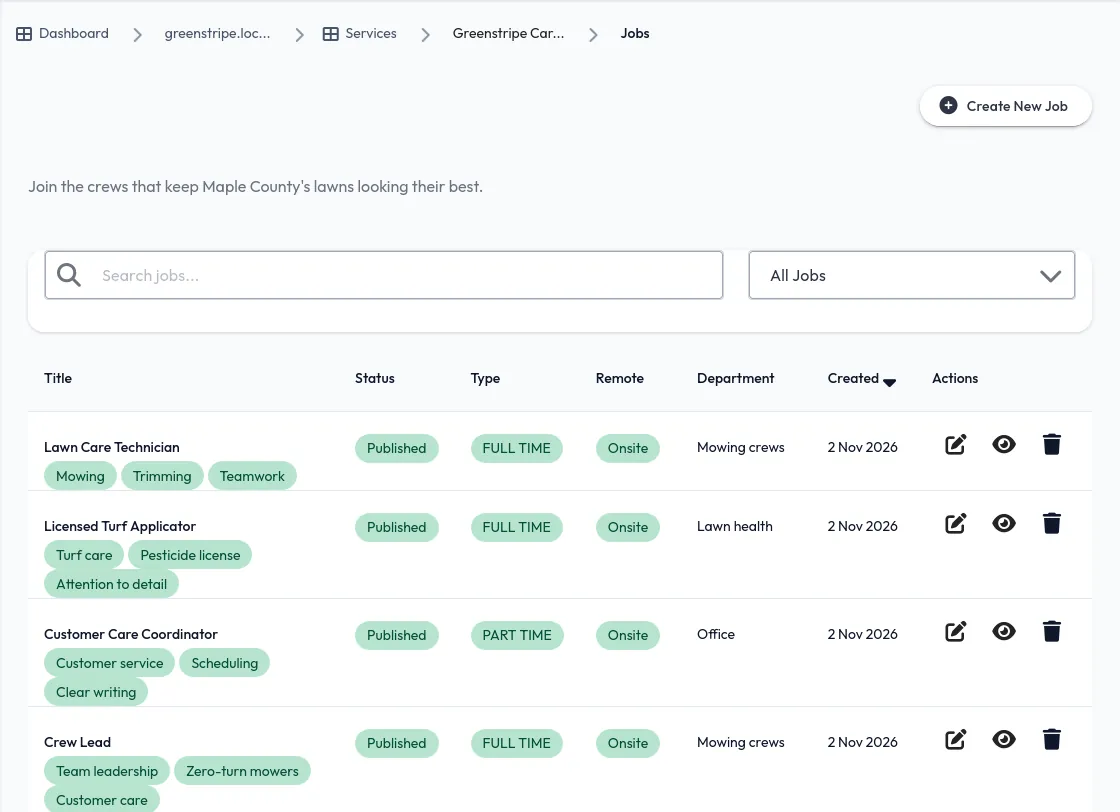
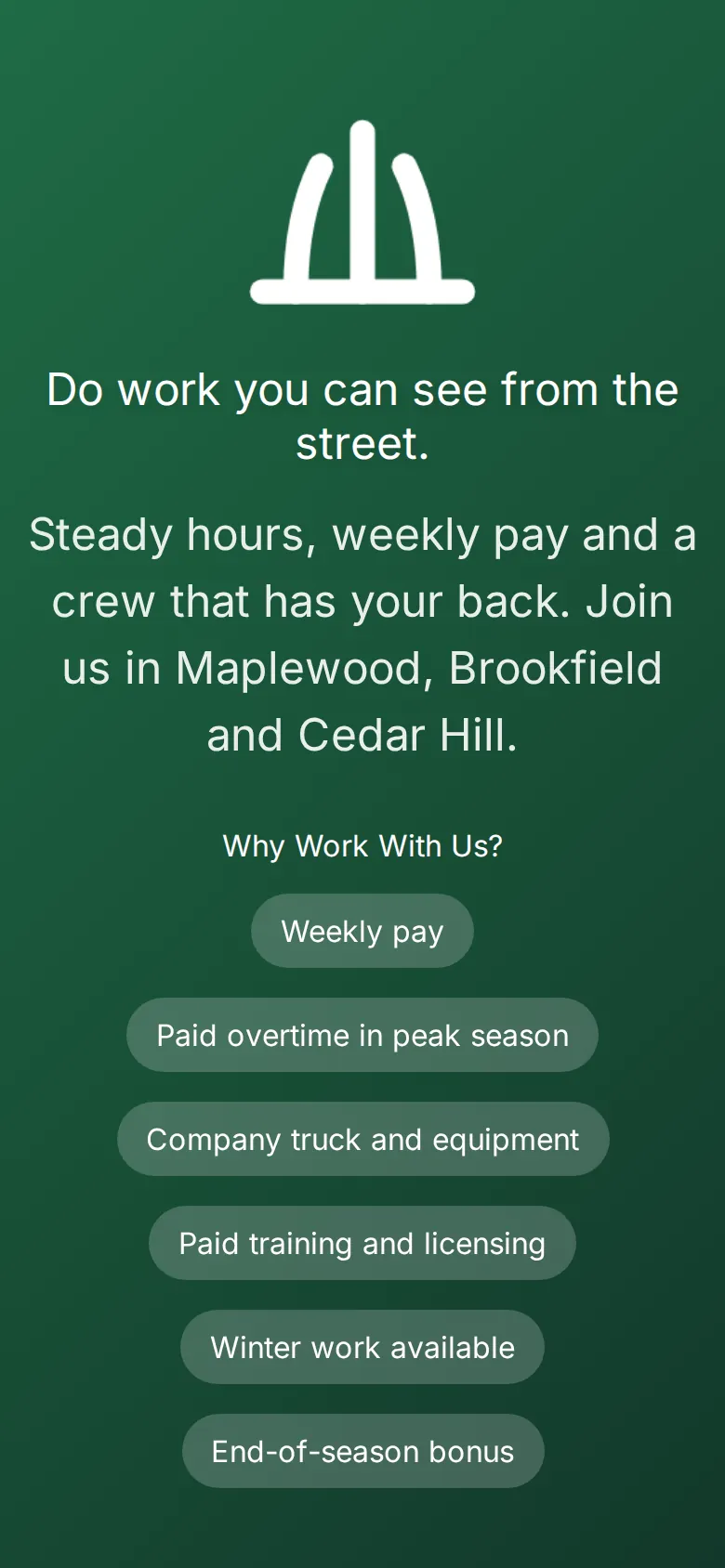
Every spring, lawn care companies compete for the same crew members. Greenstripe's job board leads with what matters to them, weekly pay, a company truck, paid licensing and winter work, and lists every role by town and type.
- Filters by department, location and job type
- Benefits and mission shown above the roles
- Post and edit roles from the dashboard
Every link out there, tracked.
One page for every profile
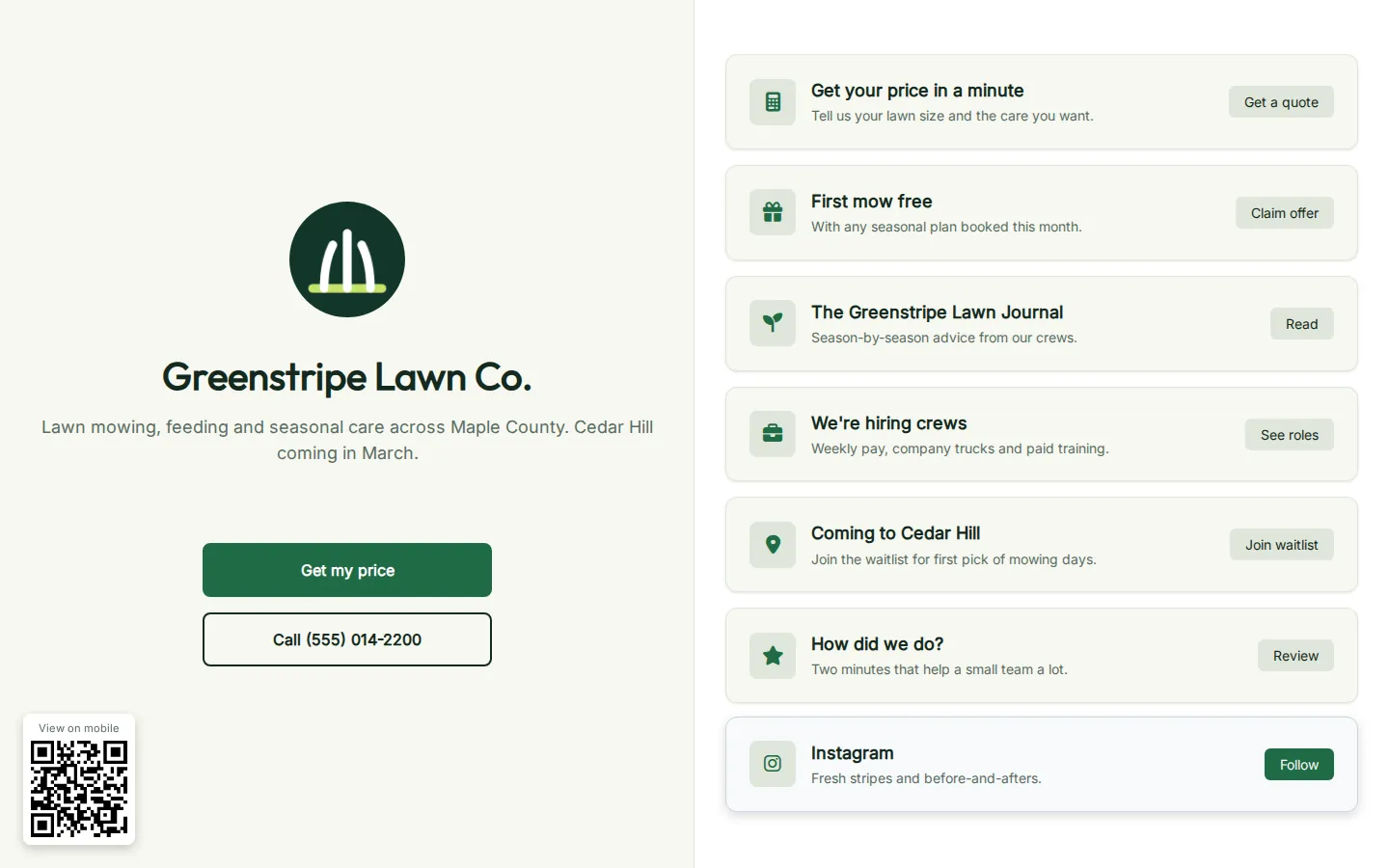
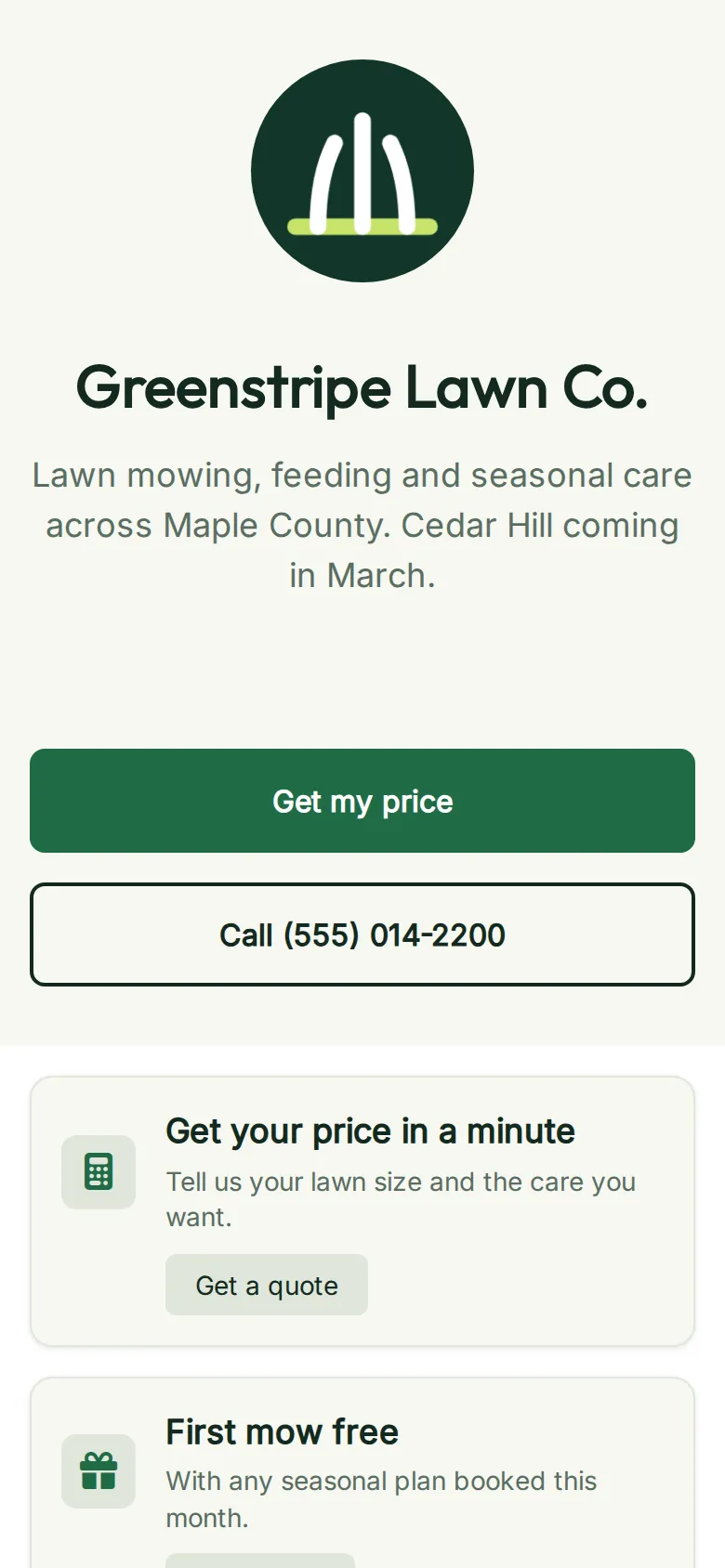
Greenstripe's links page puts the instant quote, the spring offer, the Lawn Journal, careers, the Cedar Hill waitlist and reviews in one place. It's the link in their Instagram bio and Google profile, on their own domain and in their own colours.
- Clicks counted per link
- Drag to reorder, change any time
Short links and QR codes for the street
Lawn care is marketed on the street: a sign in a freshly striped yard, a hanger on the door after each visit, the logo on the truck. Greenstripe prints a QR code on each, pointing at a short link like go.greenstripe…/welcome, and sees exactly which ones get scanned.
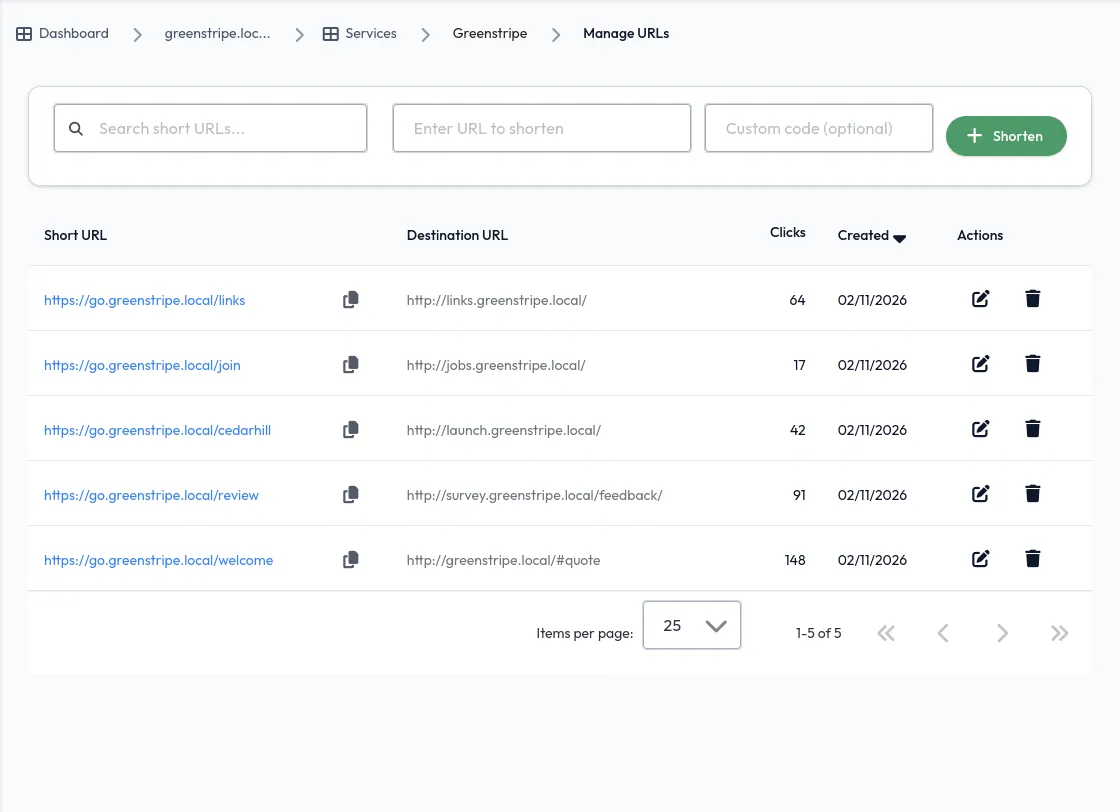
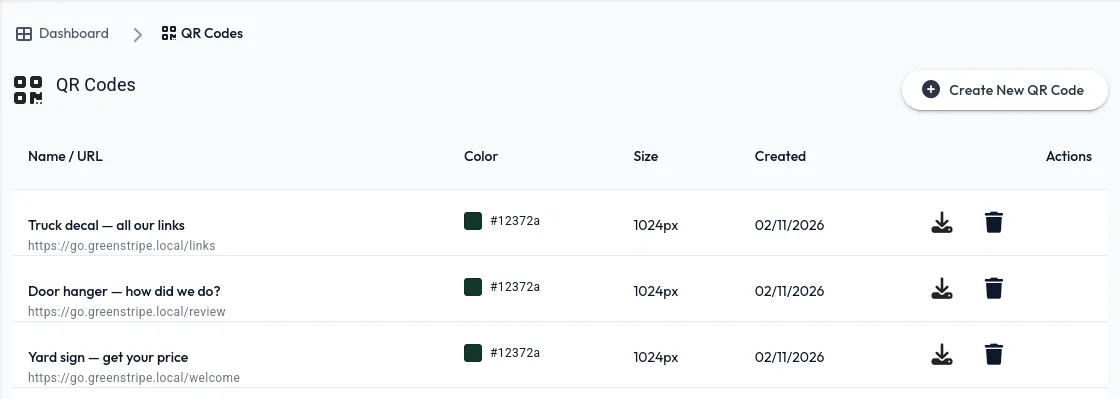
It all looks like Greenstripe. It all reports to one place.
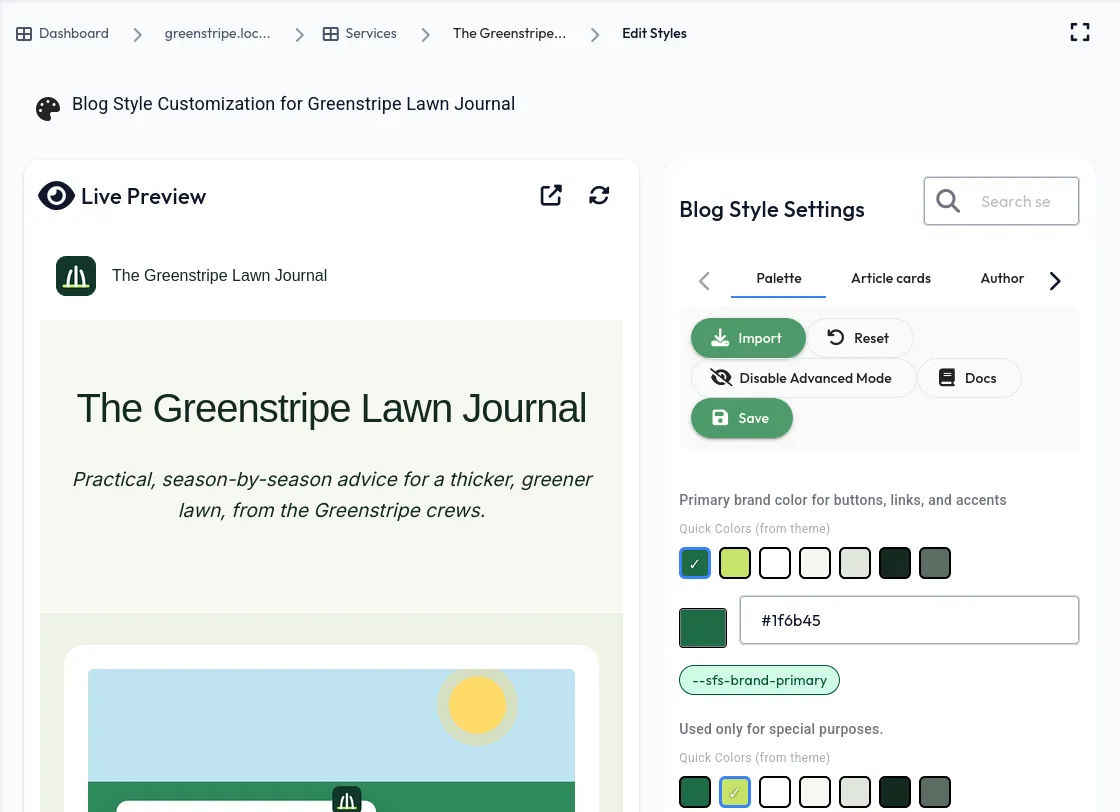
Styled to the last button
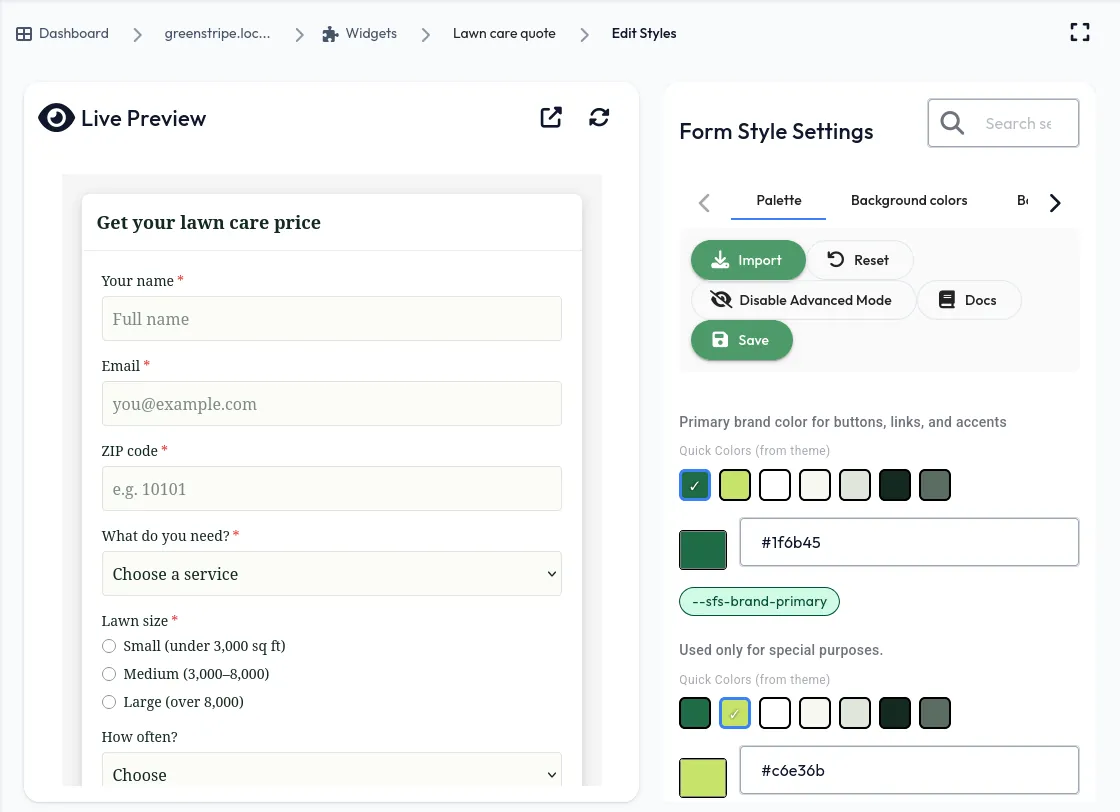
Every page and widget takes Greenstripe's deep greens, lime accent and fonts. Start from the brand colours on the domain, then fine-tune any page or widget with a live preview.
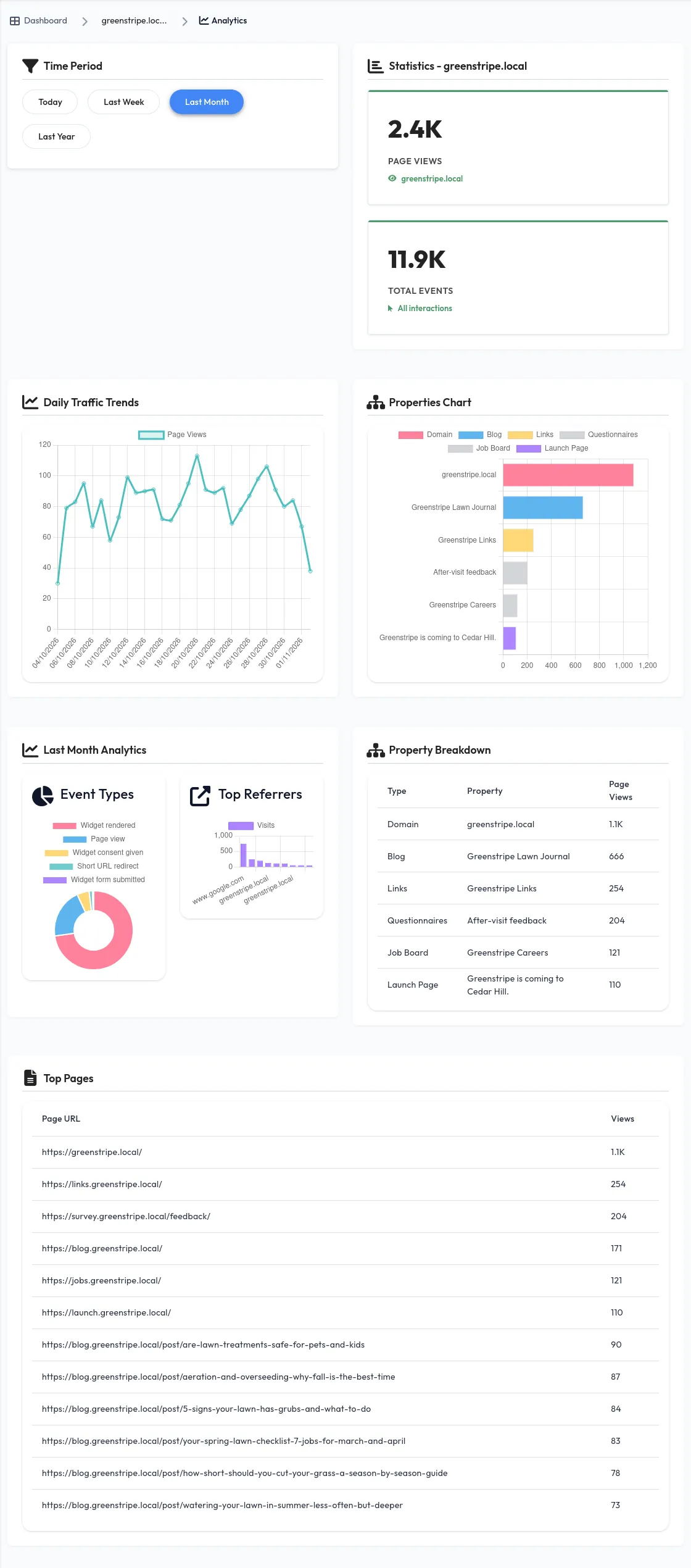
See what's working
Page views and events across the website, blog, job board, links page, launch page and survey, in one analytics view. No extra tracking code.
Try everything first. Bring the whole crew.
Test on your free app address
Every account gets its own yourname.presencewave.com address. Build the blog, the quote form and the survey there, click through them, share them with the team, then point your own domain at them when you're ready.
Invite as many collaborators as you like
There's no limit on team members. Greenstripe's office coordinator answers quote requests, crew leads read the after-visit survey, and whoever writes the Lawn Journal publishes posts, all in one workspace with no per-seat pricing.
Go live on your own domain
Connect your own domain and put each page on it: blog., jobs., links. and the rest. Your website only needs one snippet for all of its widgets.
Run a lawn care business?
This can be yours this week.
Start free on your own app address, invite your crew, and pick the tools you need. Add one snippet to your website when you're ready to go live.
Set up my lawn care business