Build a form in minutes.
Make it look like yours.
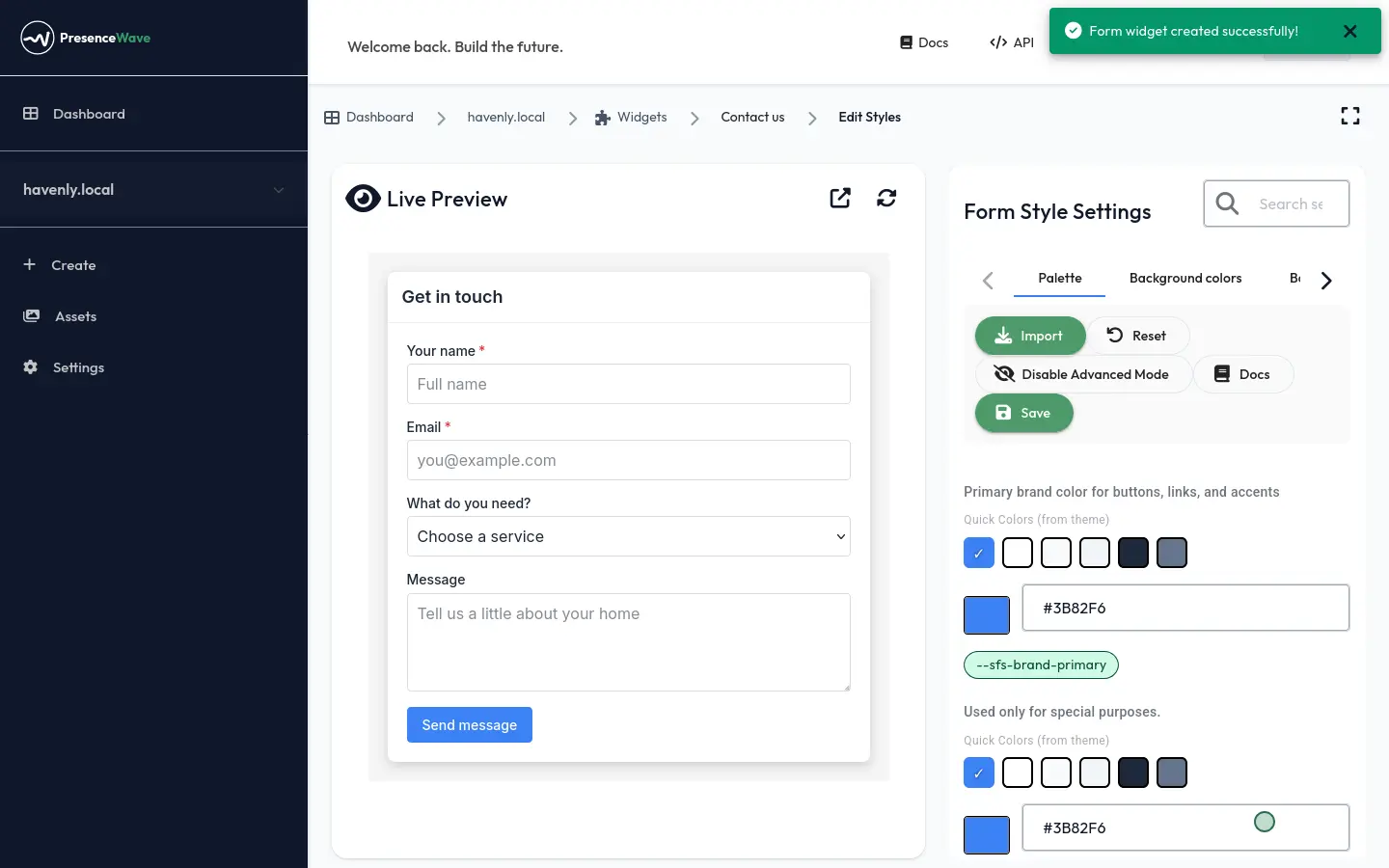
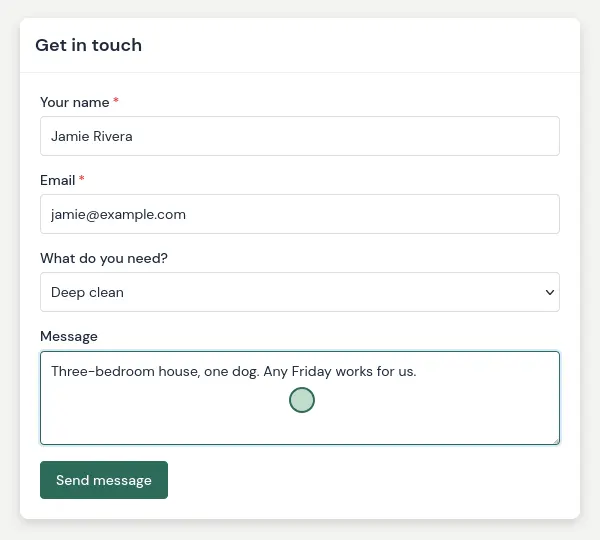
Here's the whole thing, start to finish: a contact form built from scratch, restyled in the brand's colours and font, and live on the website taking its first enquiry. Below it are three more forms made with the same builder — each one with a completely different look.
Recorded in real time, with no edits. Every form on this page belongs to Havenly Home Care, a demo cleaning company we use for showcases. Each one is embedded on a plain web page with a single snippet.
Add the questions you need, in the order you want.
Start empty, or from a preset
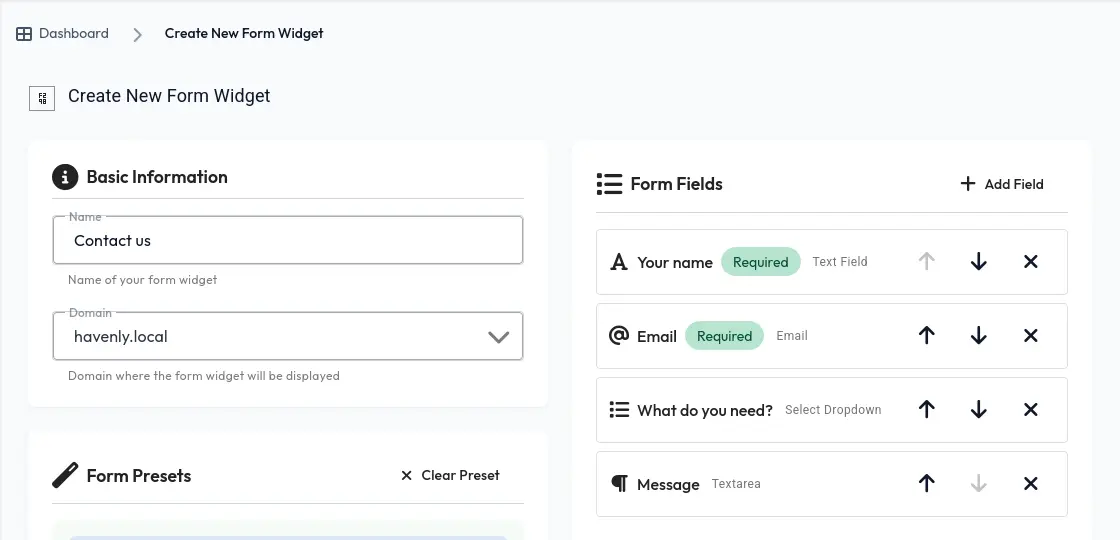
Give the form a name and choose the website it goes on. Then start from one of the ready-made forms (free trial, demo request, contact sales, support) or from an empty form, as Havenly did here.
- Seven field types, from a one-line answer to a group of checkboxes
- Make any field required, and set placeholder text and a maximum length
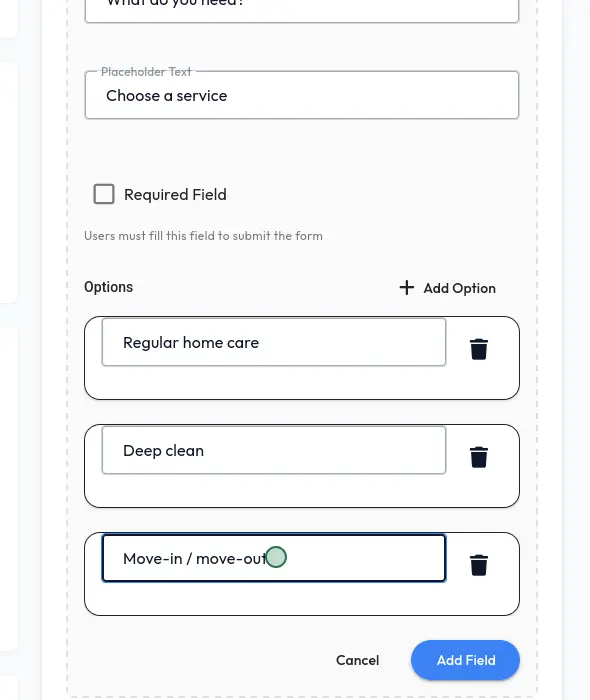
- Give dropdowns, radio buttons and checkbox groups their own options
- Move fields up and down until the order feels right
Your words, not ours
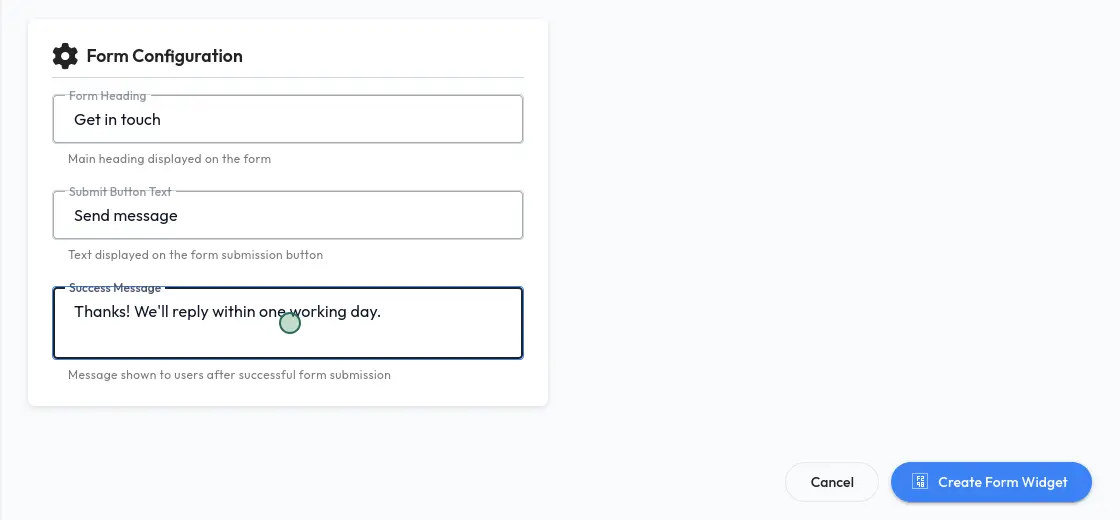
Write the form's heading, the text on its button and the thank-you message people see after sending. "Get in touch" and "Send message" fit a contact form; "Book a deep clean" and "Check availability" fit a booking form.
Change a colour and watch the form change with it.
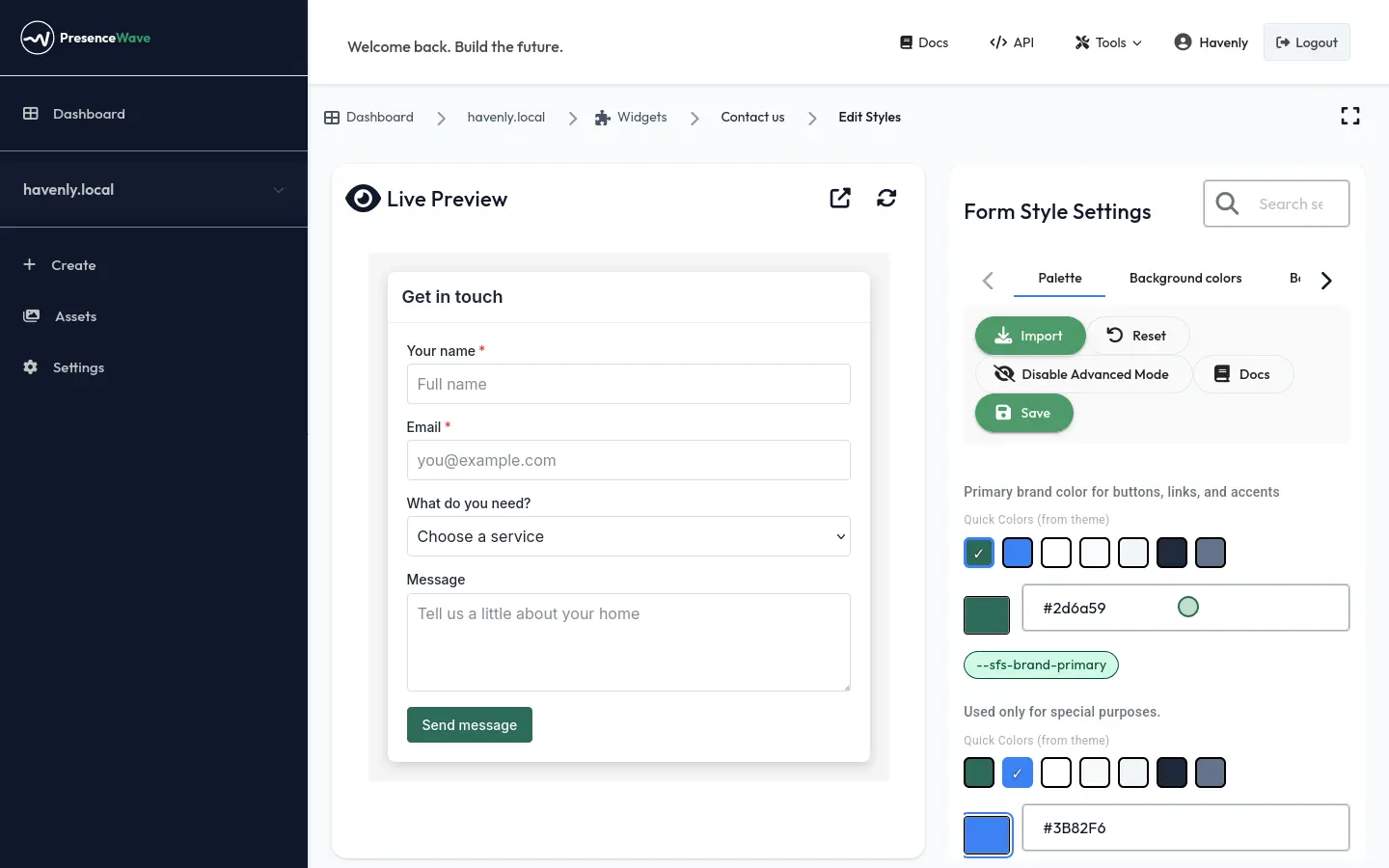
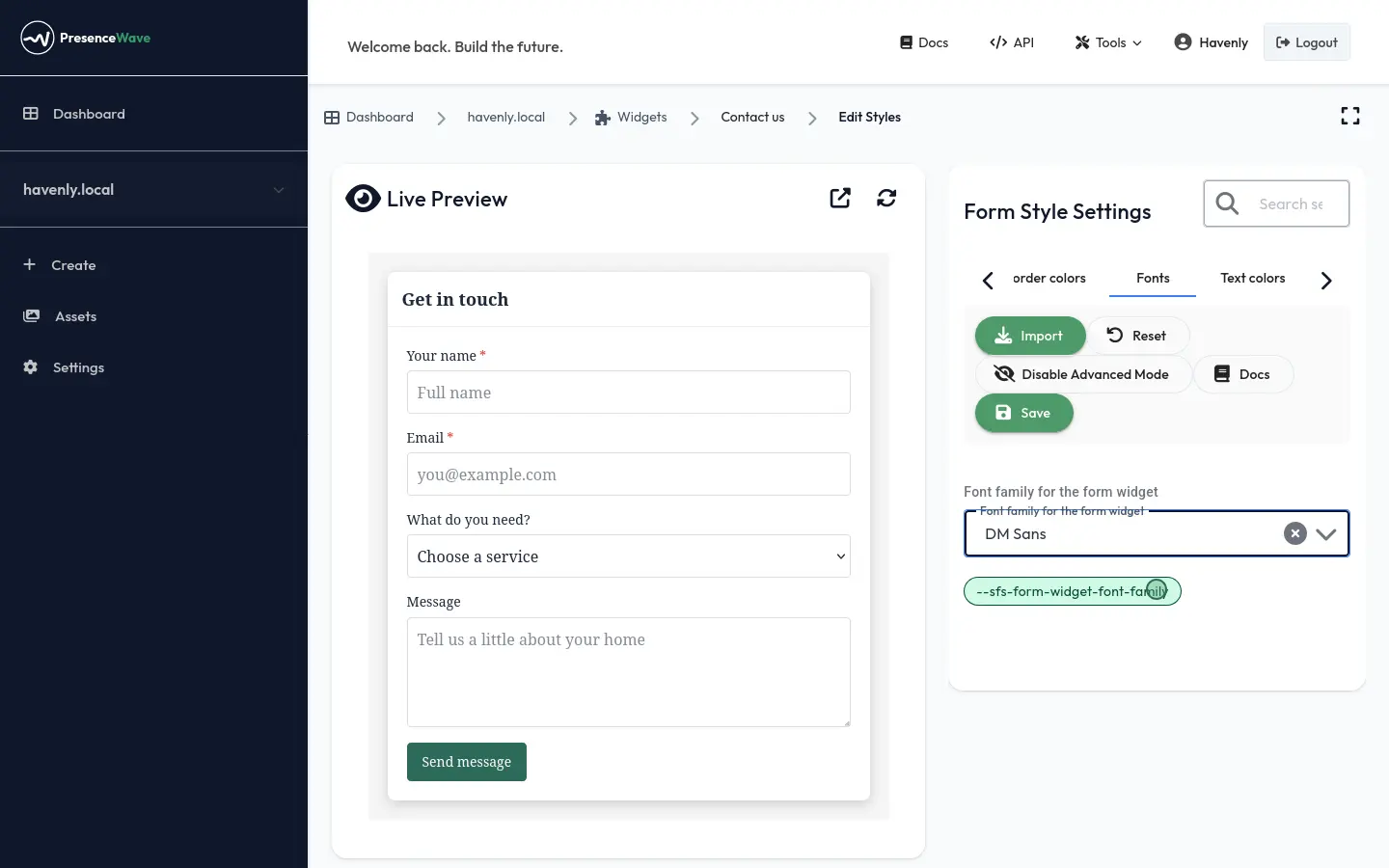
Creating the form takes you straight to the style editor. The live preview sits on one side and the settings on the other. Havenly typed in its brand green and the button changed straight away. Then it picked its font from the full Google Fonts library.
- Set a palette once: brand colour, backgrounds and text
- Fine-tune any detail: borders, inputs, labels, buttons, the success tick
- Any font from Google Fonts
- Save, and the form on your website updates on the next page load
One builder. Whatever your brand looks like.
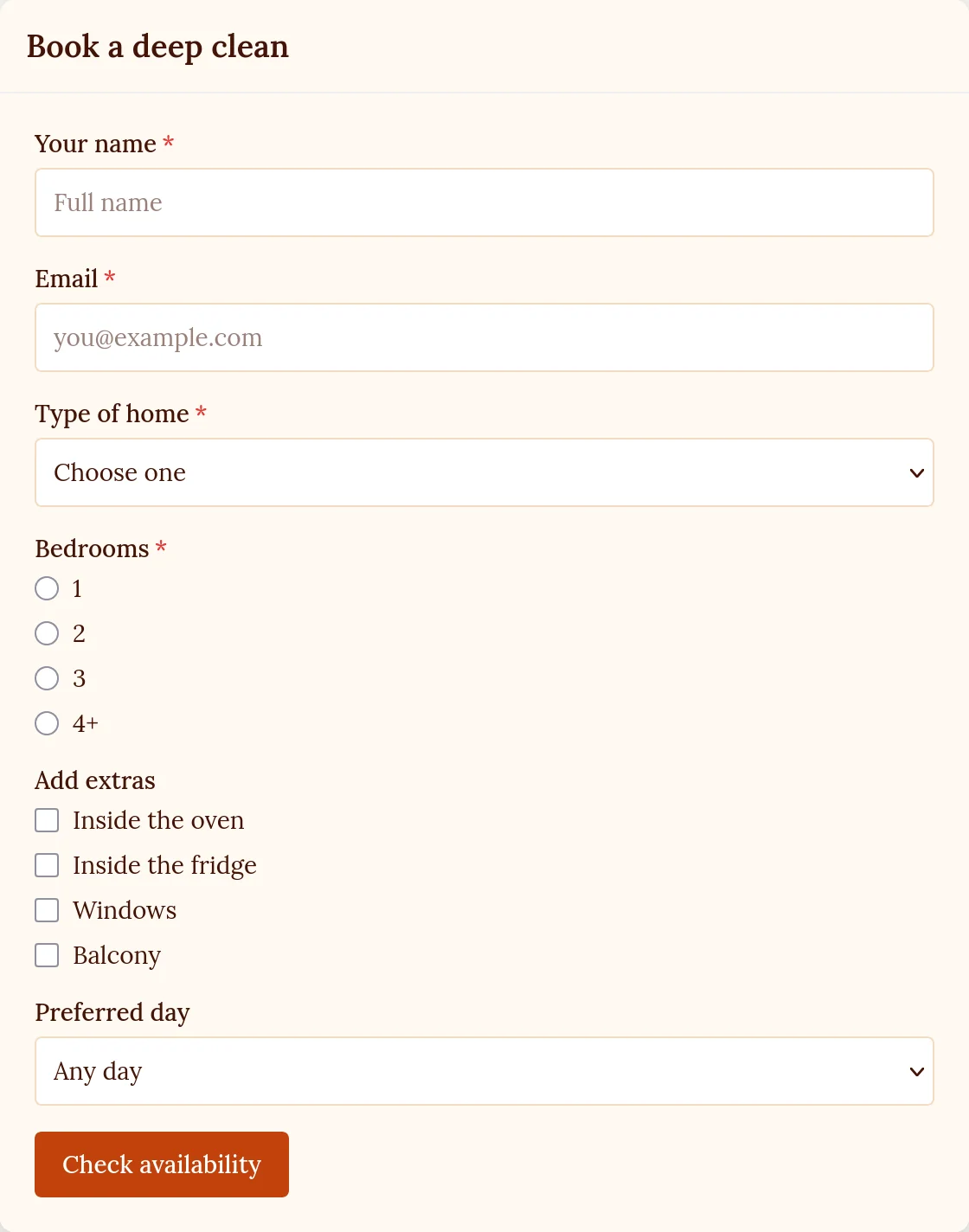
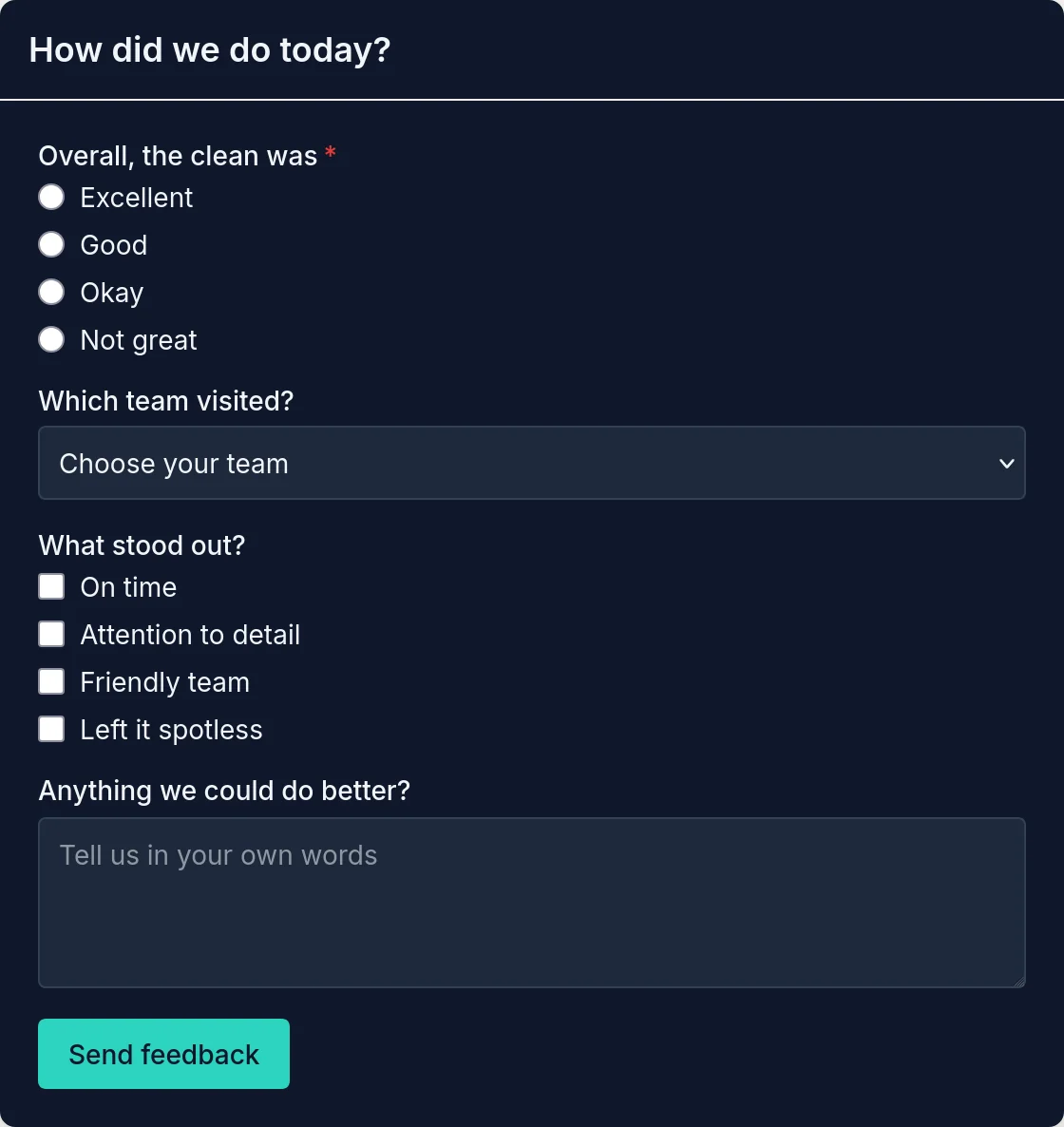
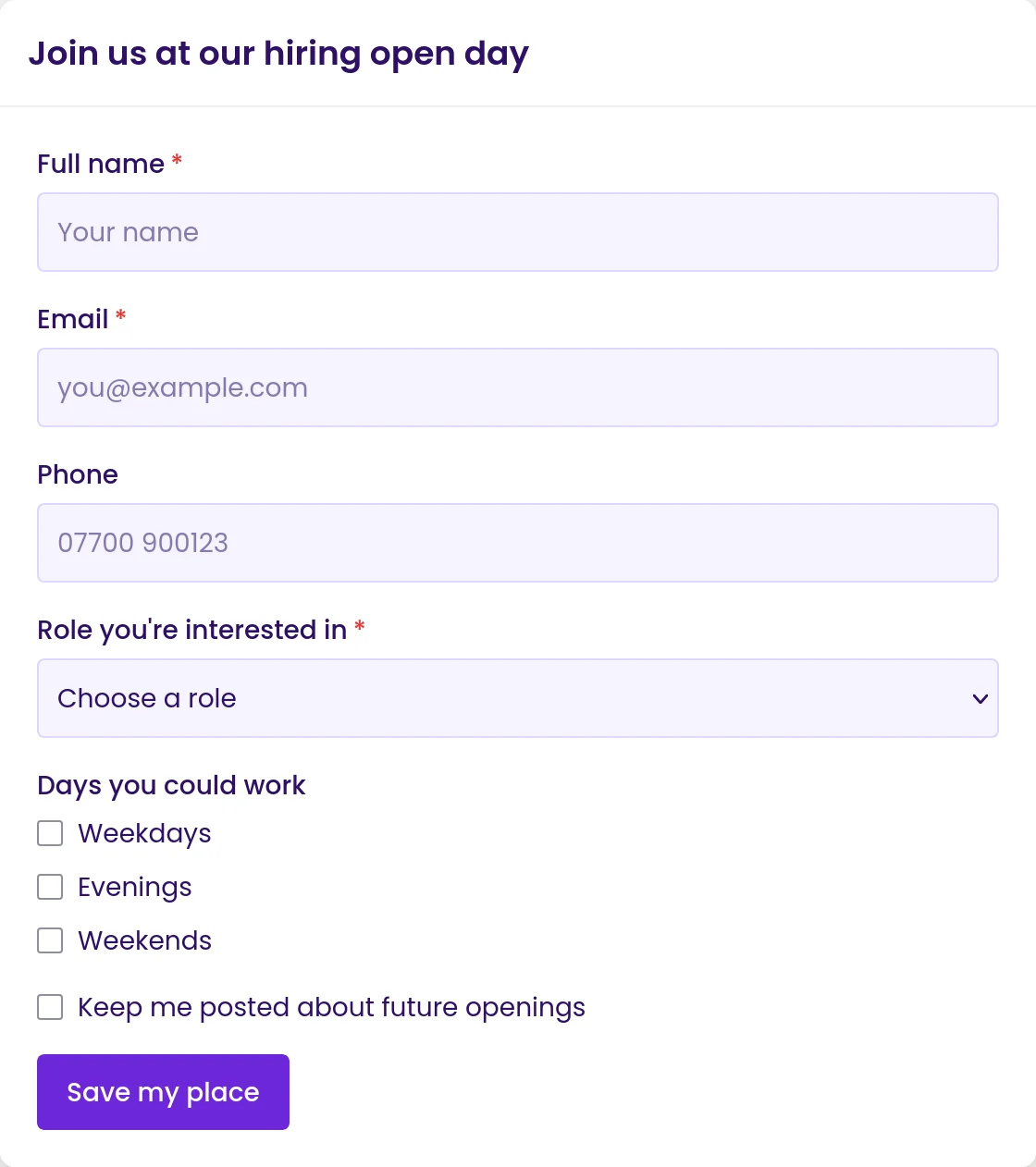
Every form below was made with the same builder and styled in the same editor. None of them needed any CSS on the website.
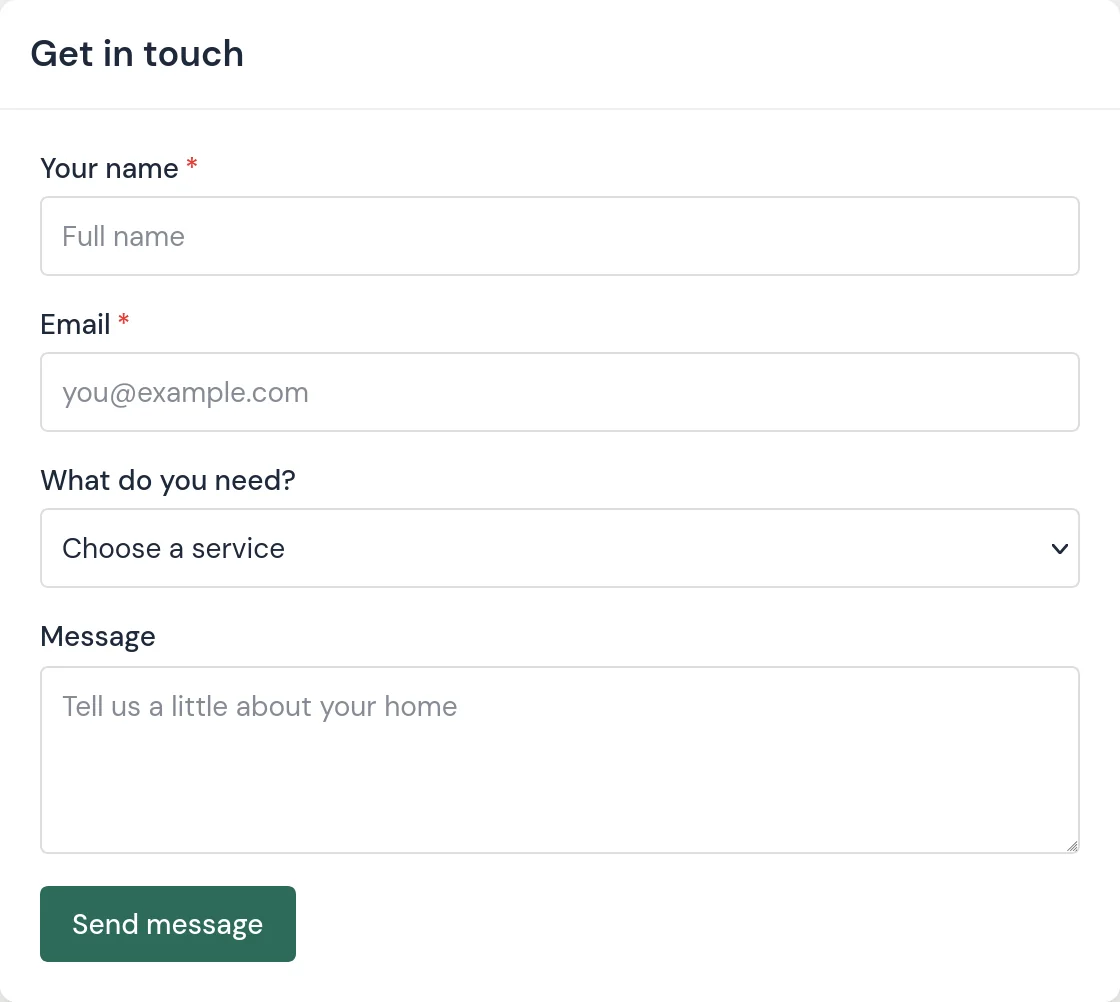
- Get in touch: the contact form from the video, in Havenly green and DM Sans
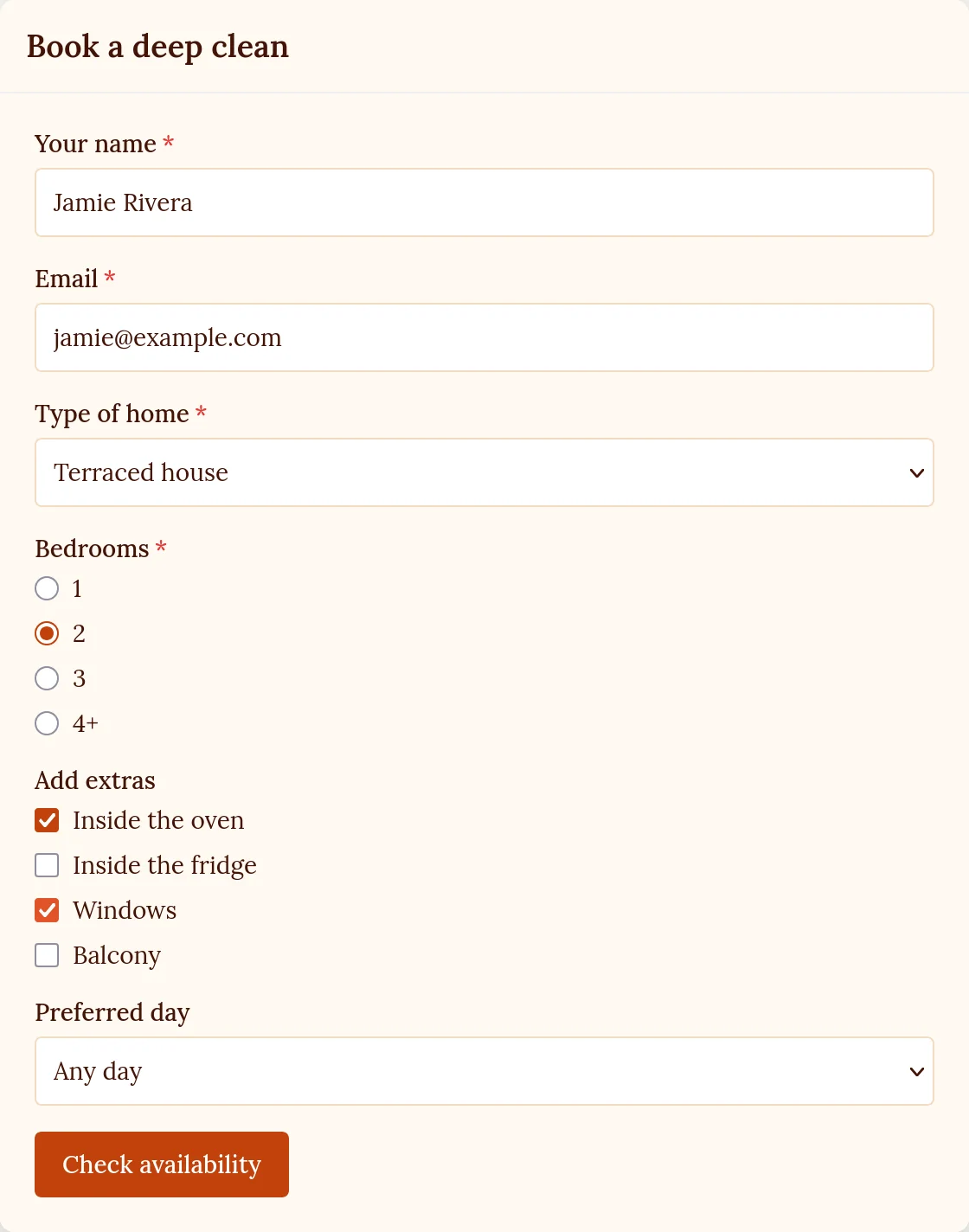
- Book a deep clean: dropdowns, radio buttons and a checkbox group for extras, in warm terracotta and Lora
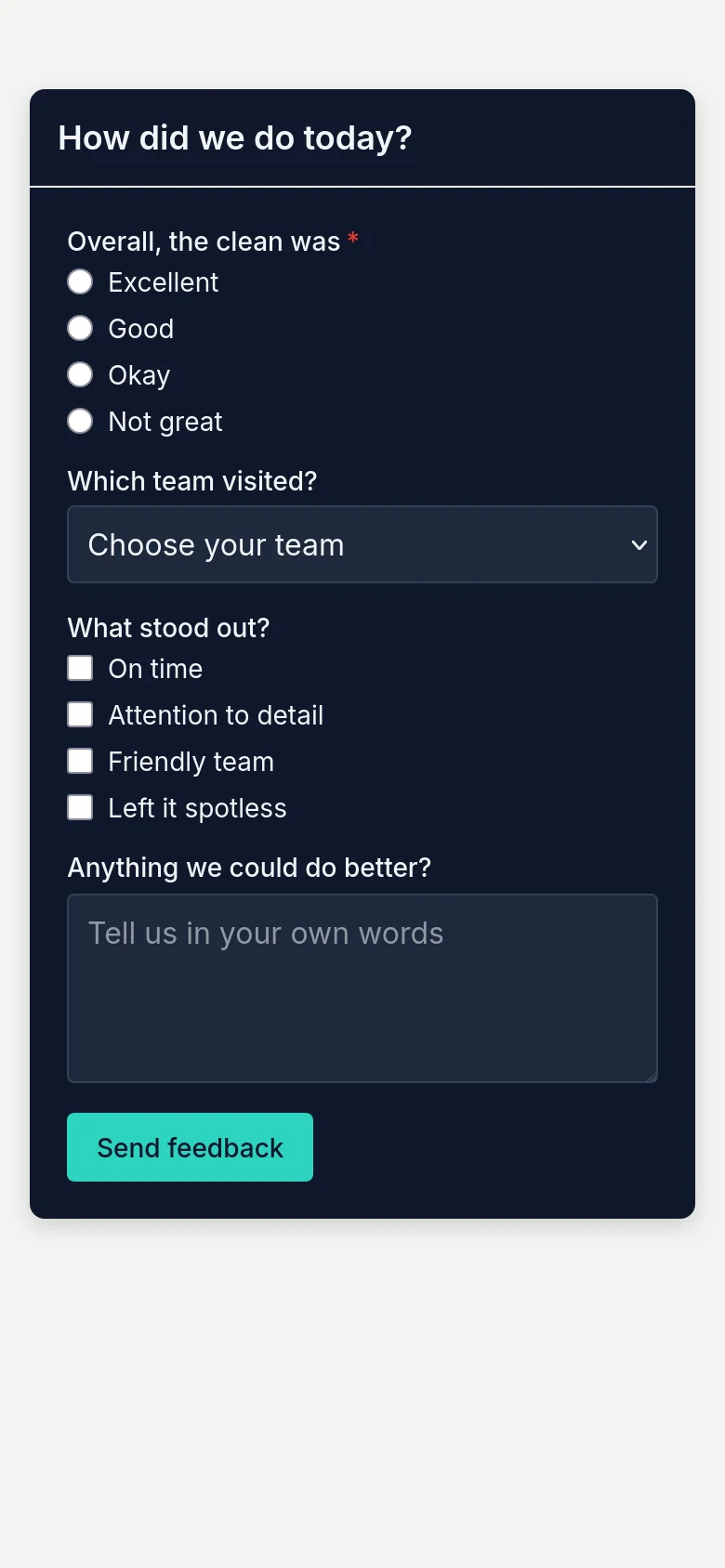
- How did we do today?: a quick feedback form in dark mode, with teal and Inter
- Hiring open day: a sign-up with a role, the days people can work and an opt-in, in violet and Poppins
Made for thumbs as much as mice.
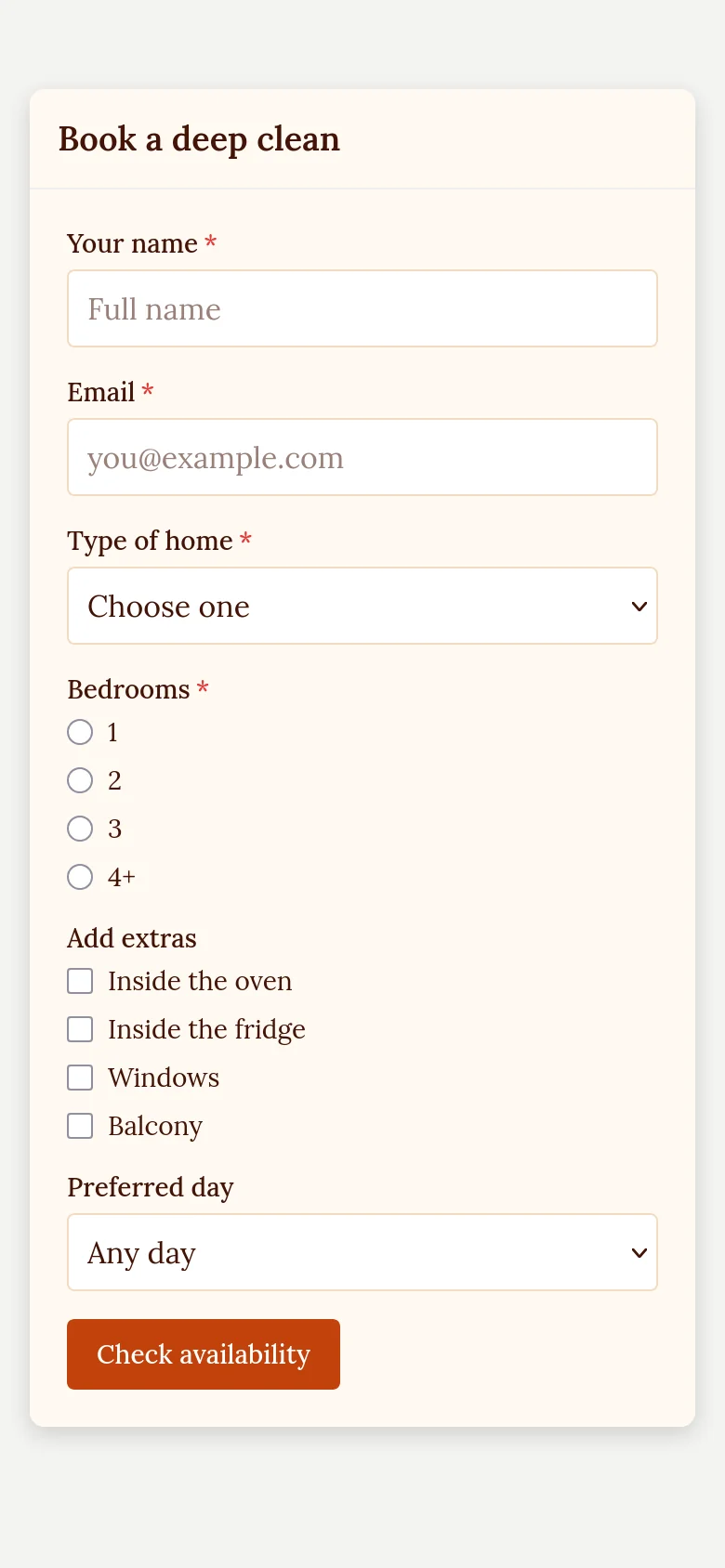
Most people who fill in a form are on a phone. Every form fits the screen without any work from you: fields span the full width, buttons are big enough to tap, and text inputs are sized so the phone doesn't zoom in when someone starts typing.
Paste one snippet. Start getting answers.
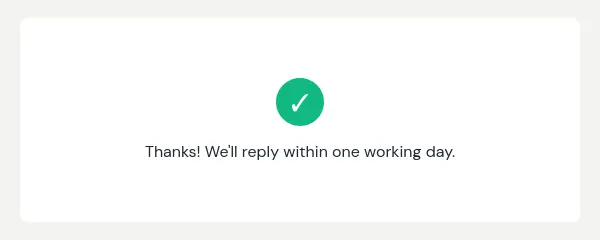
Add the PresenceWave snippet to your website once, and put the form wherever you want it to appear. When someone sends it, they see your thank-you message and you get the answers.
- Every submission in your dashboard, labelled with your own field names
- An email to you for each new submission
- Webhooks to send submissions to your CRM or other tools
- Read submissions from your own scripts with the API
Your first form is a few minutes away.
Start free, build the form, style it to match your site, then paste one snippet when you're ready to go live.
Build my first form