One online store.
Every PresenceWave tool.
Meet TechMart. We took an online electronics store and set up everything PresenceWave offers around it — sale banners, product questions, business quotes, buying guides, a product drop, post-purchase surveys, a deals newsletter and more — styled in TechMart's own colours and fonts. Every screen below is real.
TechMart is a demo business we built for this page. The store is theirs; everything with a PresenceWave label below was added with a single snippet on their site — it works alongside whatever runs the checkout.
Announce the sale. Answer the question. Close the order.
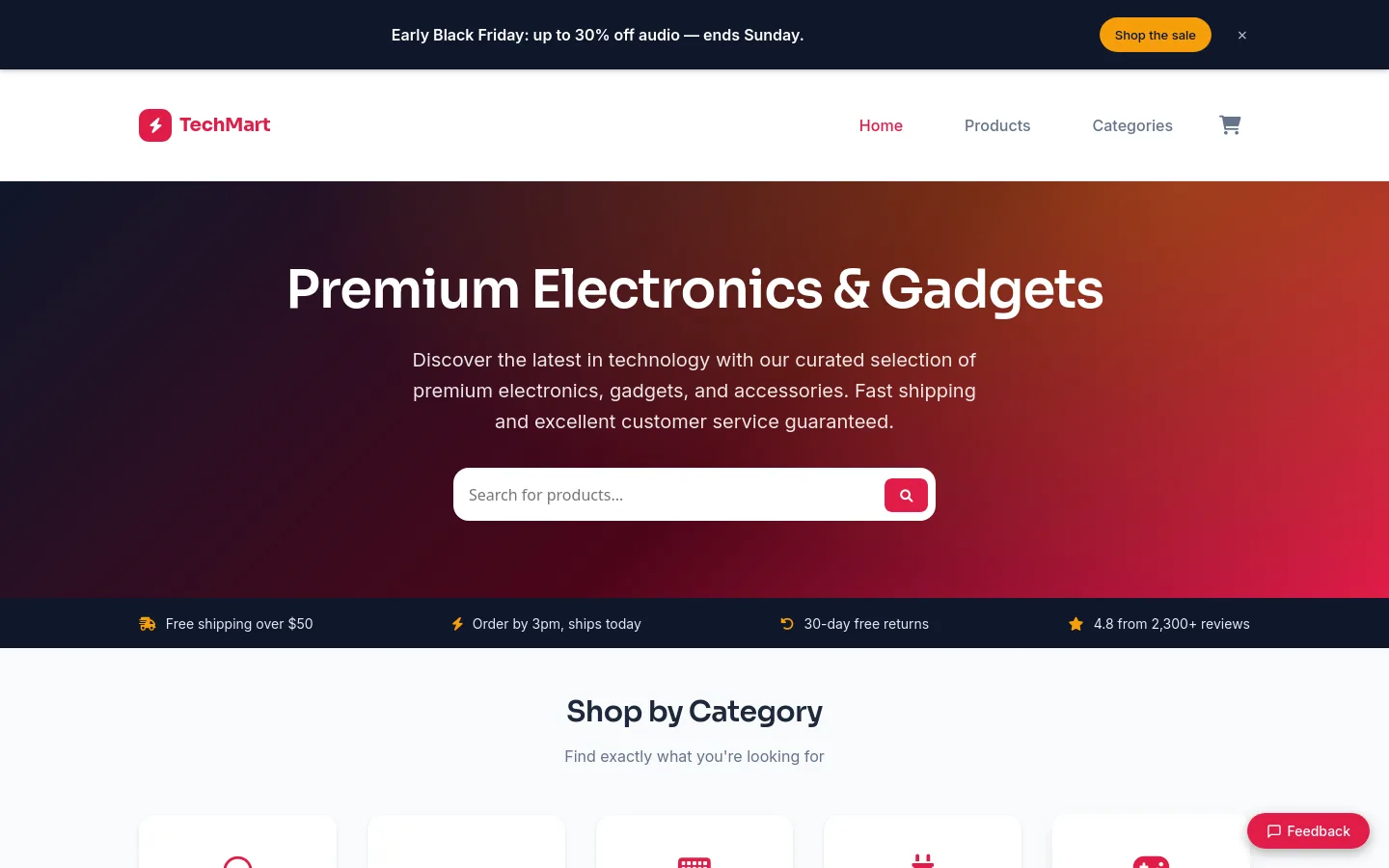
A sale banner on every page
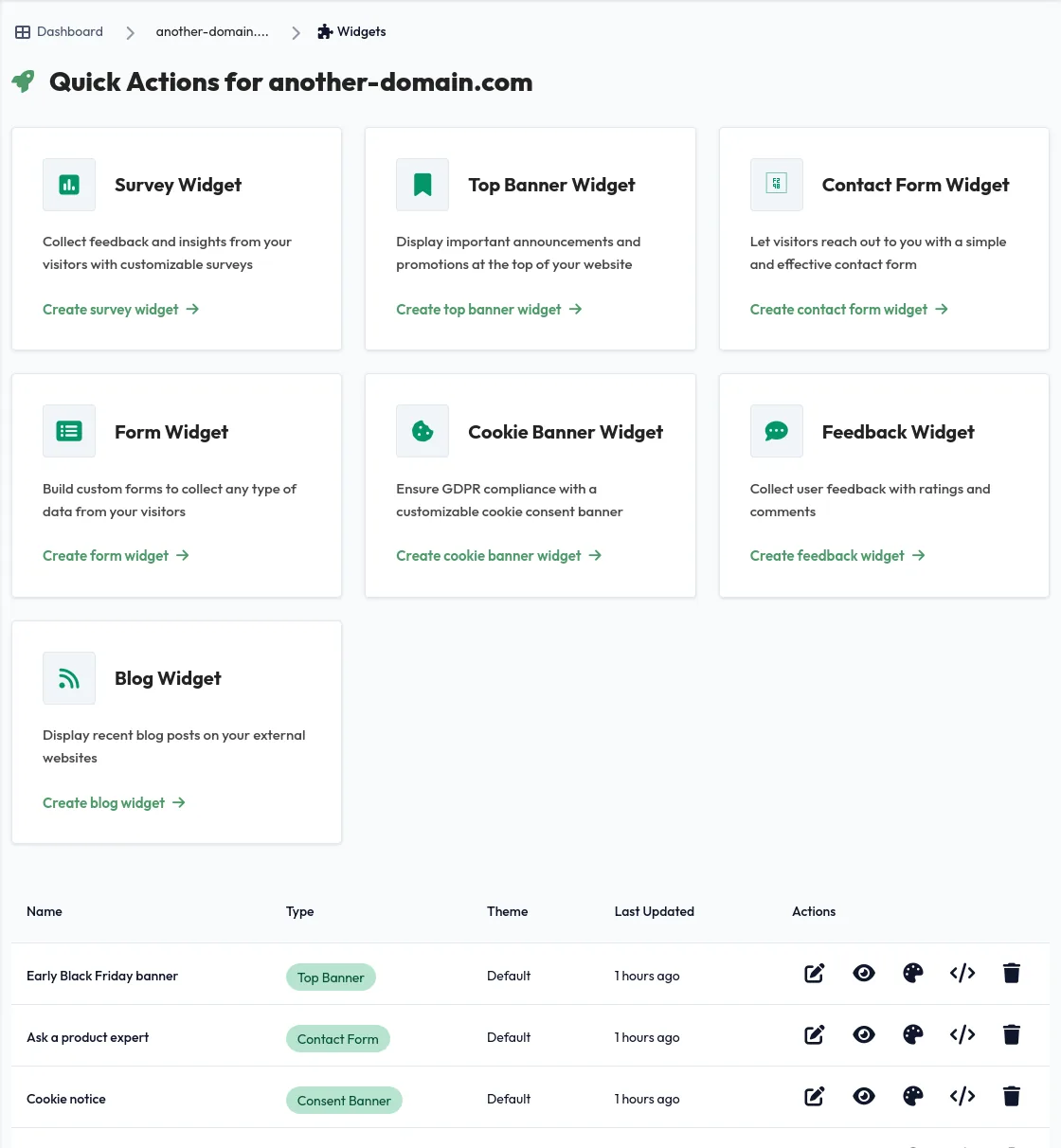
TechMart's early Black Friday banner runs across the whole store and links straight to the deals. When the sale ends, they change it from the dashboard — no store theme edits, no developer.
- Change the message and link any time
- Styled to the store, closable by shoppers
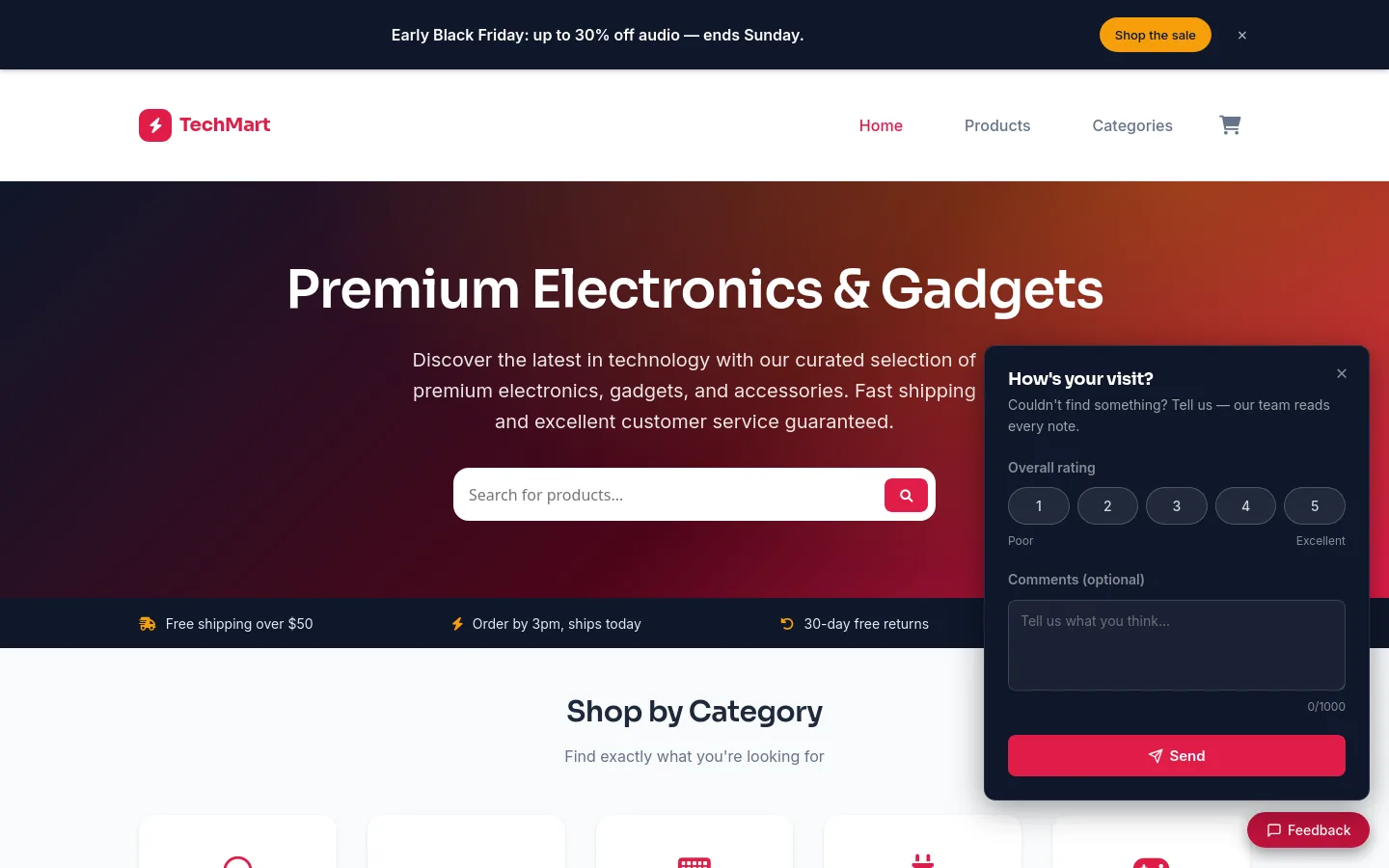
- A feedback tab for "I couldn't find…" moments
Ask a product expert
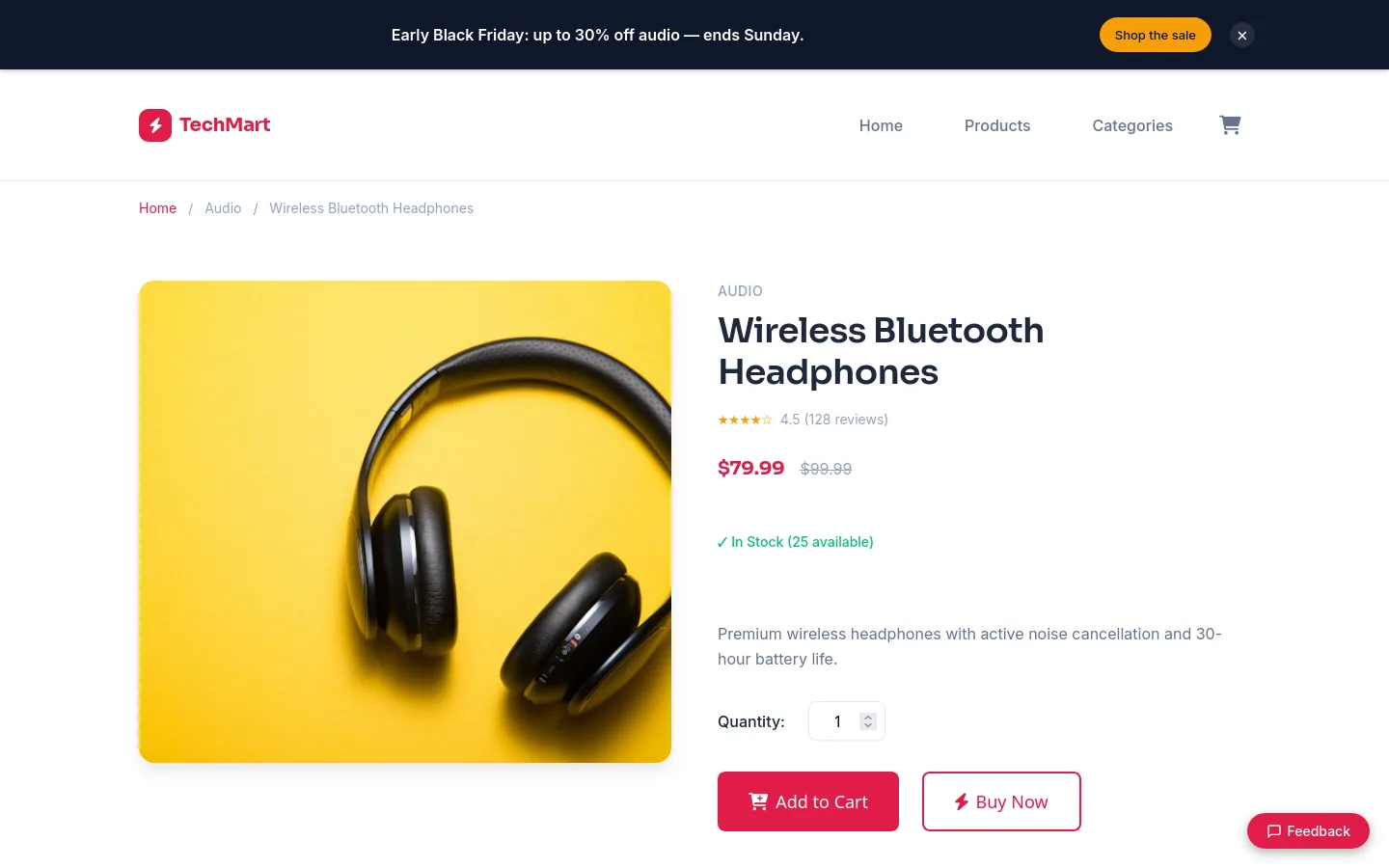
Shoppers who aren't sure which headphones or keyboard to pick ask a real person from the home page. Questions land in the dashboard — or in the support inbox with a webhook — and the team answers within the hour.

Business orders, quoted
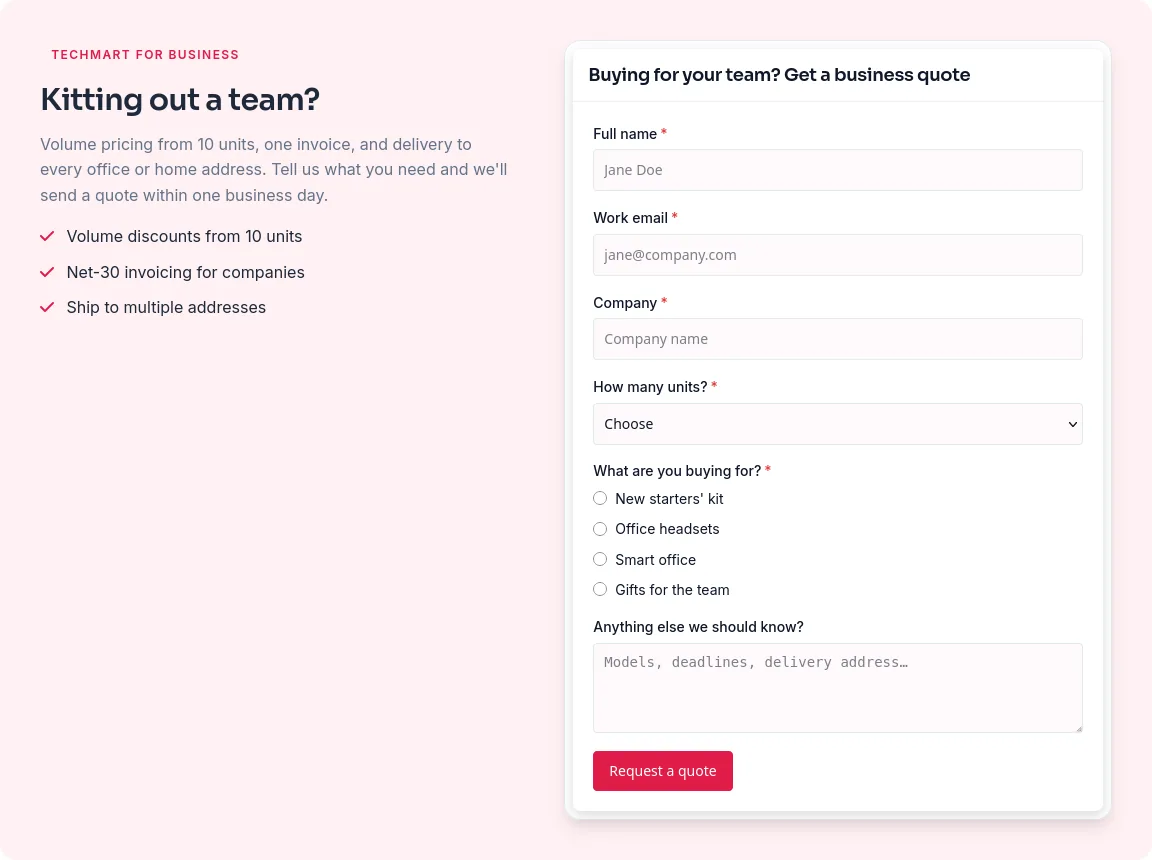
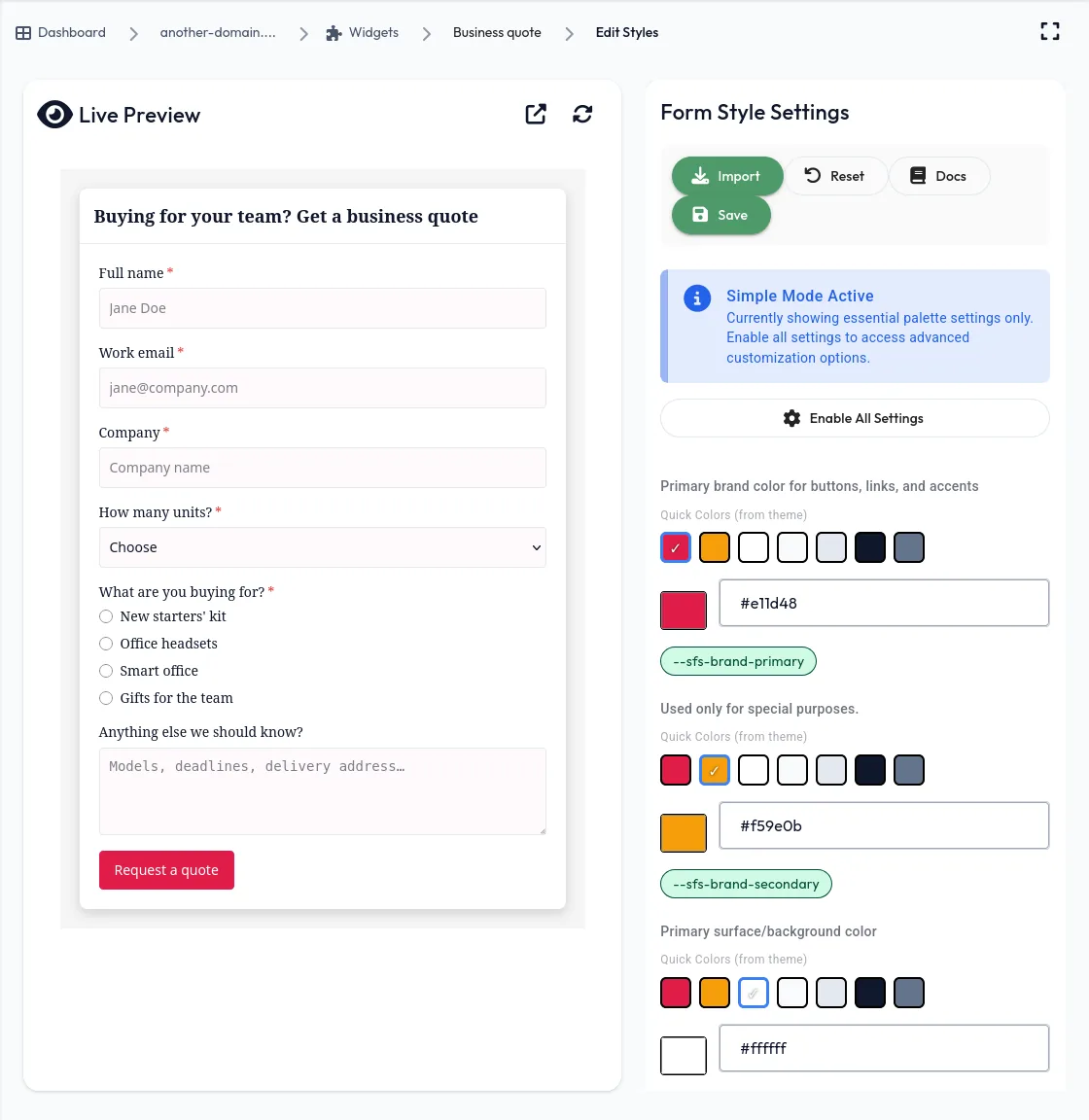
Every product page ends with a "Buying for your team?" form that asks how many units and what they're for — so the business team can send a volume quote the same day.
- Text, email, dropdown and multiple-choice fields
- One form, placed on every product page
Buying guides that bring shoppers in.
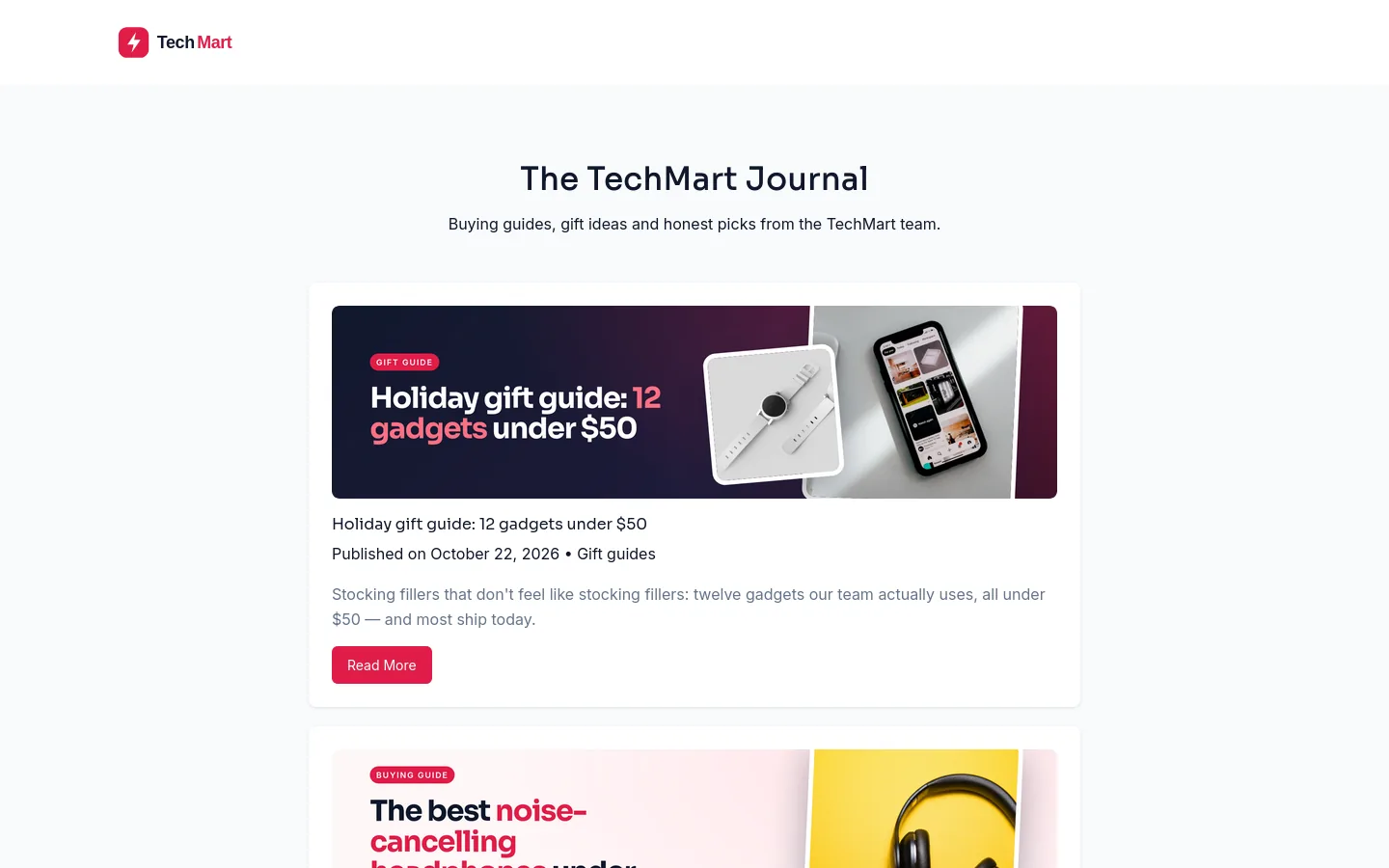
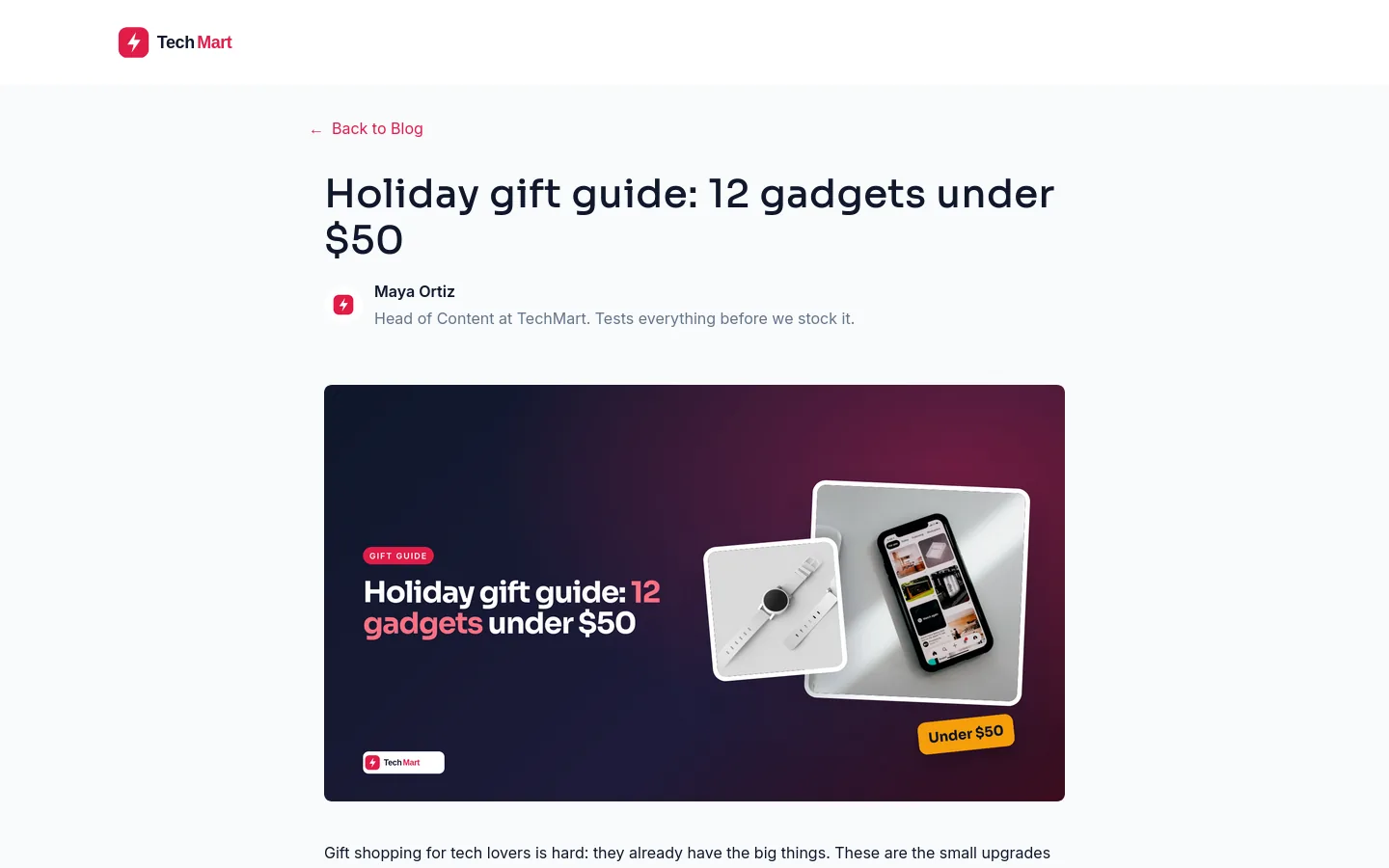
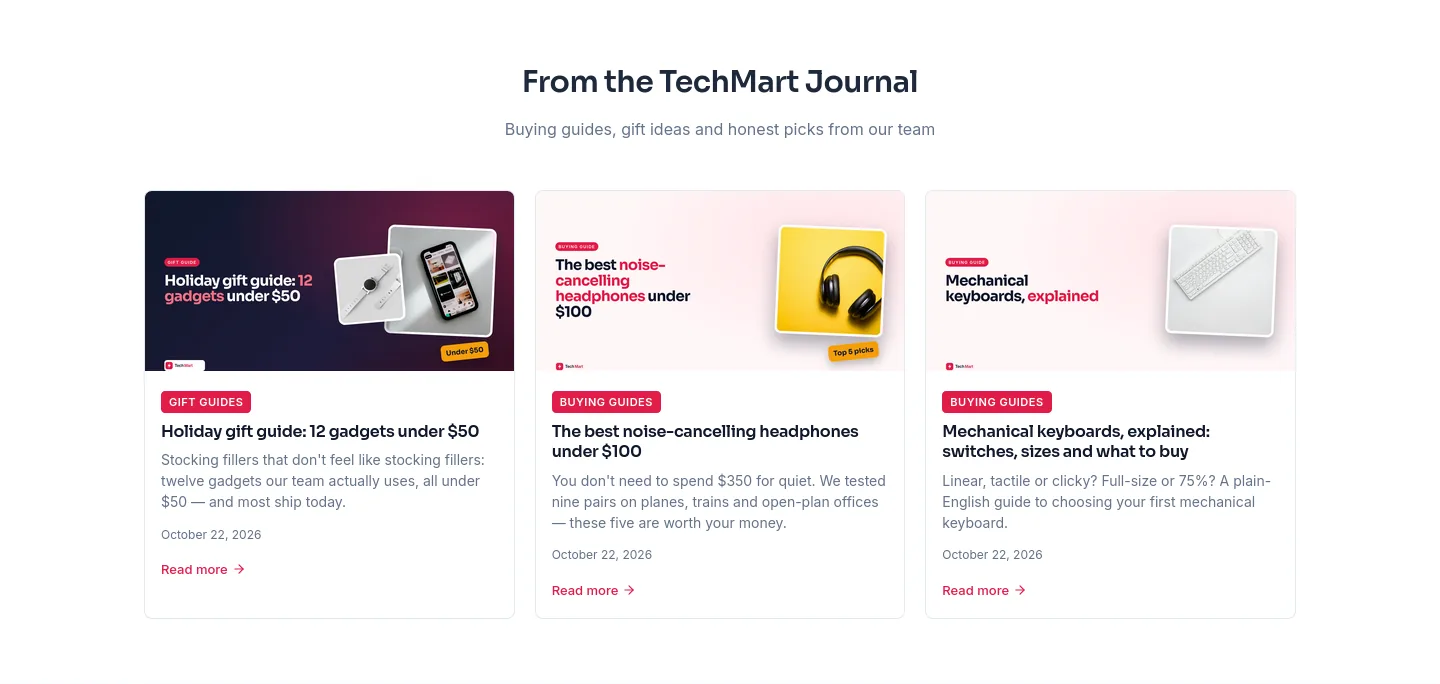
The TechMart Journal publishes gift guides, "best under $100" round-ups and how-tos on its own subdomain — the pages people search for before they buy — and the latest three appear on the store's home page automatically.
- Seven themes, each restyled to the brand
- Categories, tags, paging, RSS and sitemap built in
- Schedule seasonal posts ahead of time

A product drop with a countdown.
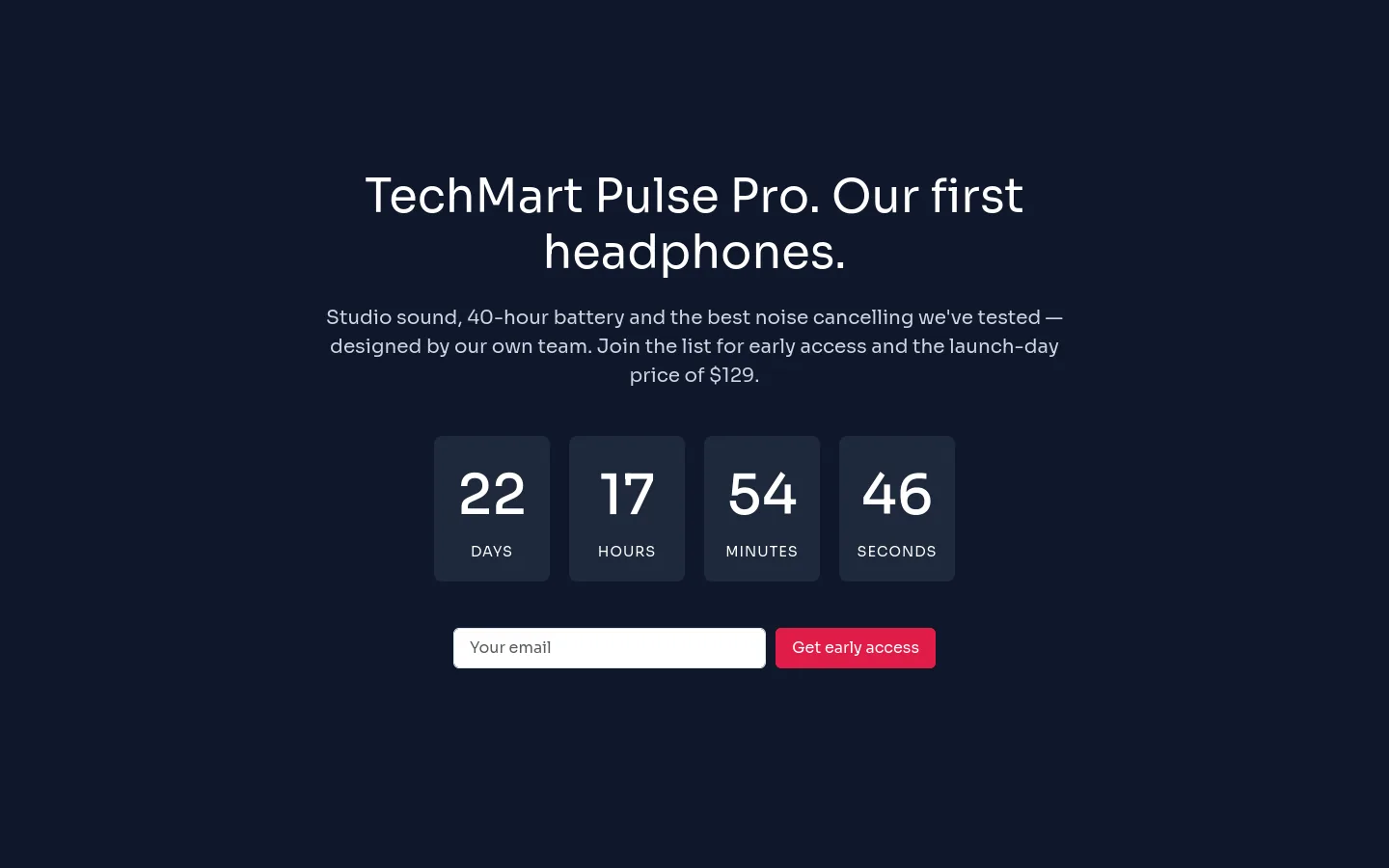
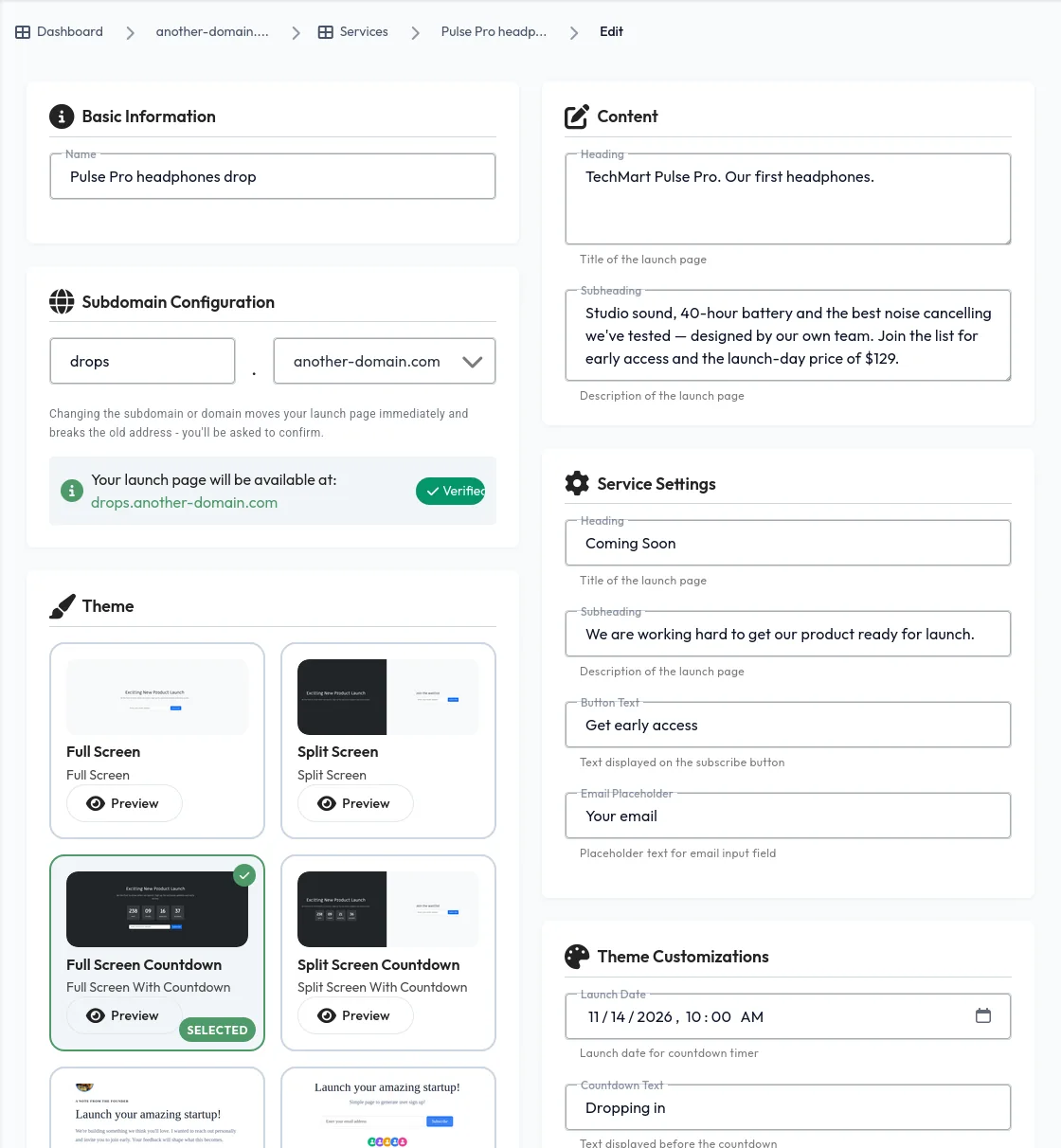
TechMart's first own-brand headphones get a page on drops. with a live countdown to launch day and an early-access list. Every signup goes into its own mailing list, ready for the launch-day email.
- Countdown, waitlist and social-proof themes
- Every signup lands in a mailing list
- Live on your domain in minutes

Ask at checkout. Ask again after delivery.
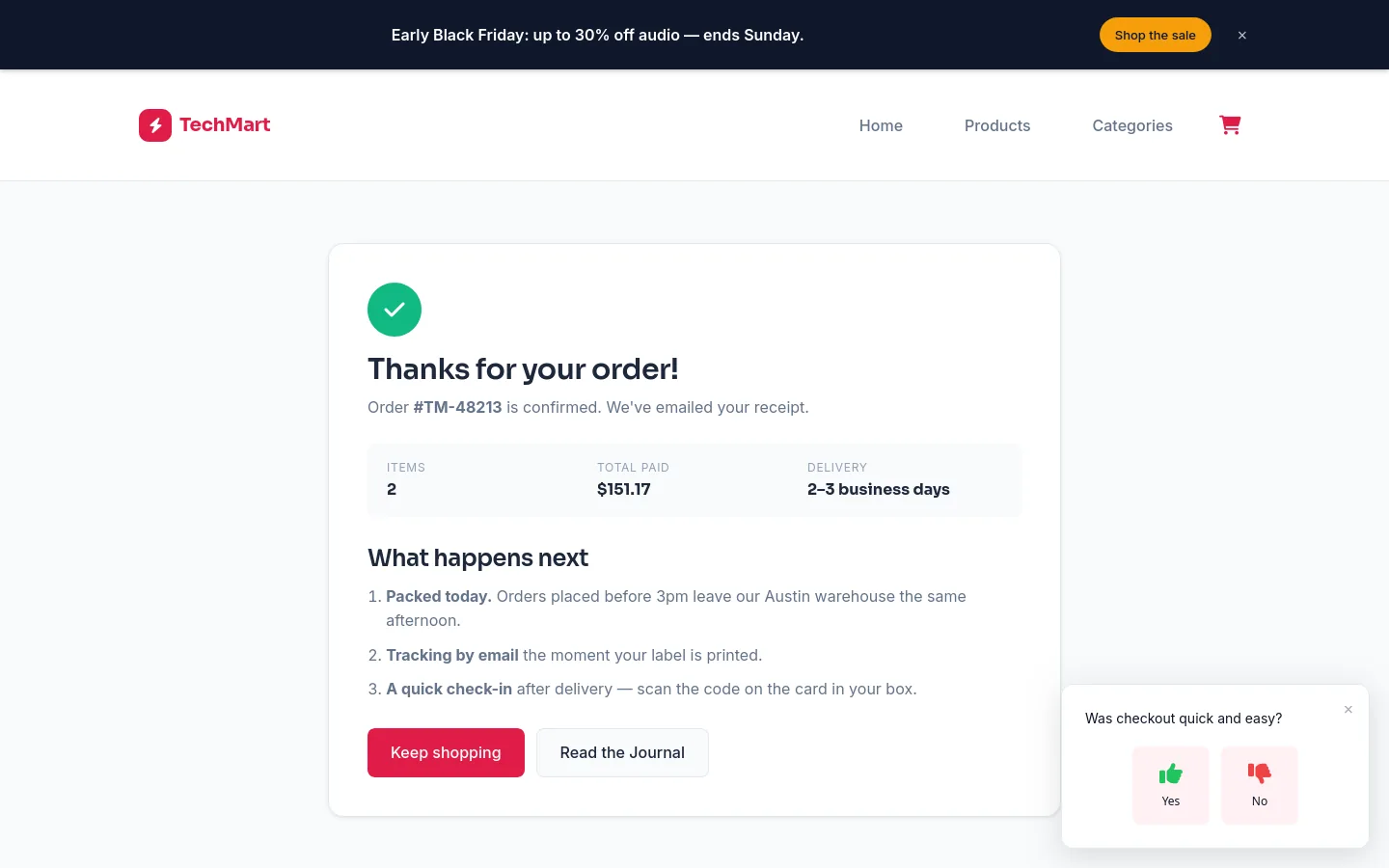
A one-question checkout poll
The order confirmation page asks one thing: "Was checkout quick and easy?" One tap, and the team sees checkout problems the day they start.
A post-delivery survey
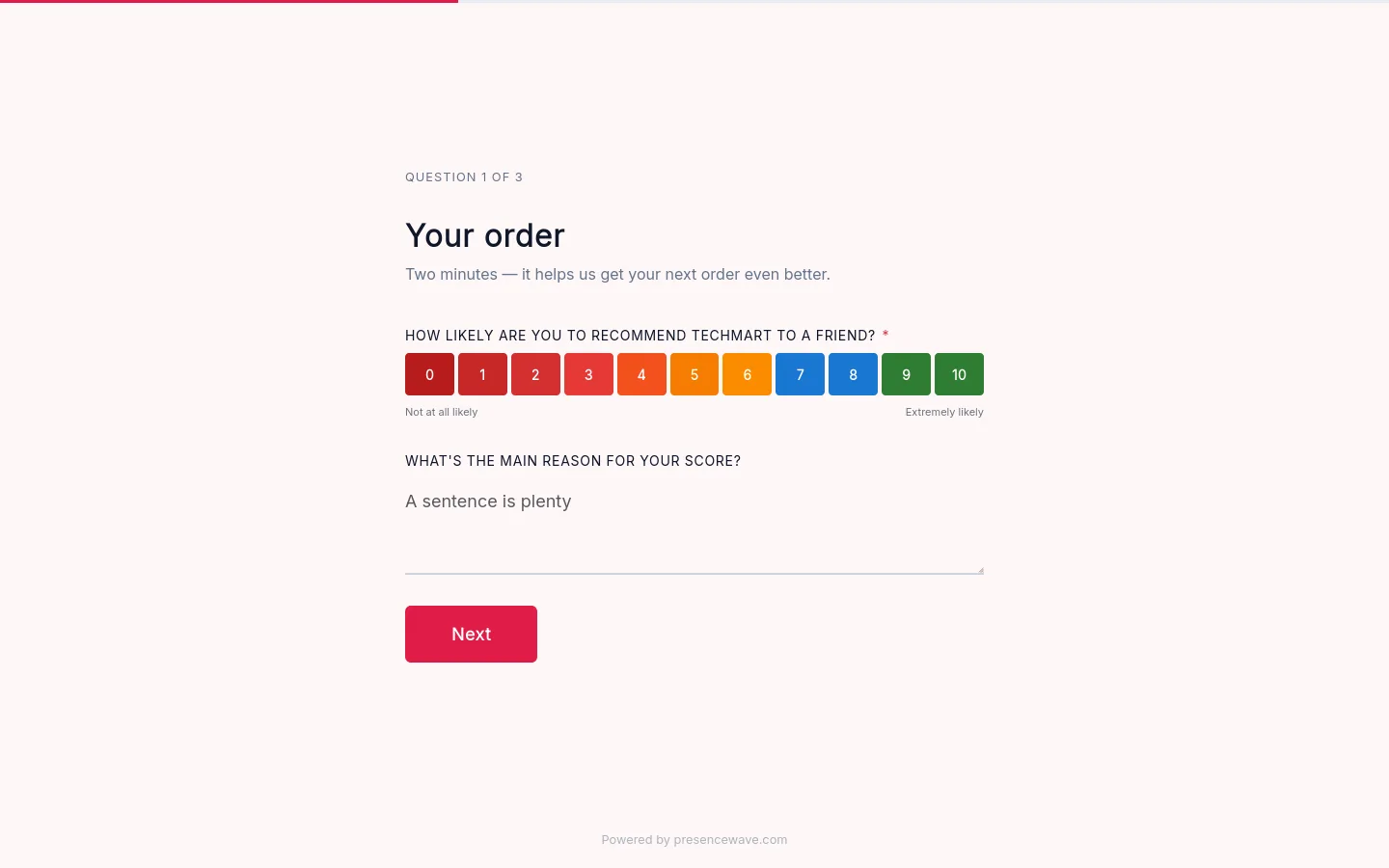
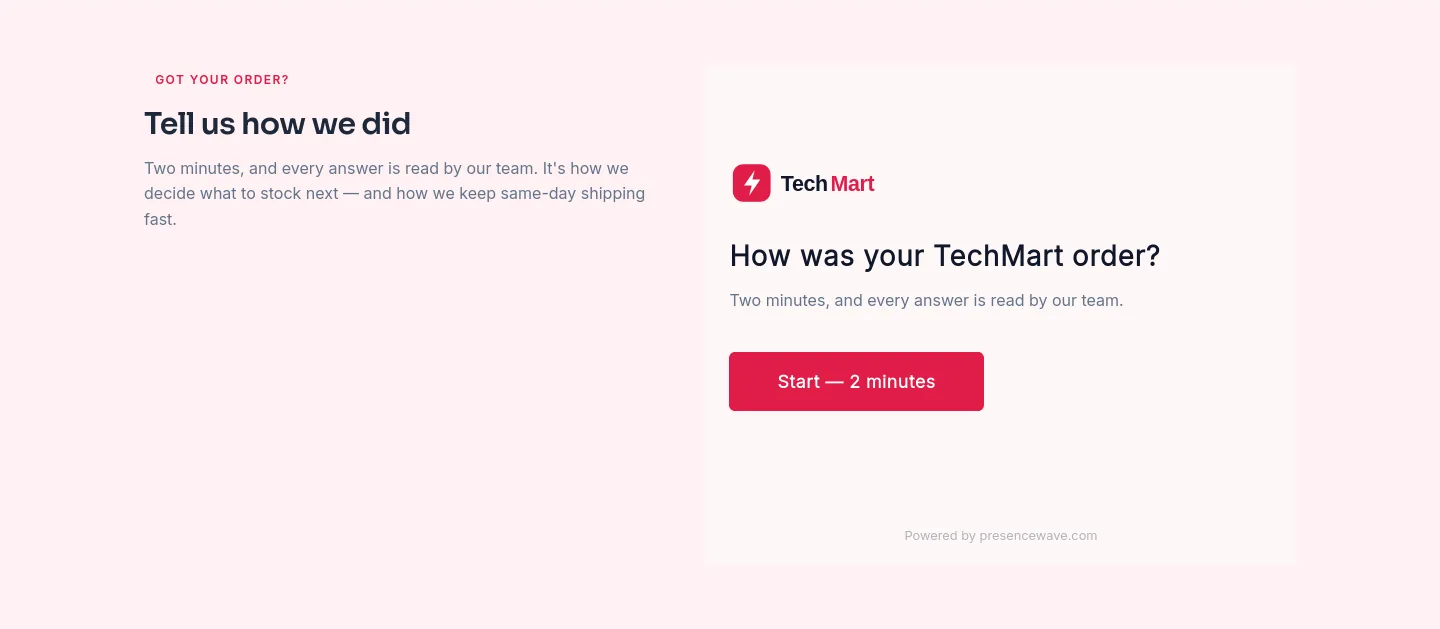
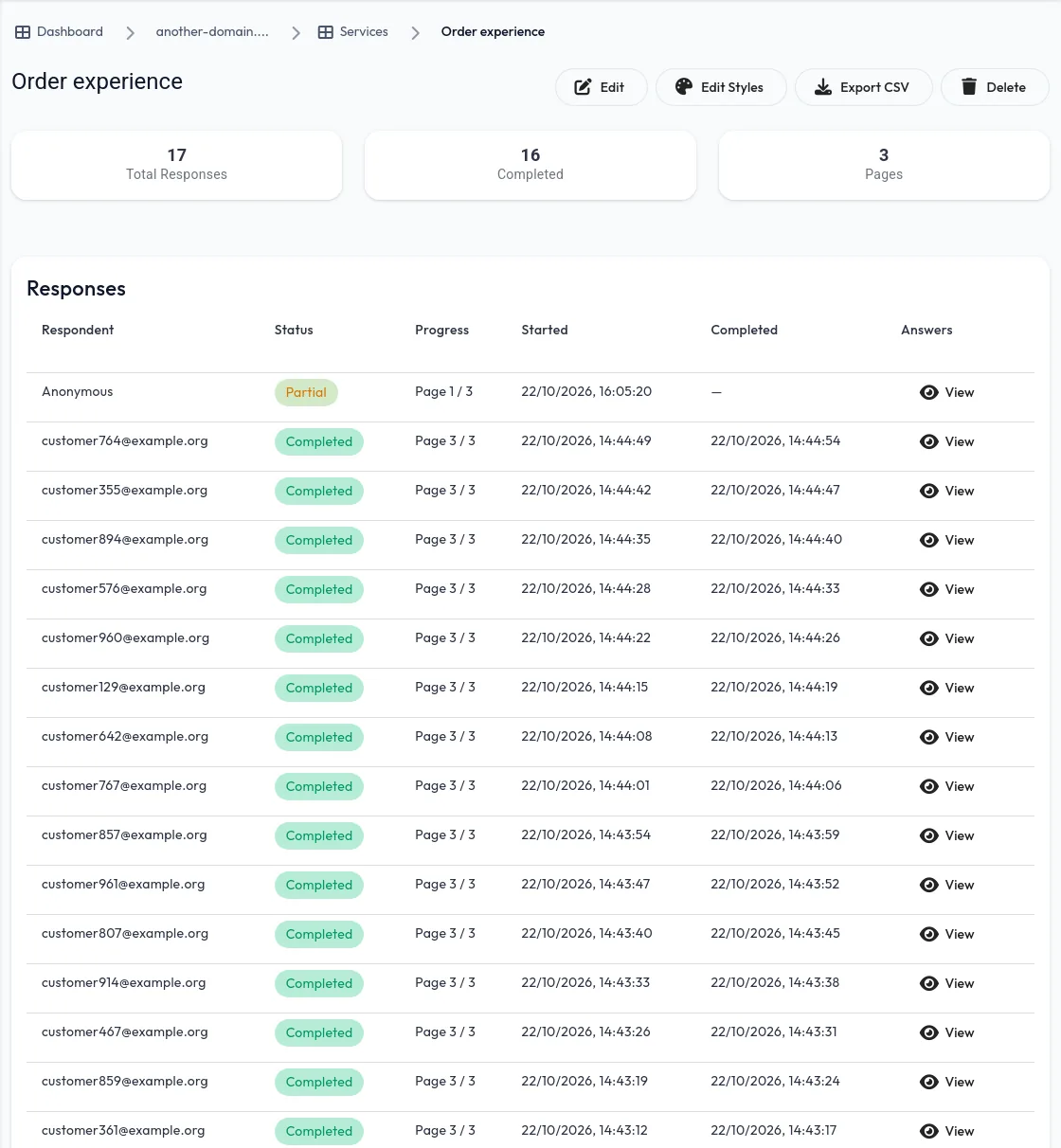
A card in every box has a QR code to TechMart's order survey. It opens with the Net Promoter Score question, then asks when the order arrived, whether the product matched the page, and what to stock next. It's also on the home page for returning customers.
- NPS, multiple choice and free-text questions
- Embedded on the store, or on its own page
- Every response in the dashboard, exportable as CSV

One deals email a week.
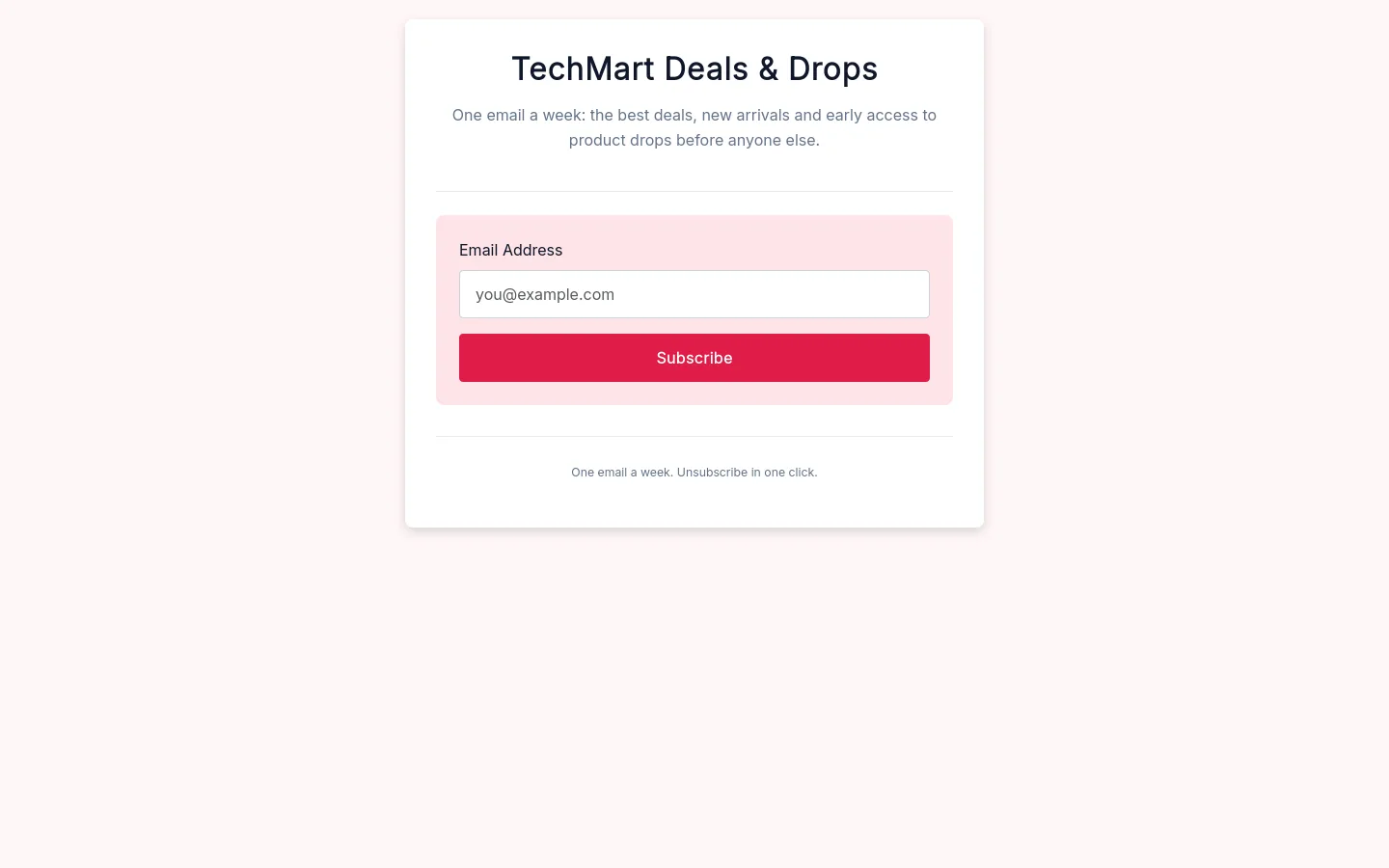
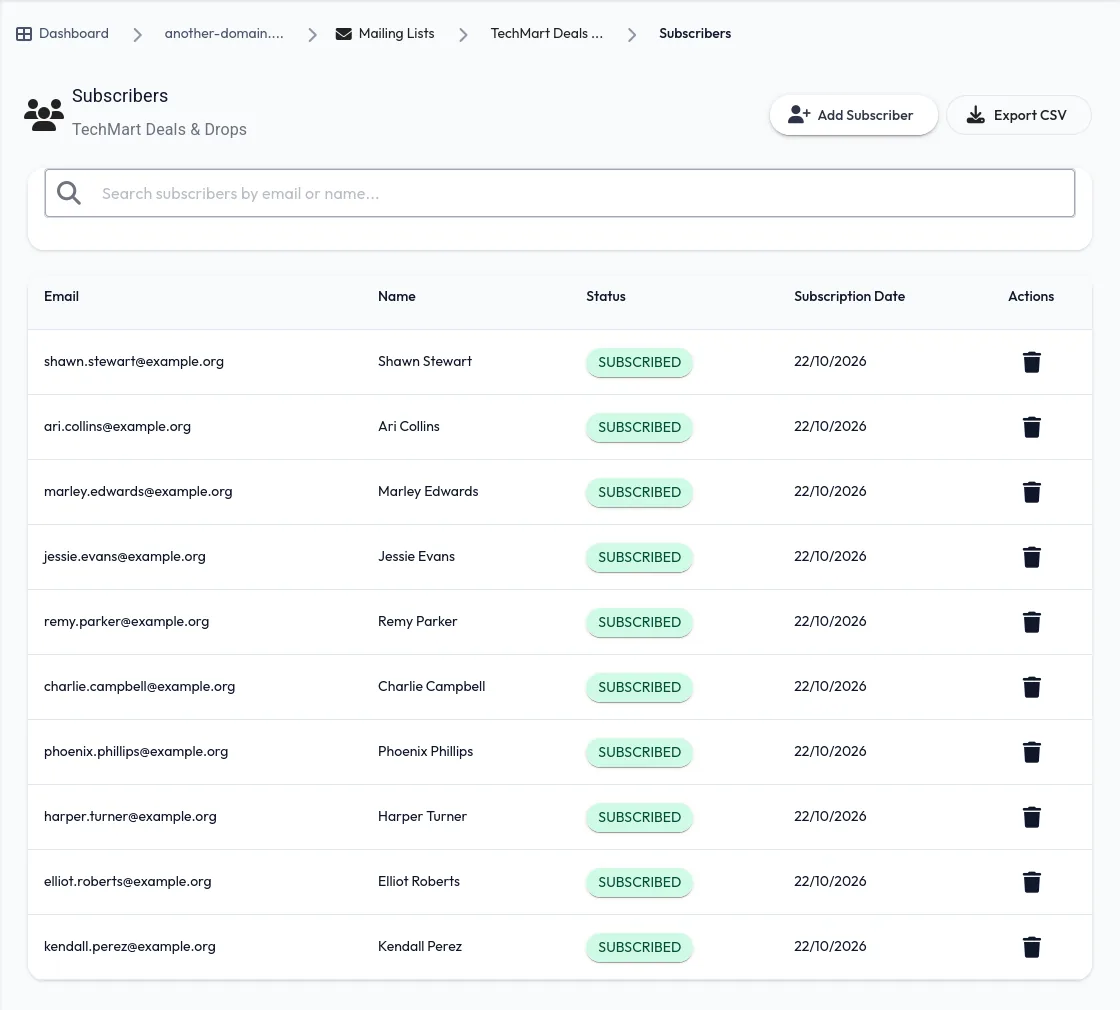
TechMart Deals & Drops goes out weekly: the best deals, new arrivals and early access to product drops. The signup page lives on TechMart's domain, and subscribers are managed — and emailed — from the same dashboard.
- Double opt-in and one-click unsubscribe
- Compose emails or automate a welcome sequence
- Export your subscribers any time
Staff up before the holidays.
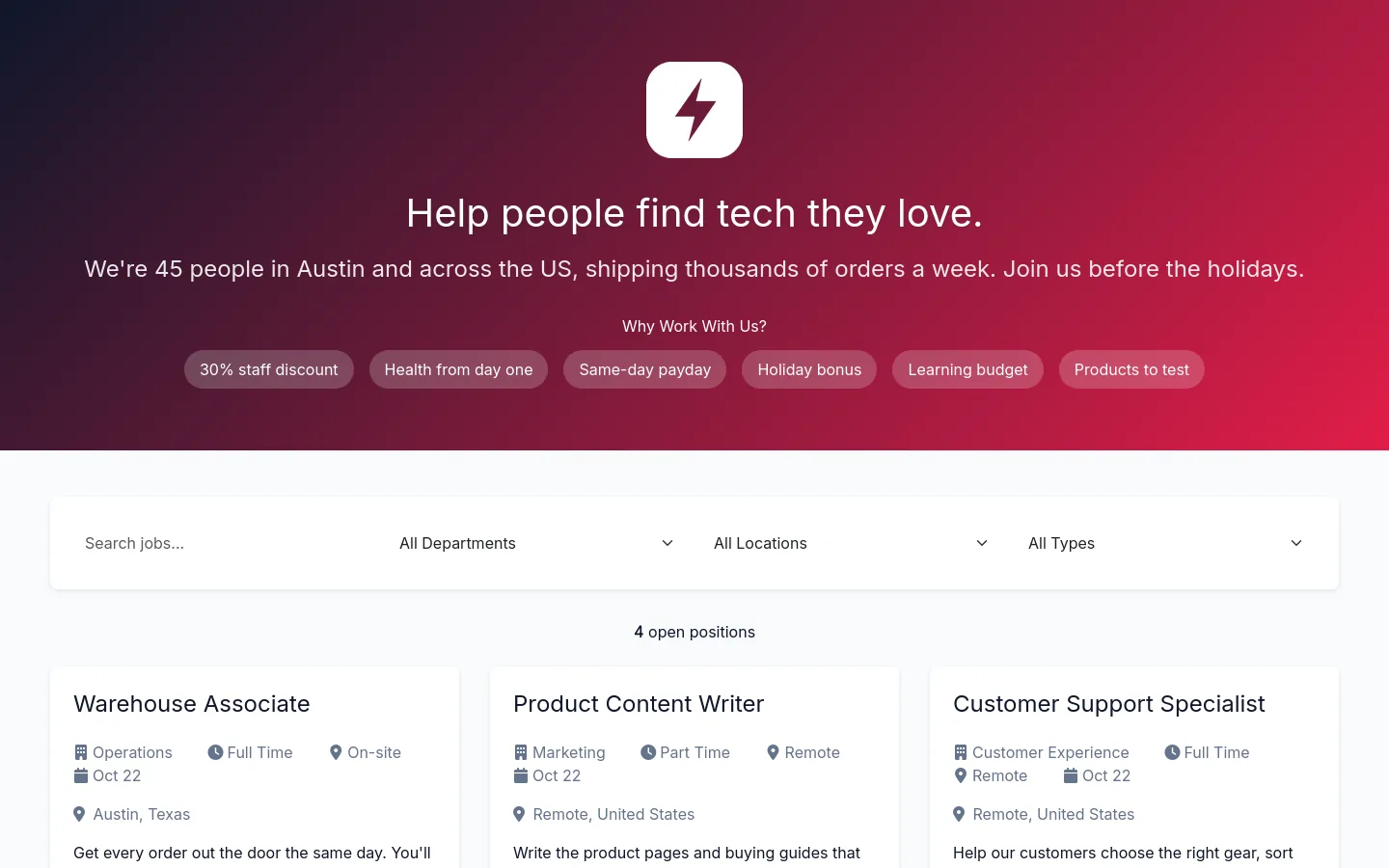
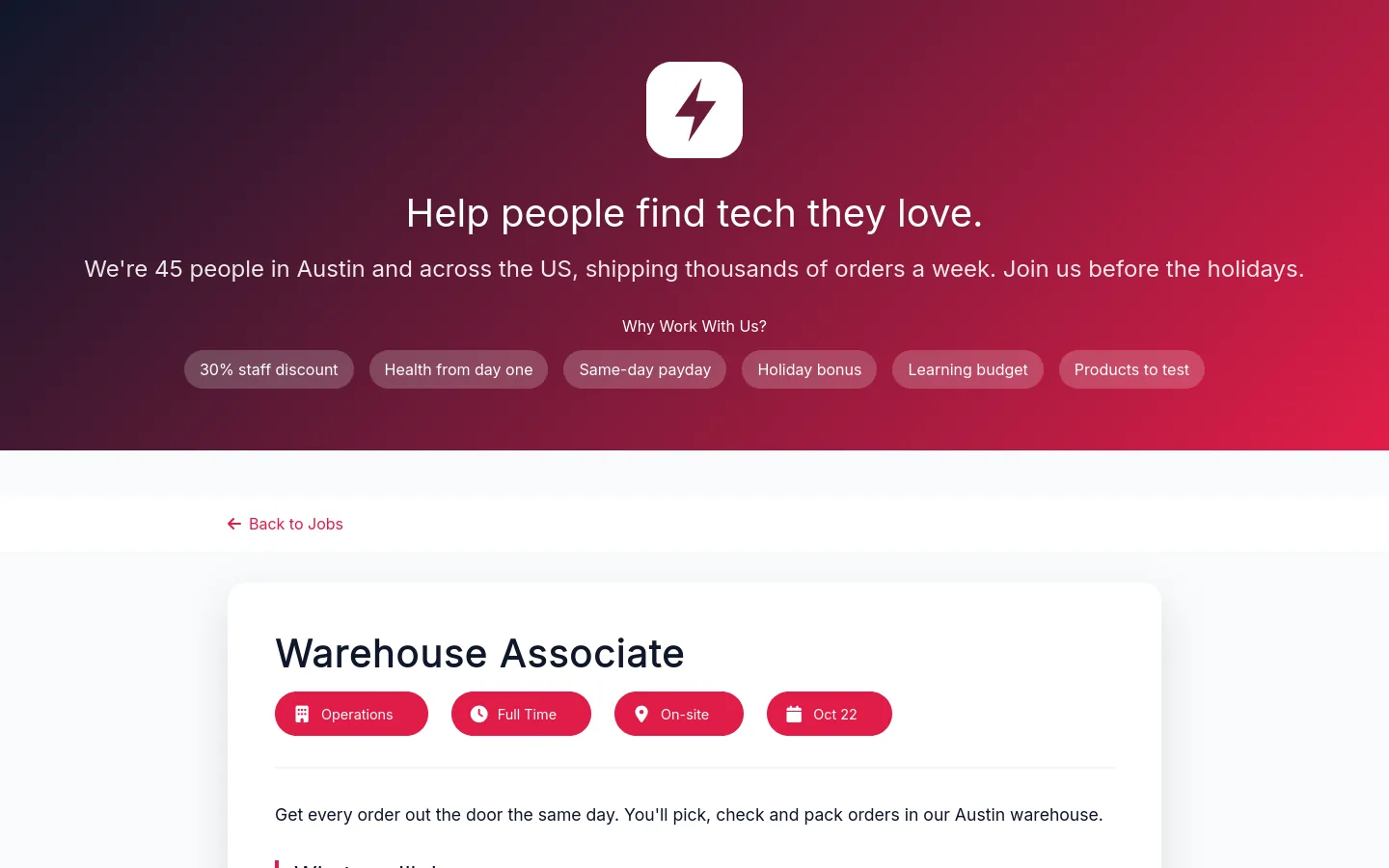
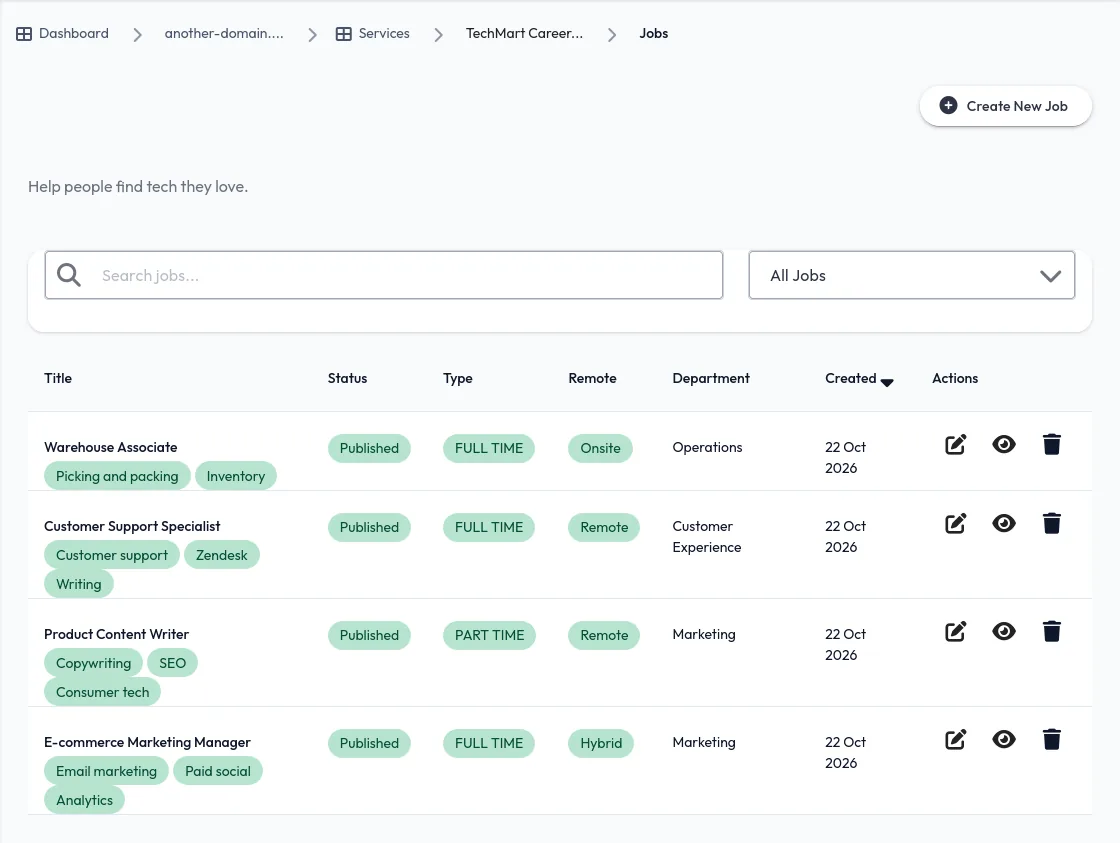
TechMart's careers page lists warehouse, support and marketing roles — on-site, hybrid and remote — with the staff discount and holiday bonus up front.
- Filters by department, location and job type
- Benefits and mission shown above the roles
- Post and edit roles from the dashboard

Every post, box and pop-up, tracked.
One link for Instagram and TikTok
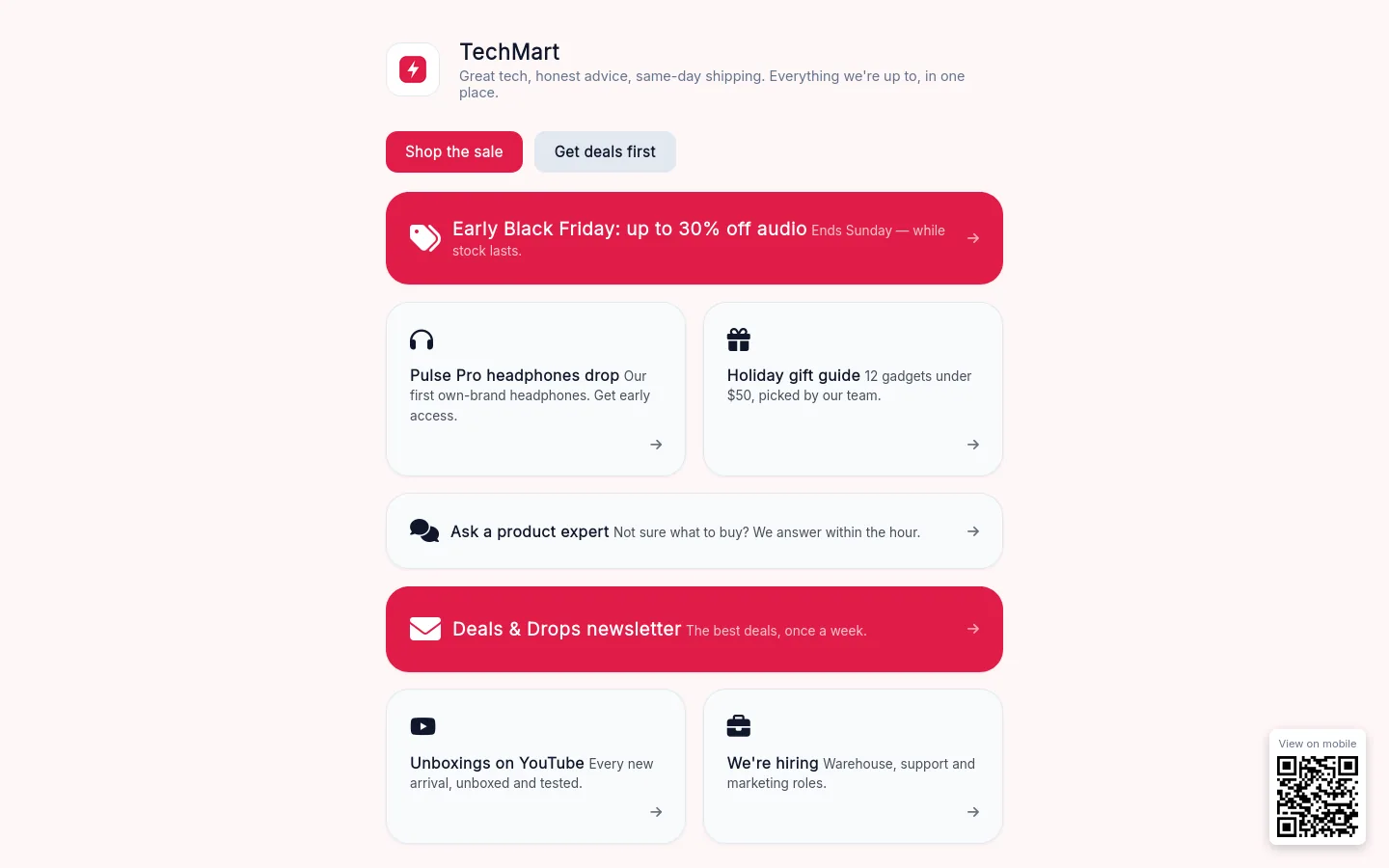
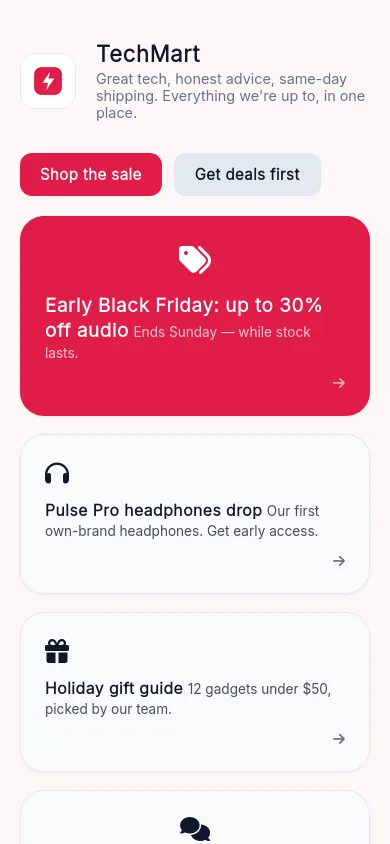
TechMart's links page puts the sale, the headphones drop, the gift guide and the newsletter in one place — the link in their bios, on their own domain and in their own colours.
- Clicks counted per link
- Drag to reorder when the next sale starts
Campaign links and QR codes
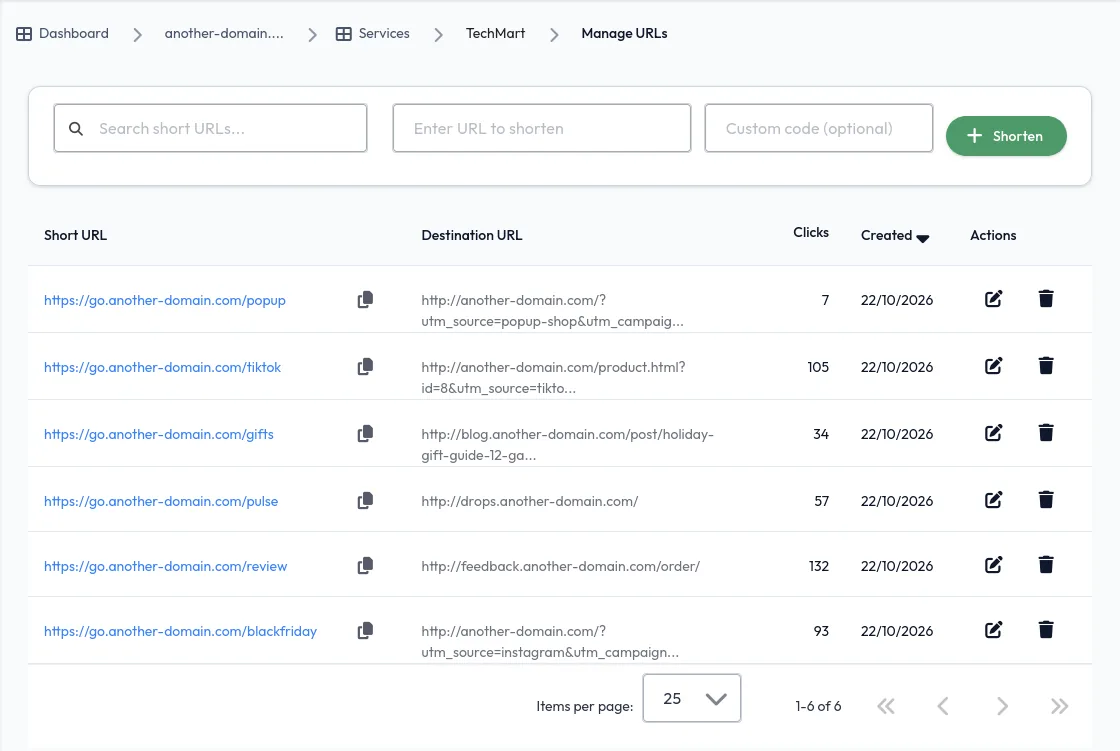
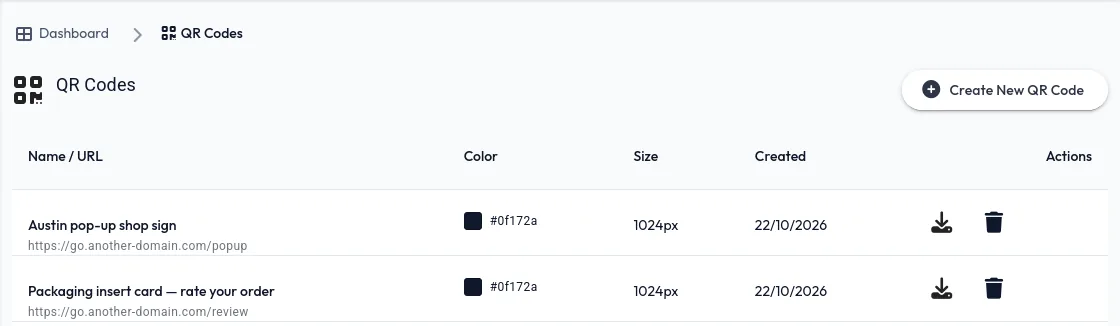
Short links like go.…/tiktok and go.…/blackfriday carry the UTM tags, so every campaign shows up in analytics. QR codes on the packaging card and the pop-up shop sign point to short links too — so TechMart can see how many people scanned each one.
It all looks like TechMart. It all reports to one place.
Styled to the last button
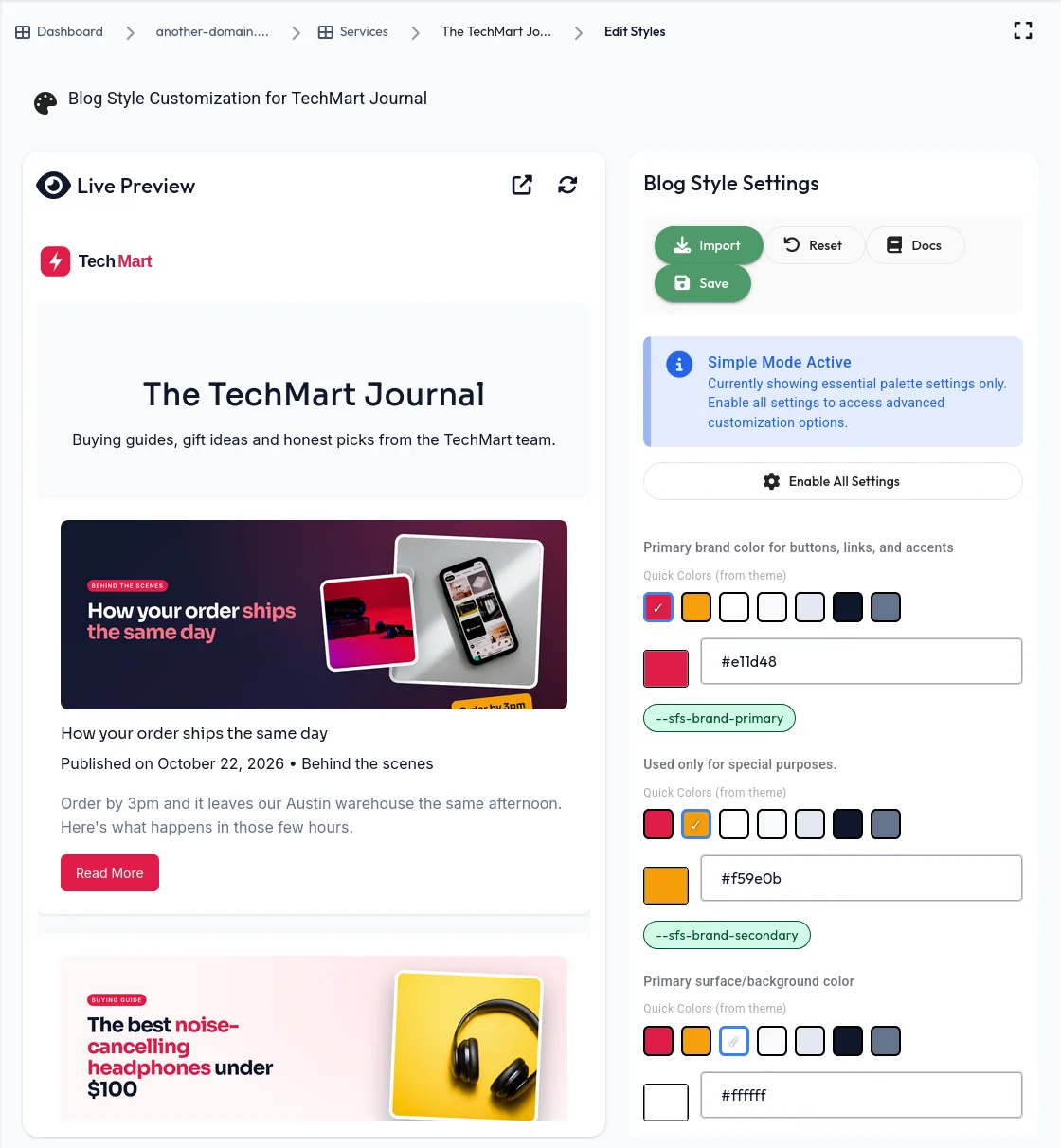
Every page and widget takes TechMart's rose, amber and navy. Start from the brand colours on the domain, then fine-tune any page or widget with a live preview.
See what's working
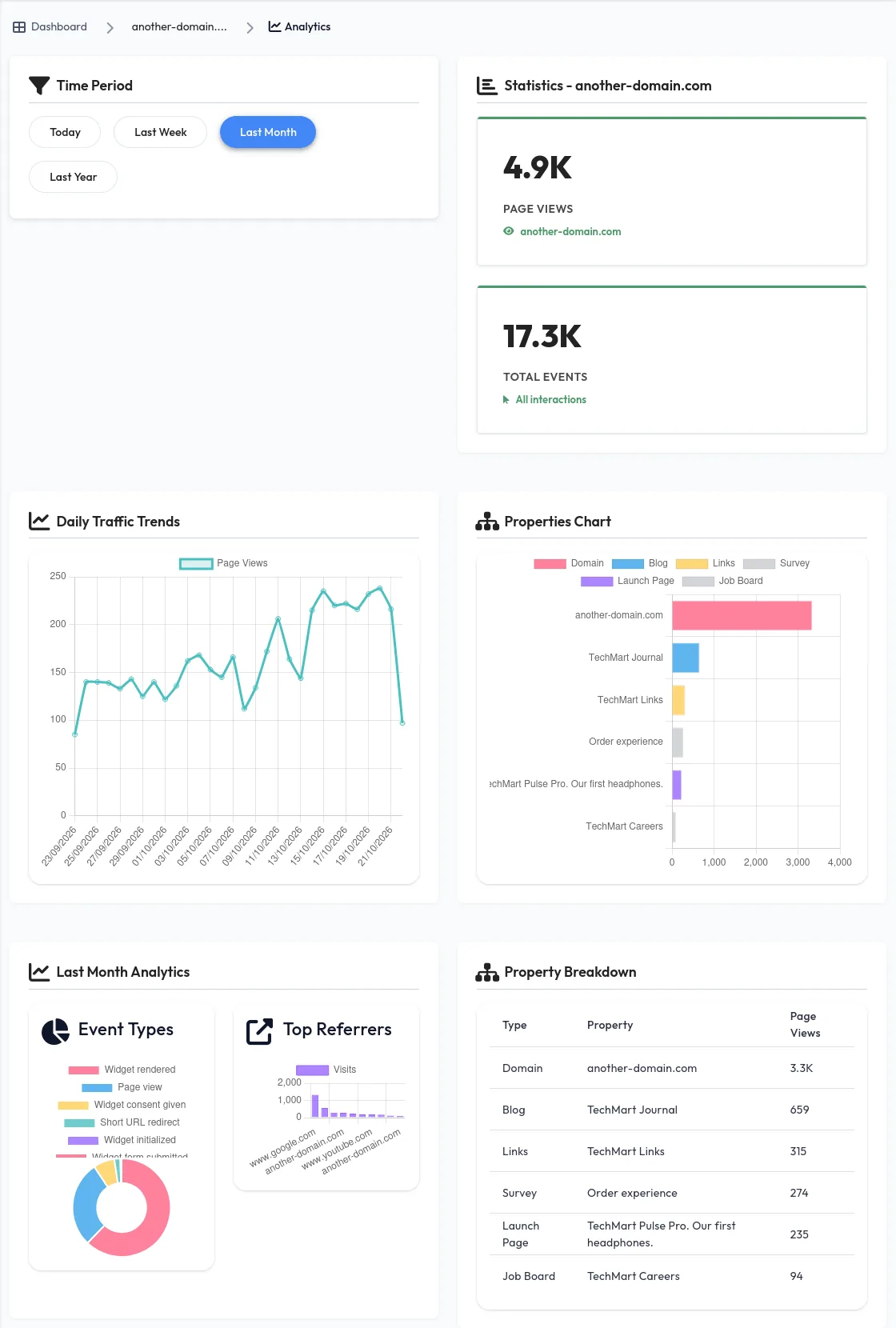
Page views and events across the store, Journal, links page, drop page, careers and survey — with referrers, top products and campaign clicks — in one analytics view, no extra tracking code.
Try everything first. Bring the whole team.
Test on your free app address
Every account gets its own yourname.presencewave.com address. Build the Journal, the drop page and the order survey there, review them with the team — then point your own domain at them when you're ready.
Invite as many collaborators as you like
There's no limit on team members. Marketing runs the banner and newsletter, support answers product questions, the business team quotes bulk orders and ops posts warehouse roles — all in one workspace, no per-seat pricing.
Go live on your own domain
Connect your own domain and put each page on it — blog., drops., links. and the rest. Your store only needs one snippet for all of its widgets.
Running an online store?
Put everything around it in one place.
Start free on your own app address, invite your team, and pick the tools you need. Add one snippet to your store when you're ready to go live.
Set up my store