One family dental practice.
Every PresenceWave tool.
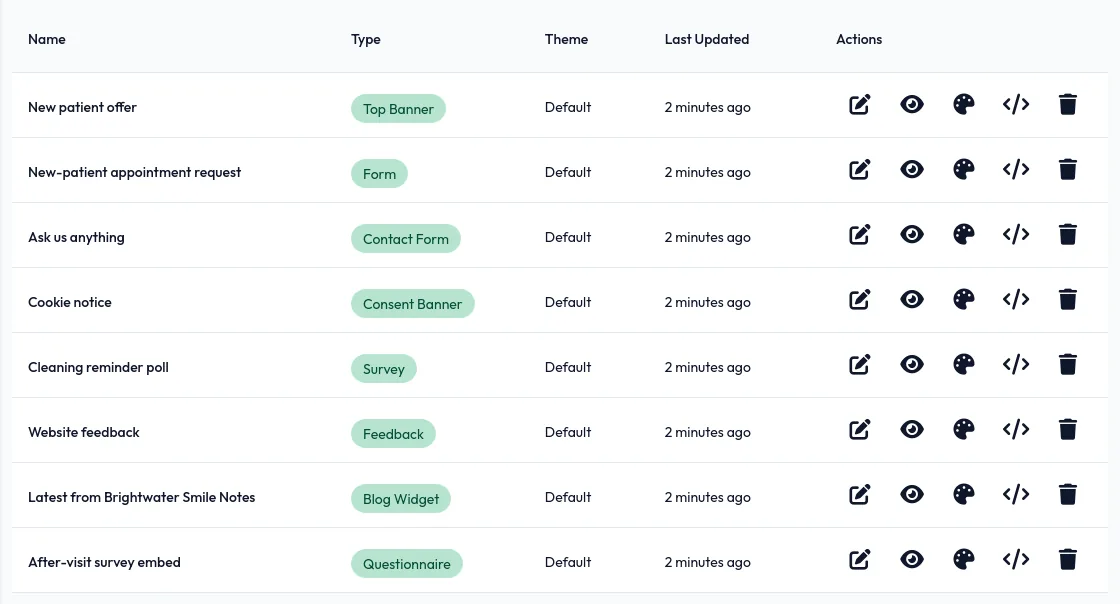
Meet Brightwater Family Dental, a family dentist with evening hours and same-day emergency visits. We took its website and set up everything PresenceWave offers around it: new-patient requests, a $99 new-patient offer, a dental advice blog, hiring for hygienists, after-visit surveys and more, styled in Brightwater's own colors and fonts. Every screen below is real.
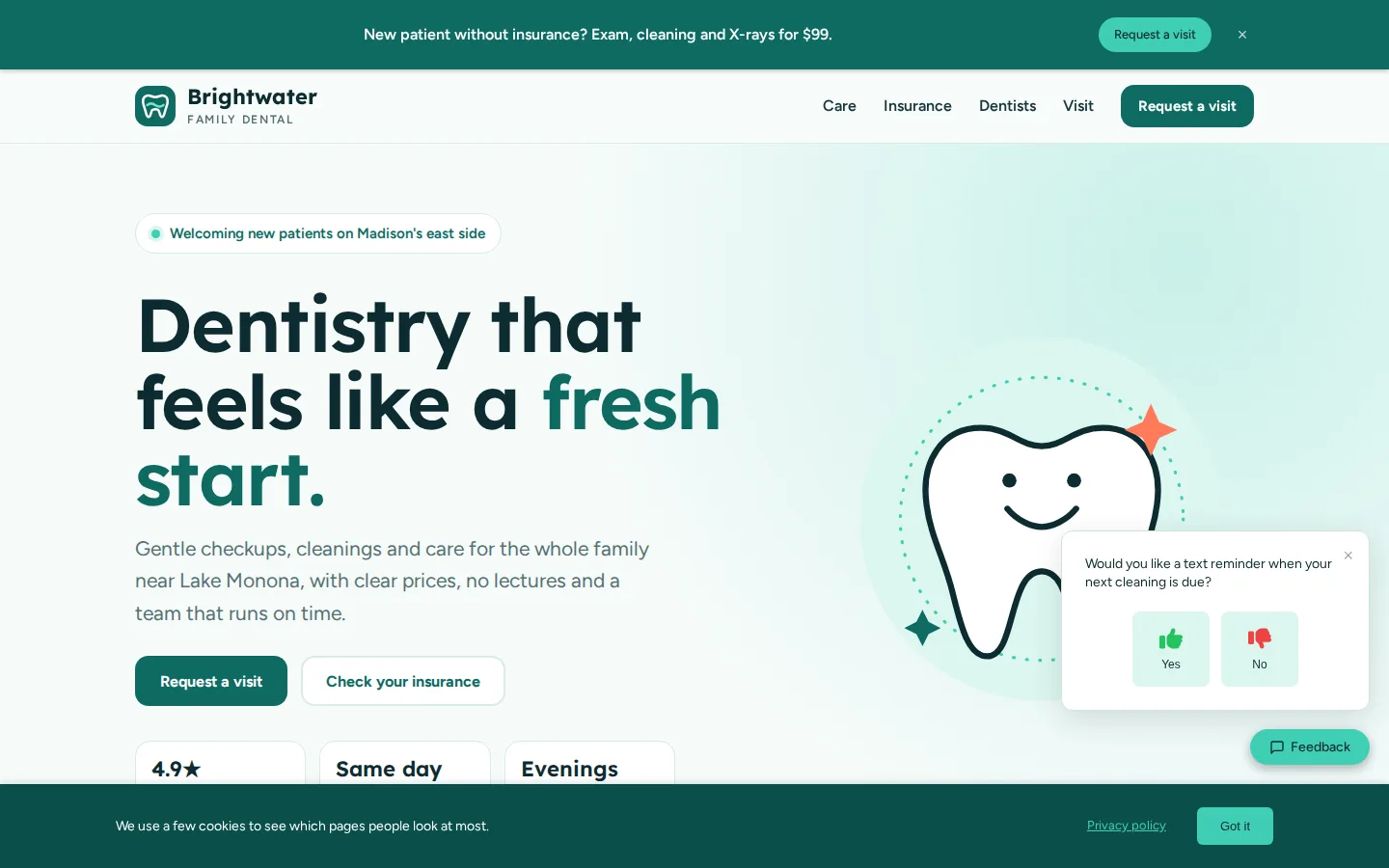
Brightwater is a demo business we built for this page. Its website uses Fresh Mint, one of our five free dental and medical clinic themes; everything with a PresenceWave label below was added with one snippet.
From "are you taking new patients?" to a booked first visit.
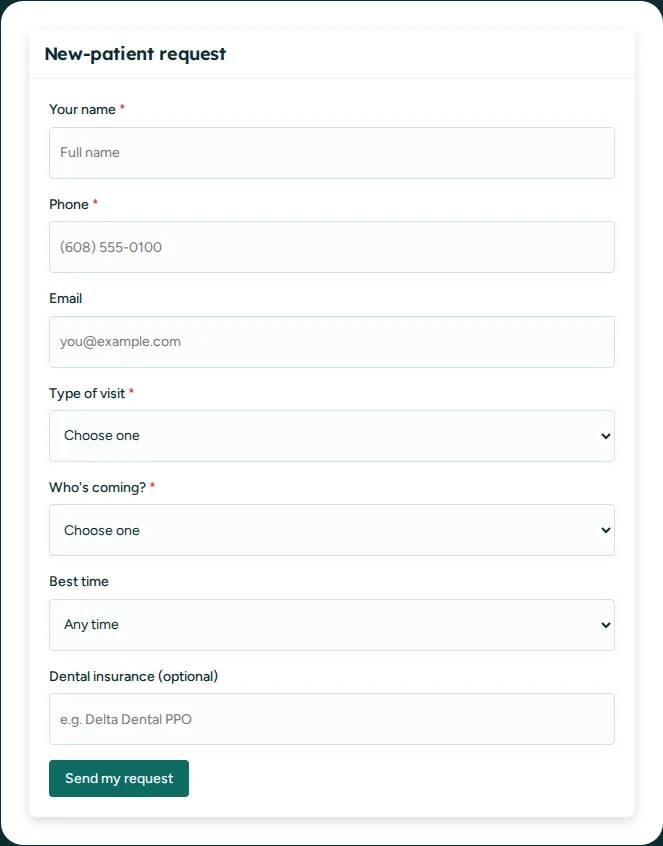
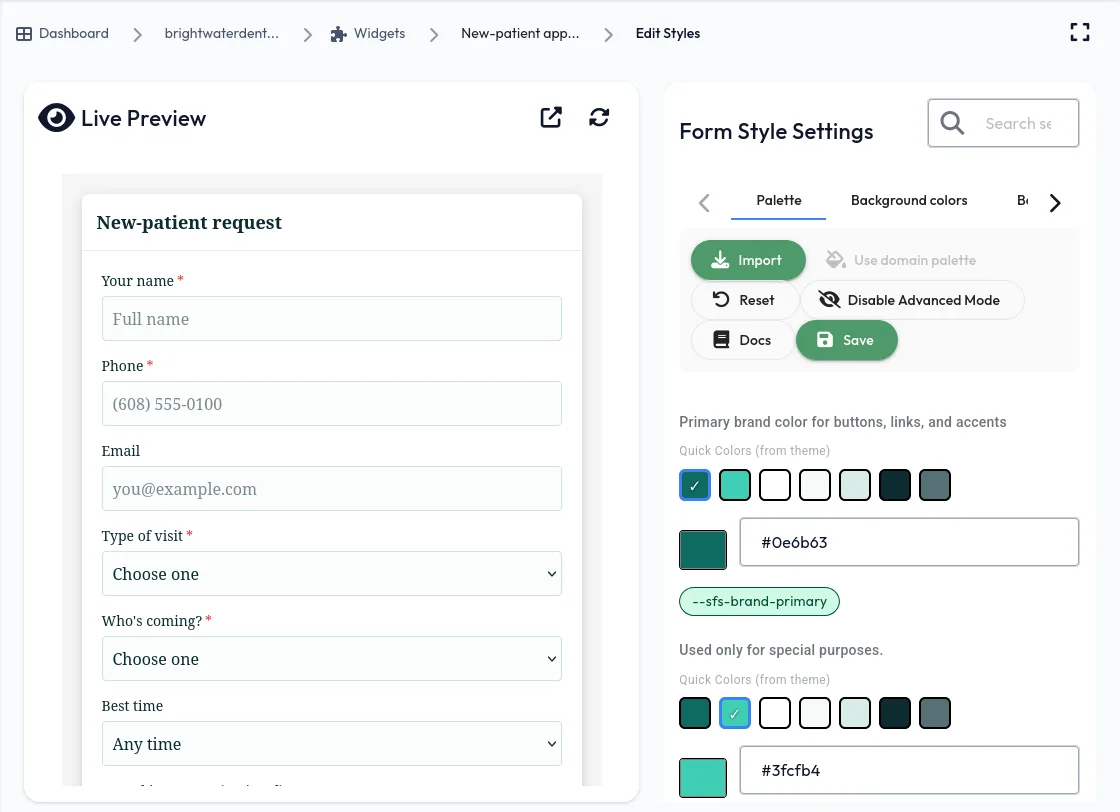
A request form that asks only what the front desk needs
Brightwater's new-patient form asks for a name and phone number, the type of visit, who's coming and the best time, plus the patient's dental plan if they have one. Nothing about symptoms or history: those wait for the chair, and a note beside the form says so. The front desk calls back within a day, and every request lands in the dashboard and the office inbox at once.
- Text, email and dropdown fields, styled to the site
- Ask for contact details and times, not medical details
- A short contact form in the footer for everything else
- Requests can go straight to your scheduling software with webhooks
An offer for patients without insurance
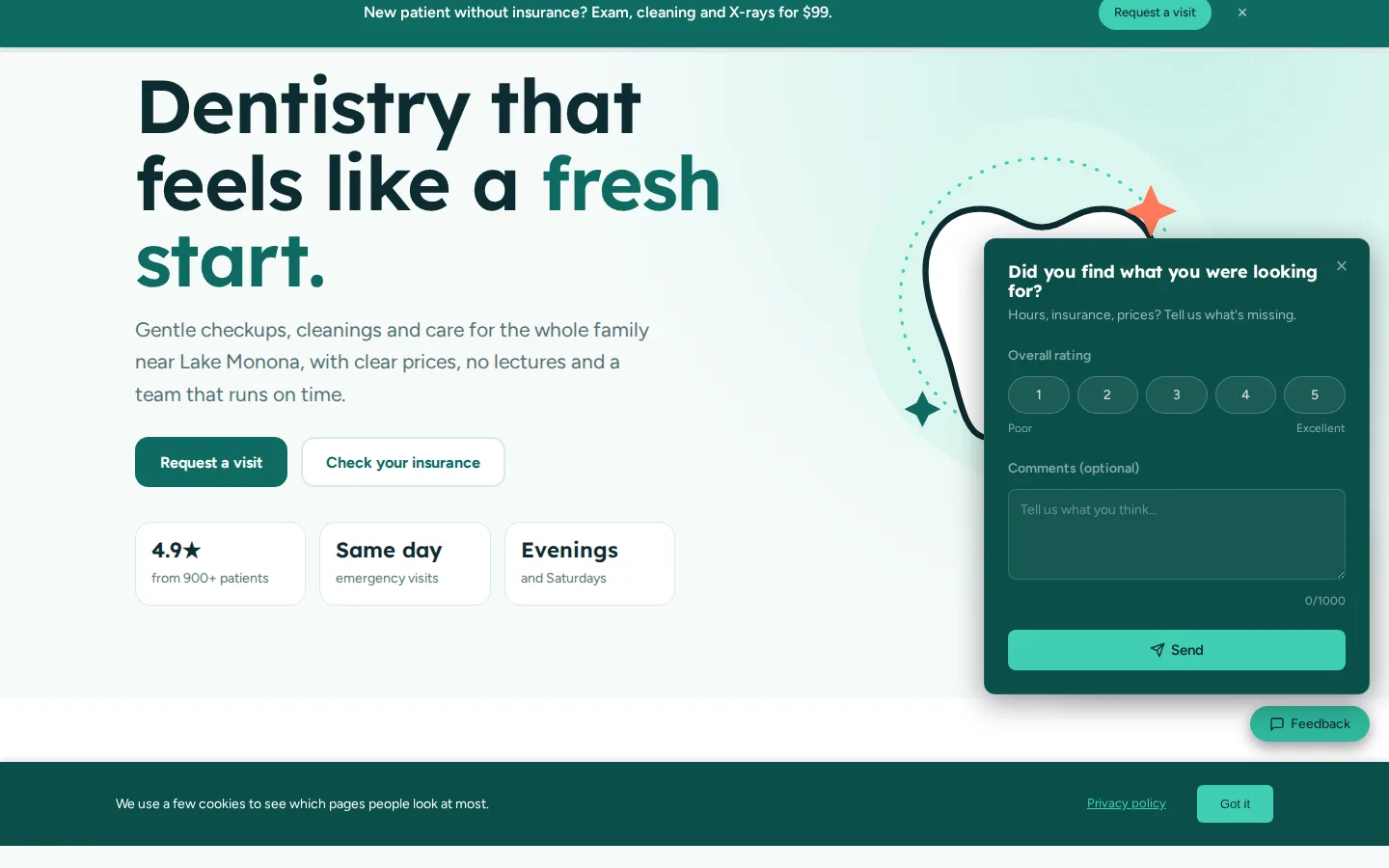
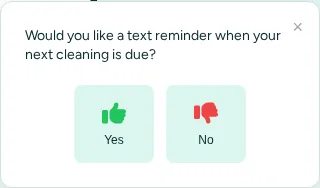
A banner across the top of every page offers a $99 new-patient exam, cleaning and X-rays for patients without insurance. When the offer changes, Brightwater updates it from the dashboard, with no website update. A one-question poll asks whether visitors would like a text when their next cleaning is due, and a feedback tab catches anyone who couldn't find the hours or the insurance list.
A dental blog that answers what patients search for.
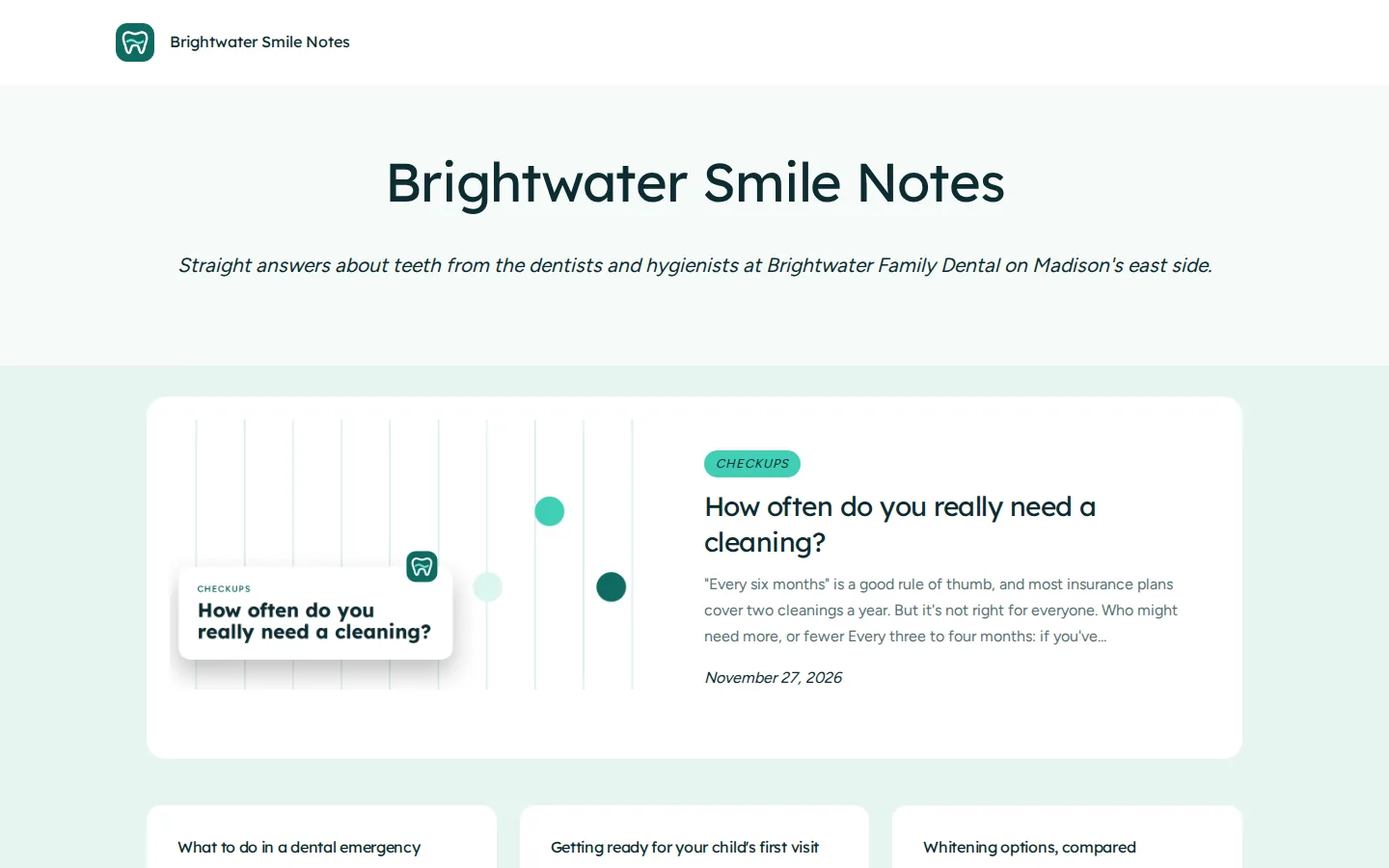
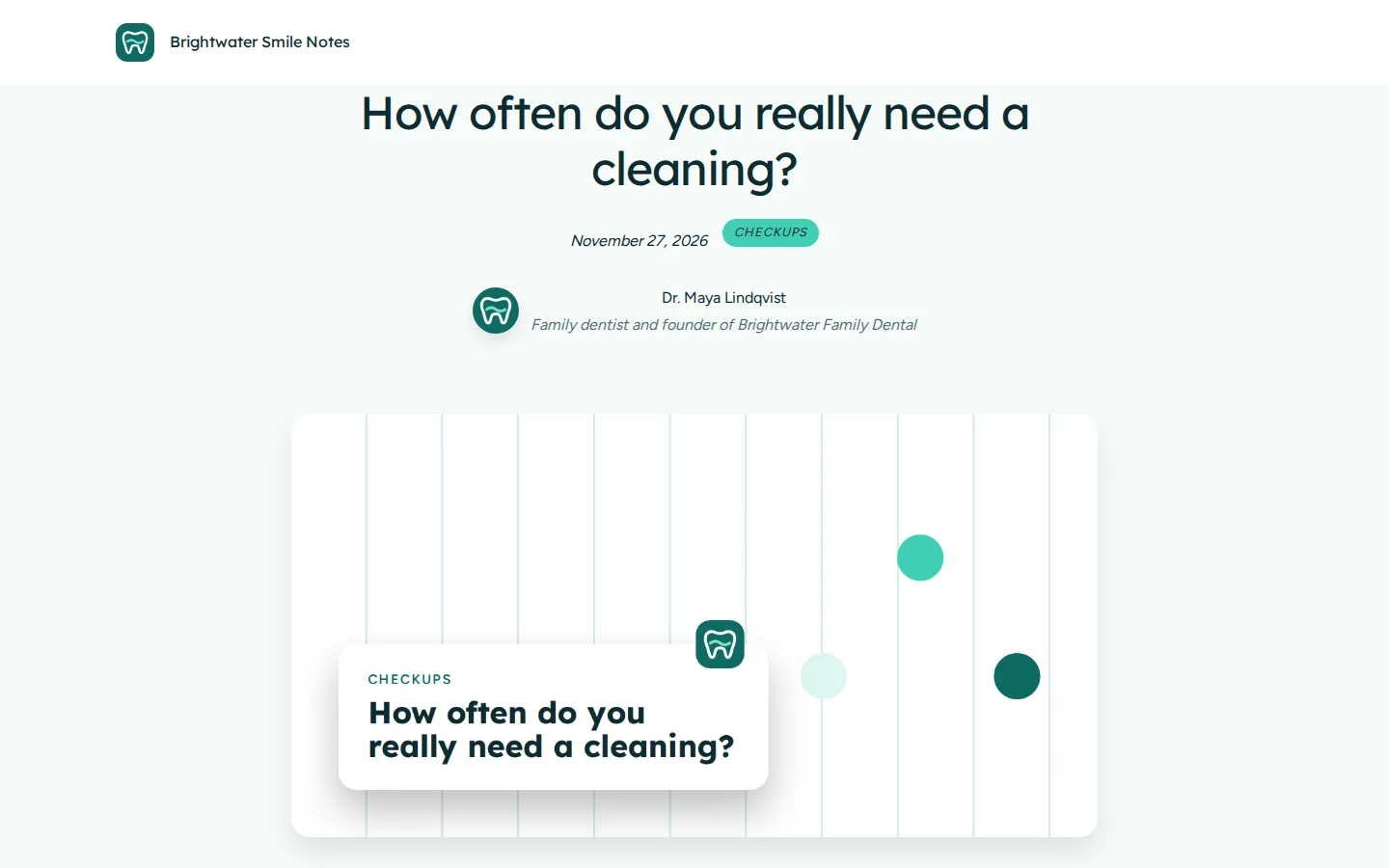
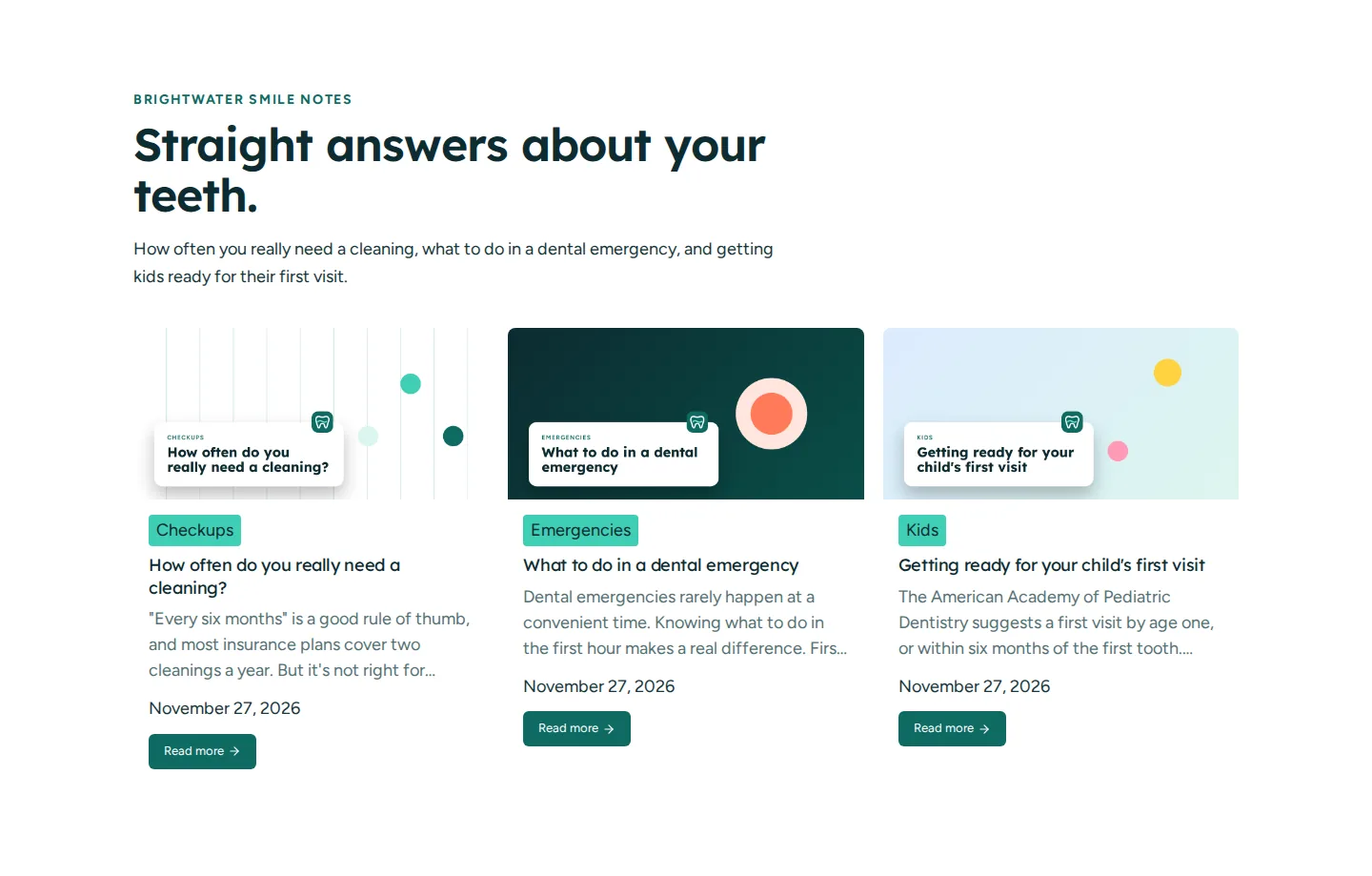
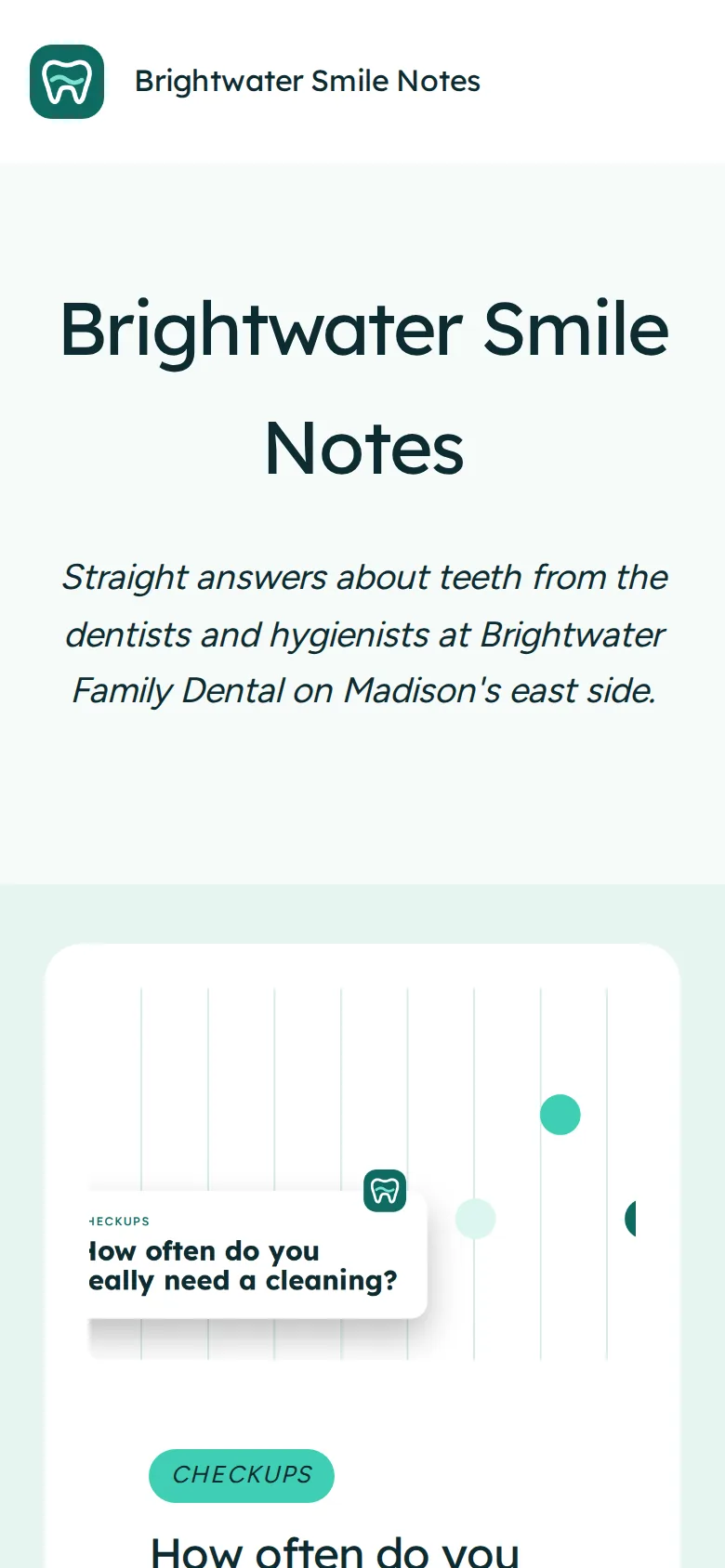
Brightwater Smile Notes lives on the practice's own domain, in its fonts and colors. How often you really need a cleaning, what to do in a dental emergency, getting ready for a child's first visit and whitening options compared: the posts answer the questions patients type into search at 10pm, and bring them to the request button.
- Seven themes, each restyled to the brand
- Categories, tags, paging, RSS and sitemap built in
- Schedule posts ahead, or publish from your own tools with the API
- Latest posts appear on the home page with the blog widget
Hear about the long wait before it becomes a one-star review.
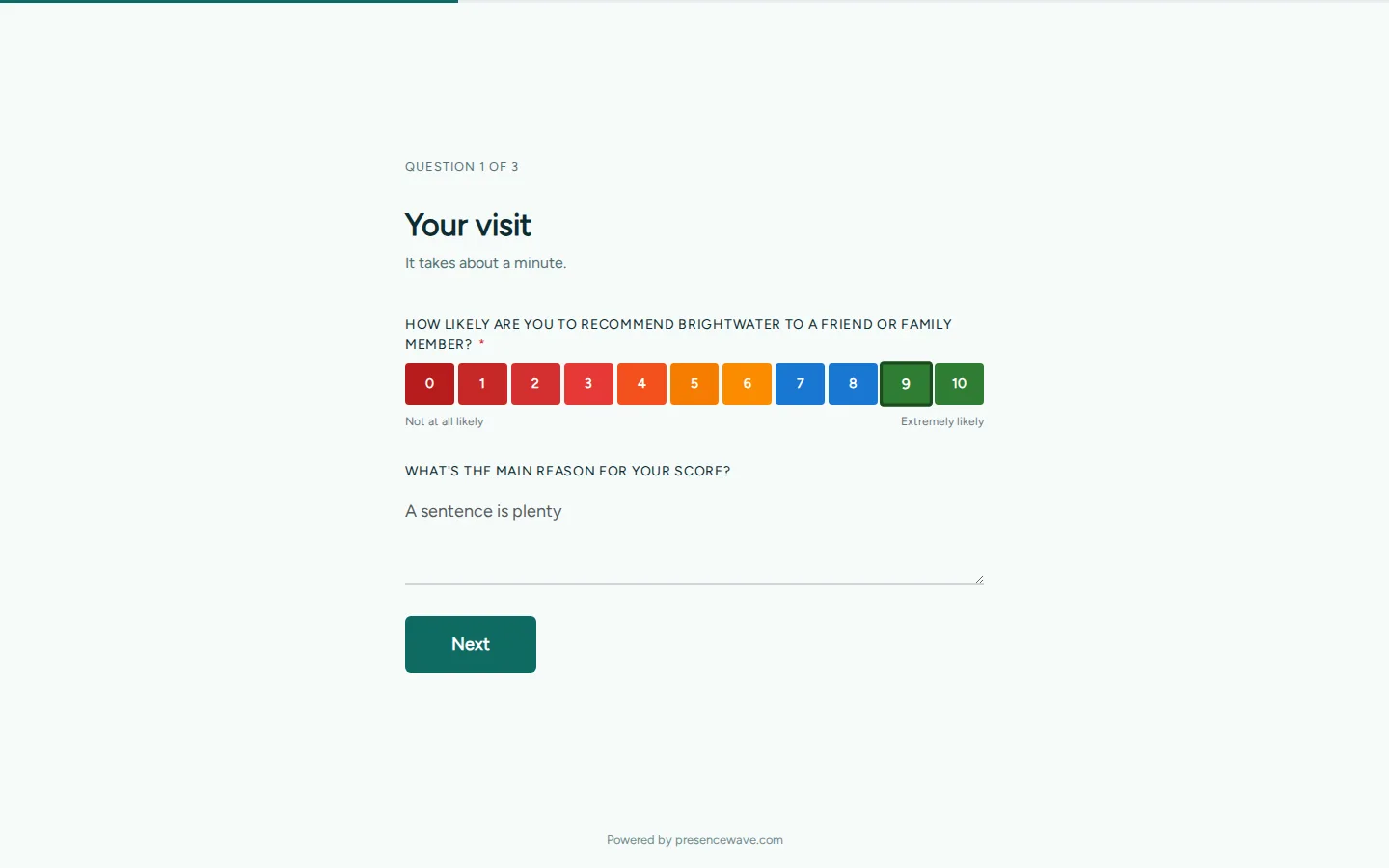
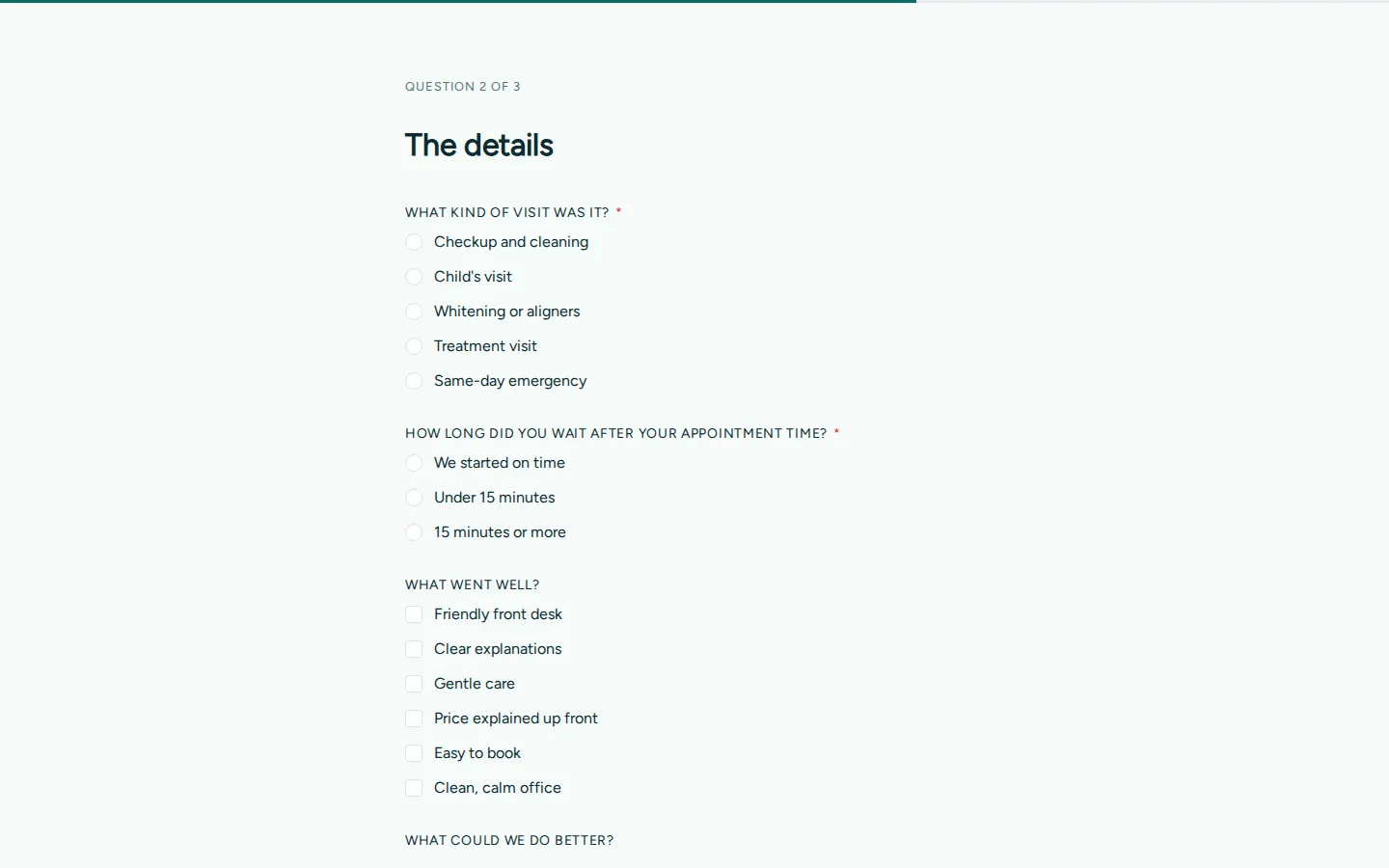
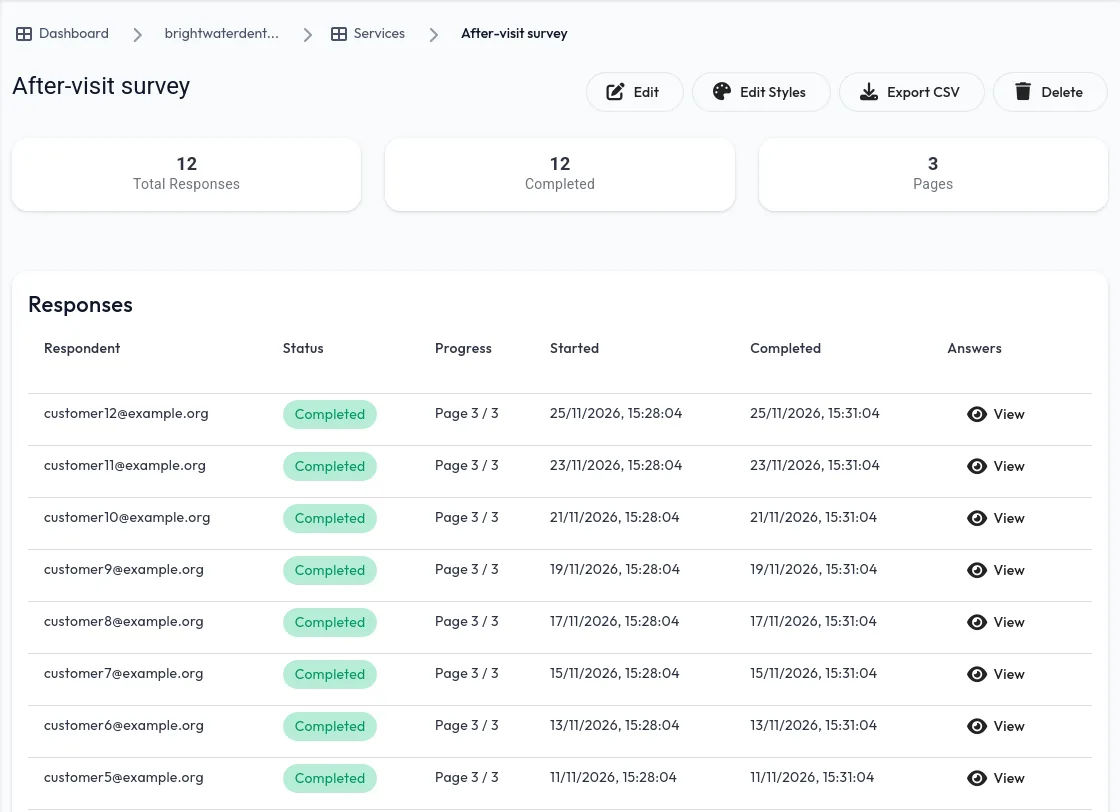
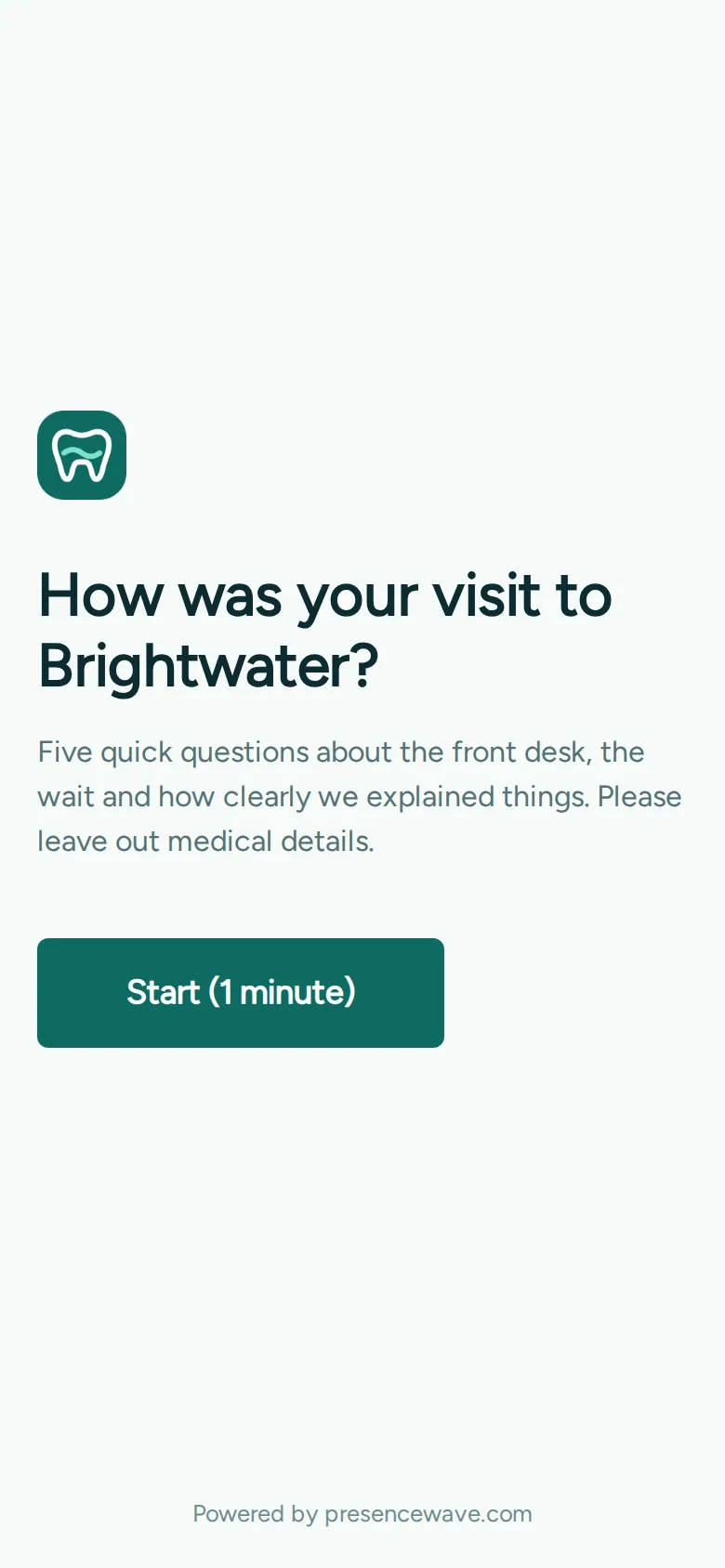
Brightwater's after-visit survey opens with the Net Promoter Score question, then asks what kind of visit it was, how long the patient waited and what went well: the front desk, clear explanations, gentle care, the price explained up front. It asks nothing about health. A QR code on every appointment card brings patients to it, and Dr. Lindqvist reads every answer.
- NPS, multiple choice and free-text questions
- About the experience, not the patient's health
- Every response in the dashboard, exportable as CSV
A nudge when the next cleaning is due.
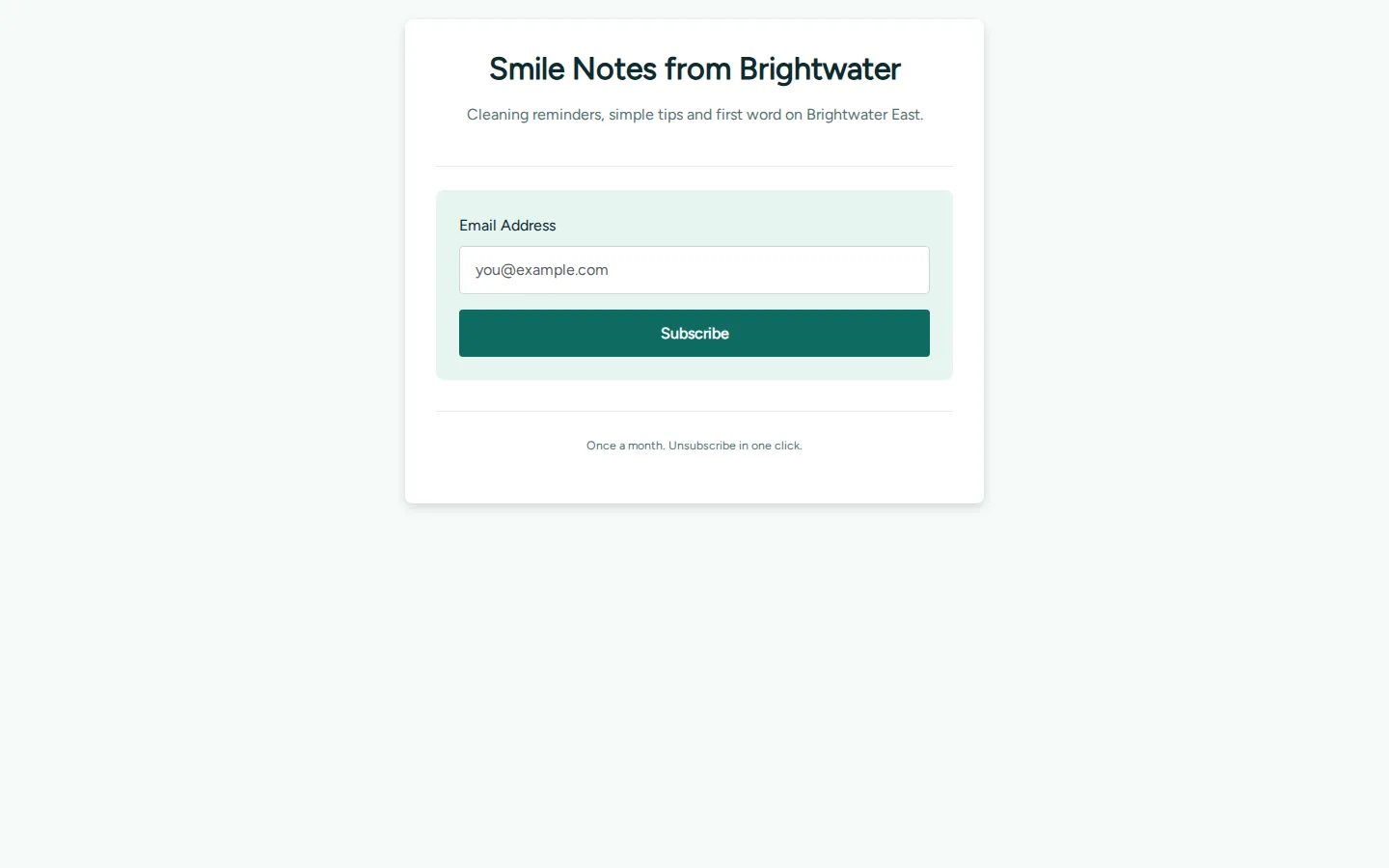
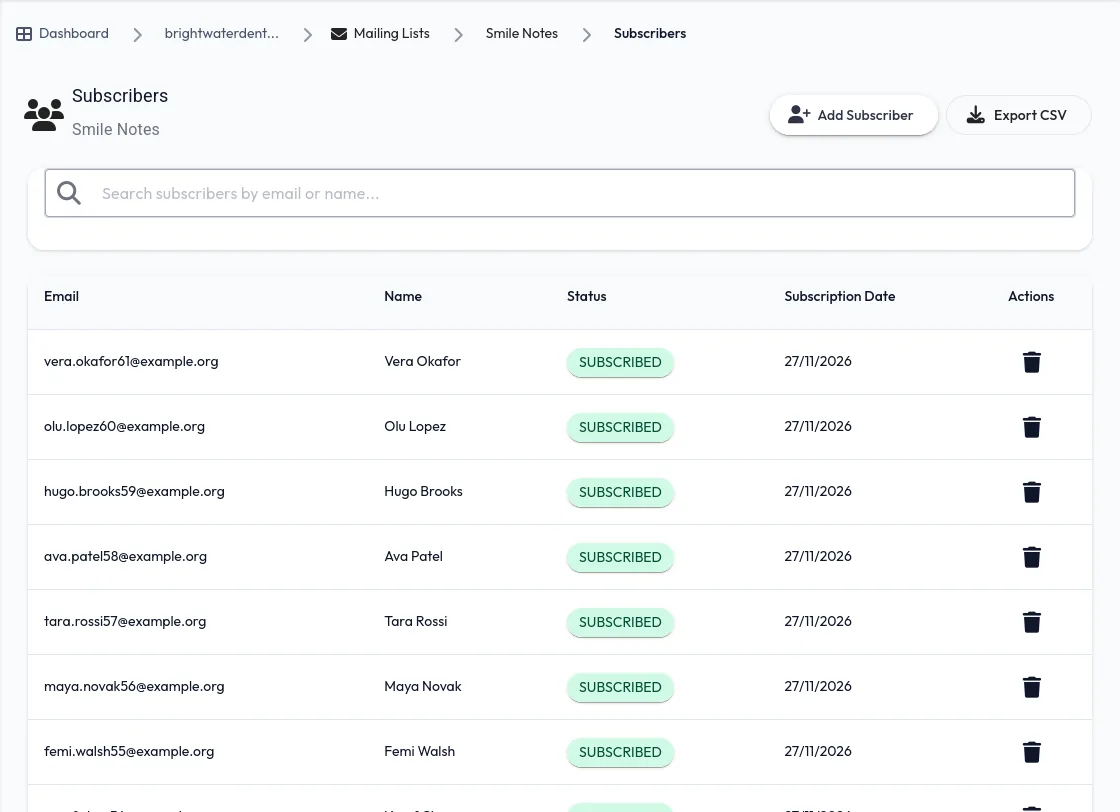
Smile Notes goes out once a month: a reminder when cleanings are due, a simple tip and office news, like new evening hours. Patients come back on time, and the hygiene schedule stays full. The signup page is on Brightwater's domain, and subscribers are managed and emailed from the same dashboard.
- Double opt-in and one-click unsubscribe
- Compose emails or automate a welcome sequence
- Export your subscribers any time
A full schedule on opening day.
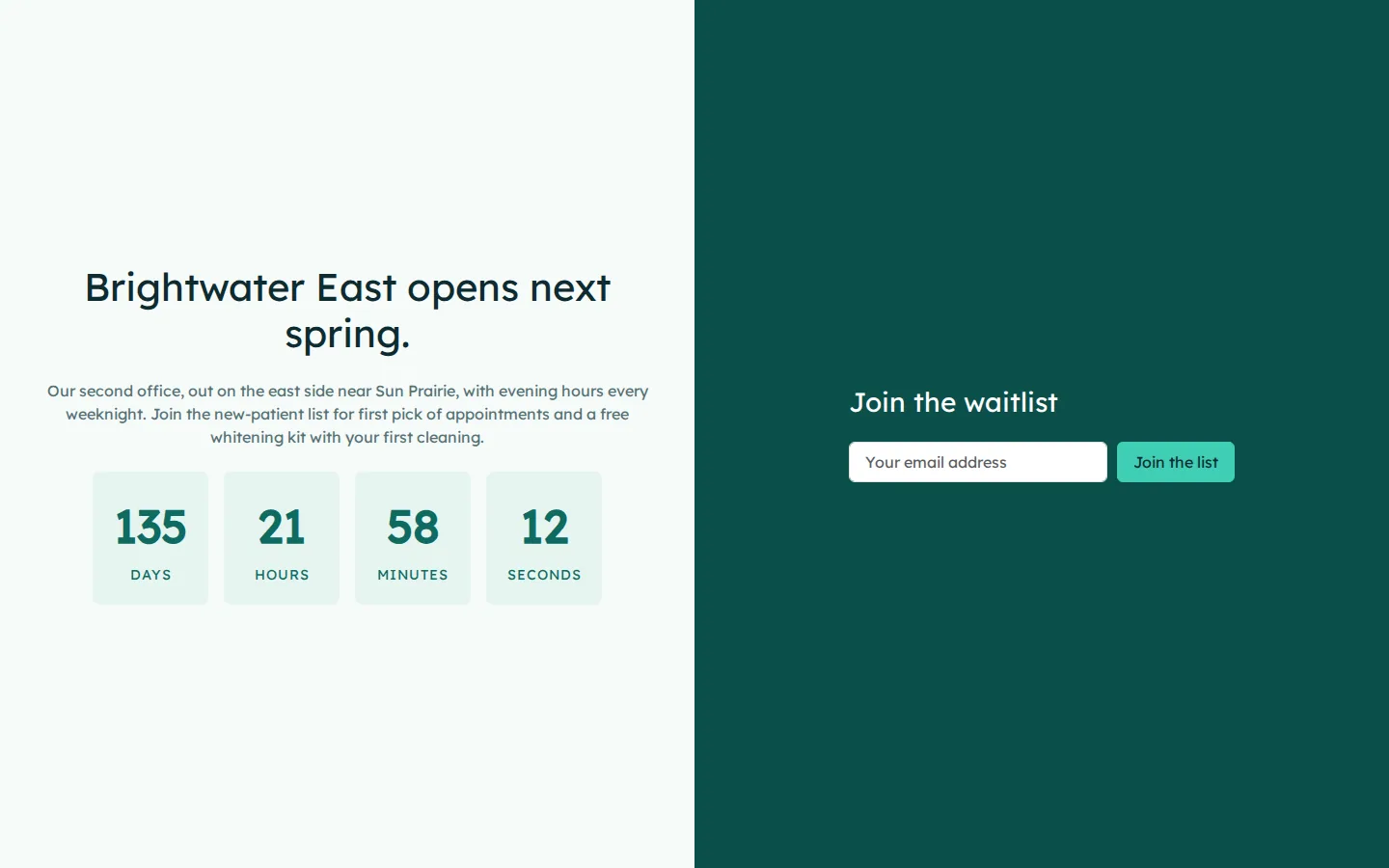
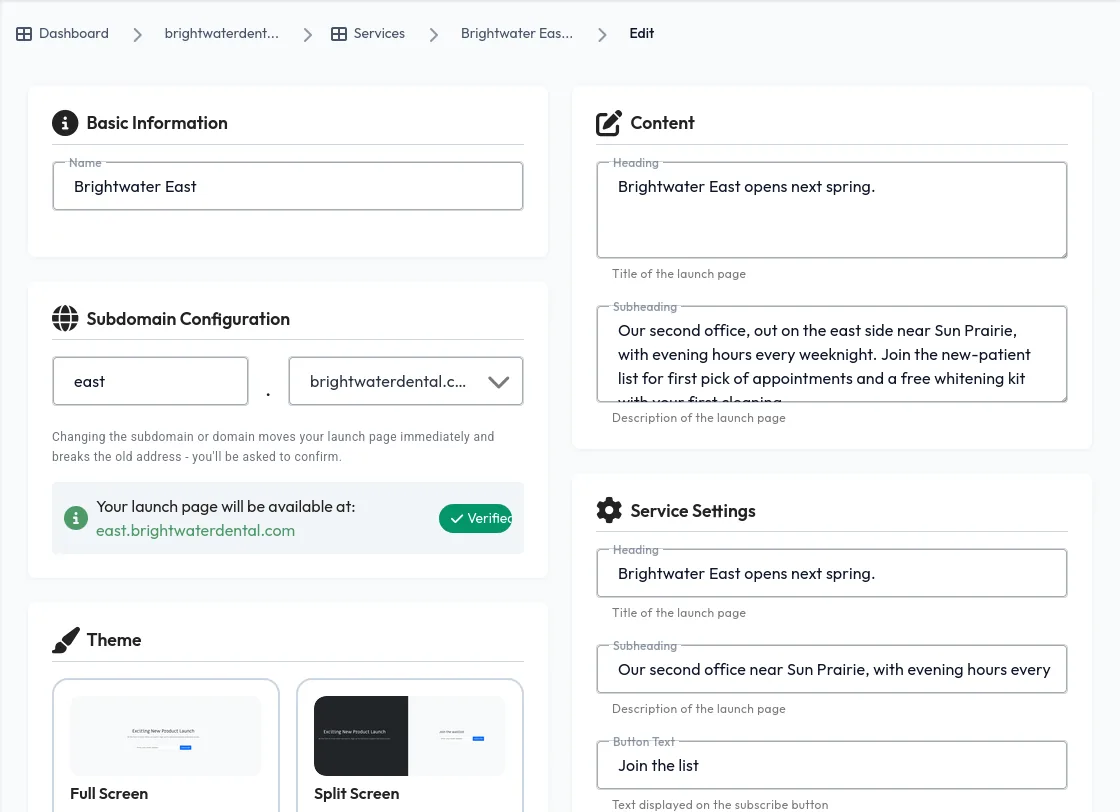
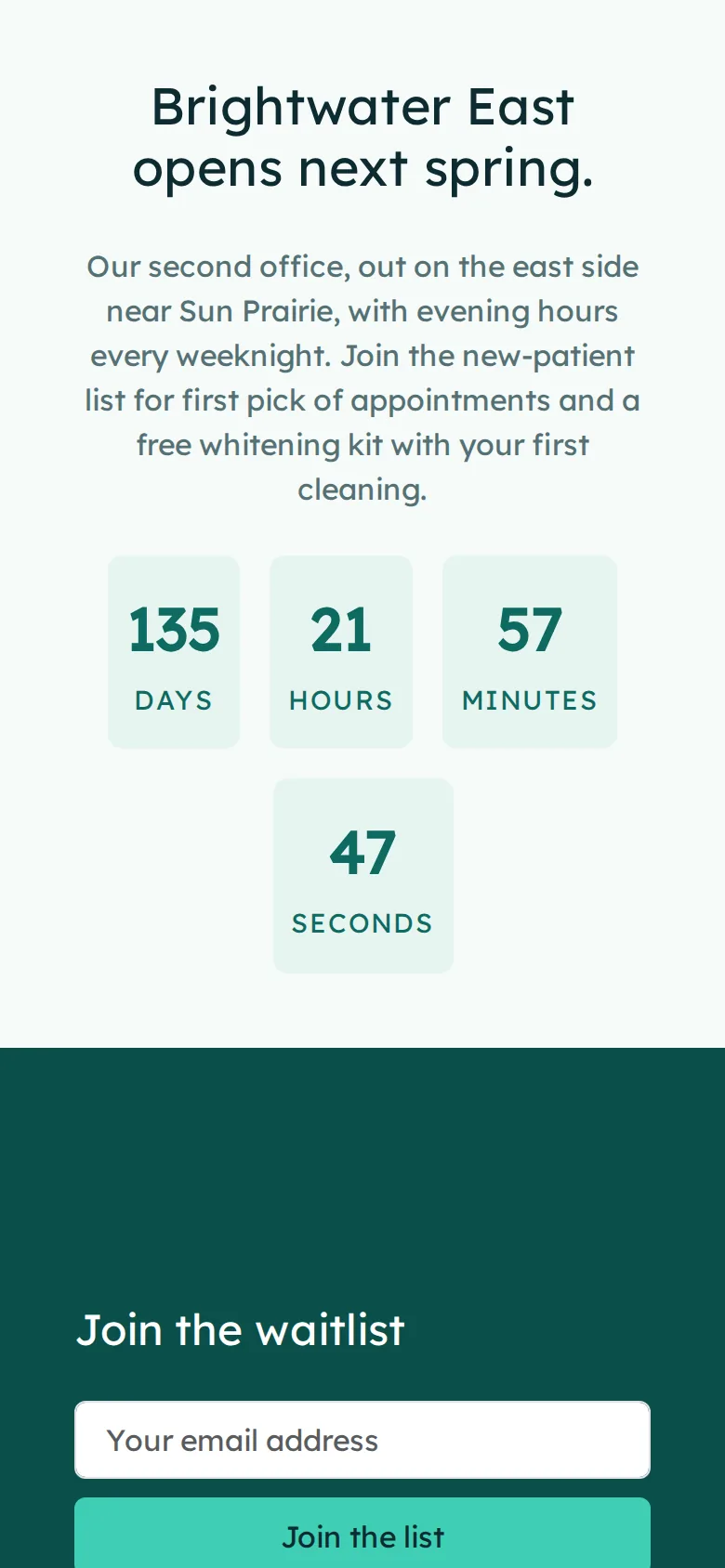
Brightwater is opening a second office, Brightwater East. Its launch page counts down to opening day and collects a new-patient waitlist, which becomes a mailing list automatically, so the first weeks are booked before the doors open.
- Countdown, waitlist and social-proof themes
- Every signup lands in its own mailing list
- On Brightwater's domain, in Brightwater's colors
A careers page that good hygienists want to read.
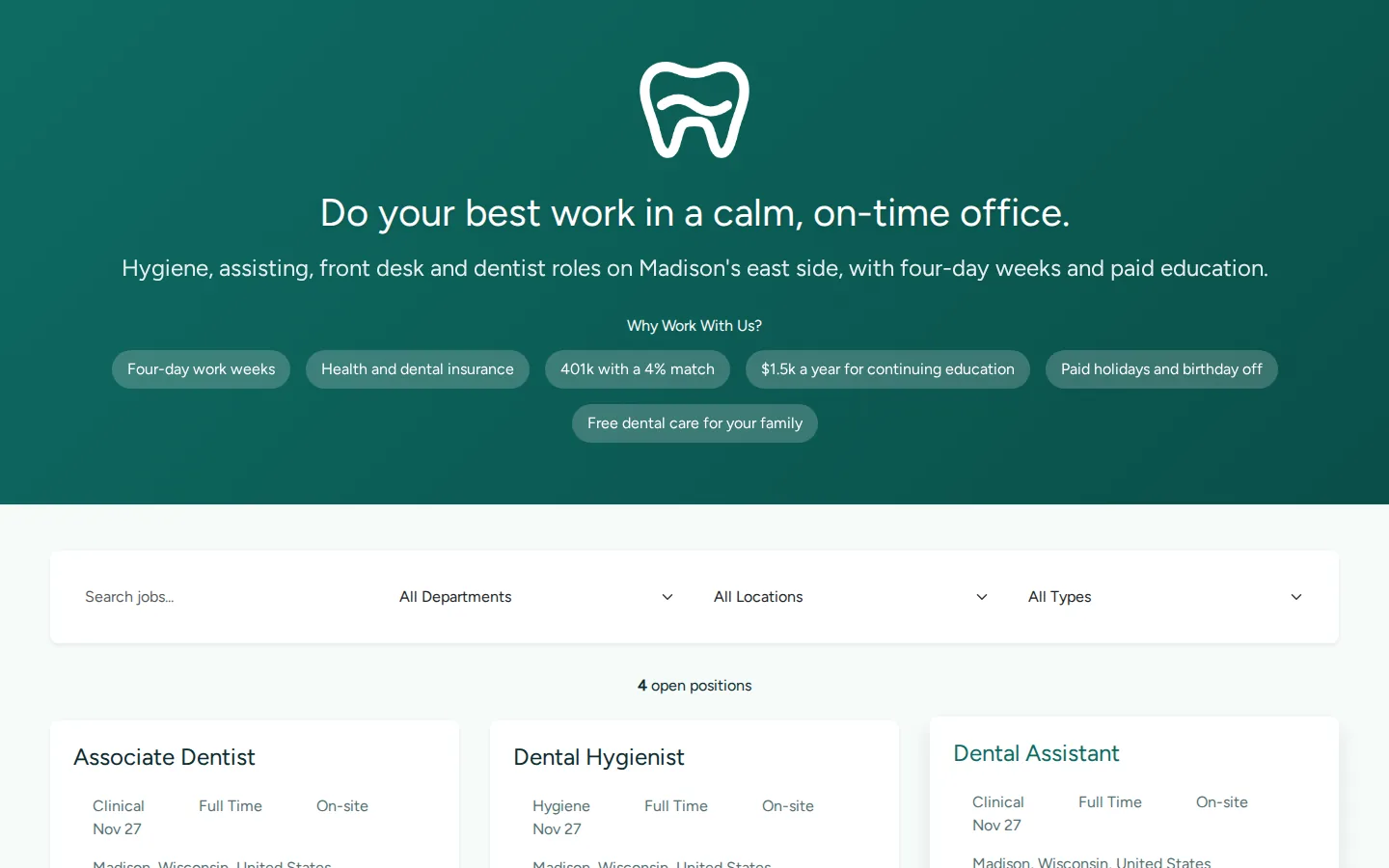
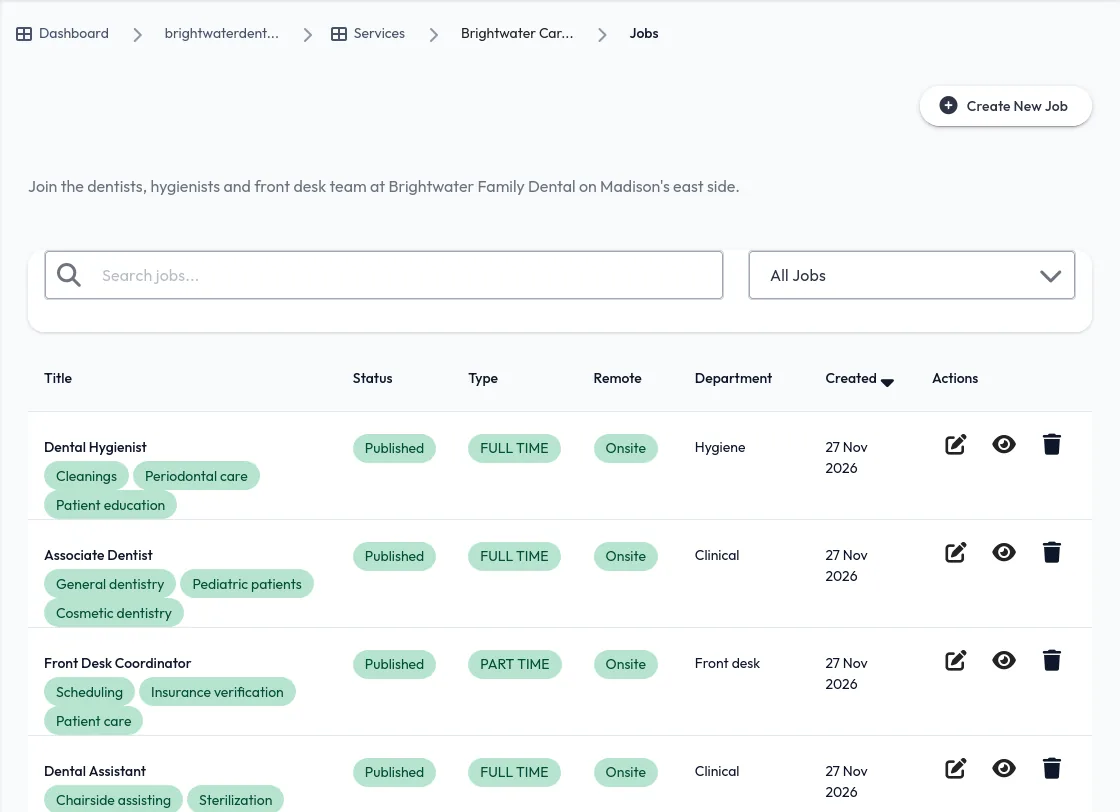
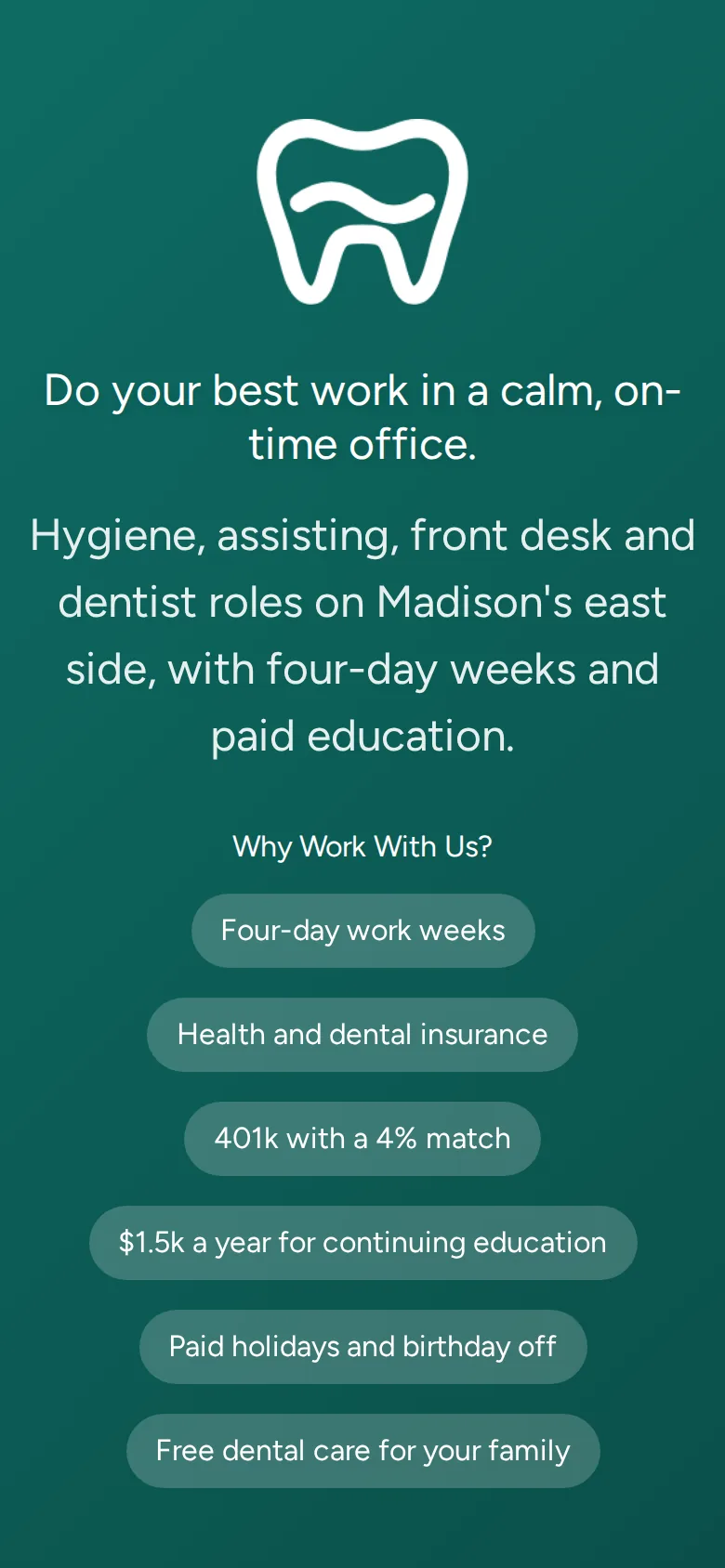
Hygienists and assistants are hard to find, and they choose offices carefully. Brightwater's job board leads with what matters to them, four-day weeks, paid education and free dental care for their family, and lists every role by team: hygiene, clinical and front desk, plus an associate dentist for the new office.
- Filters by department, location and job type
- Benefits and mission shown above the roles
- Post and edit roles from the dashboard
Every printed card is a touchpoint. Now you know which ones work.
One page for every profile
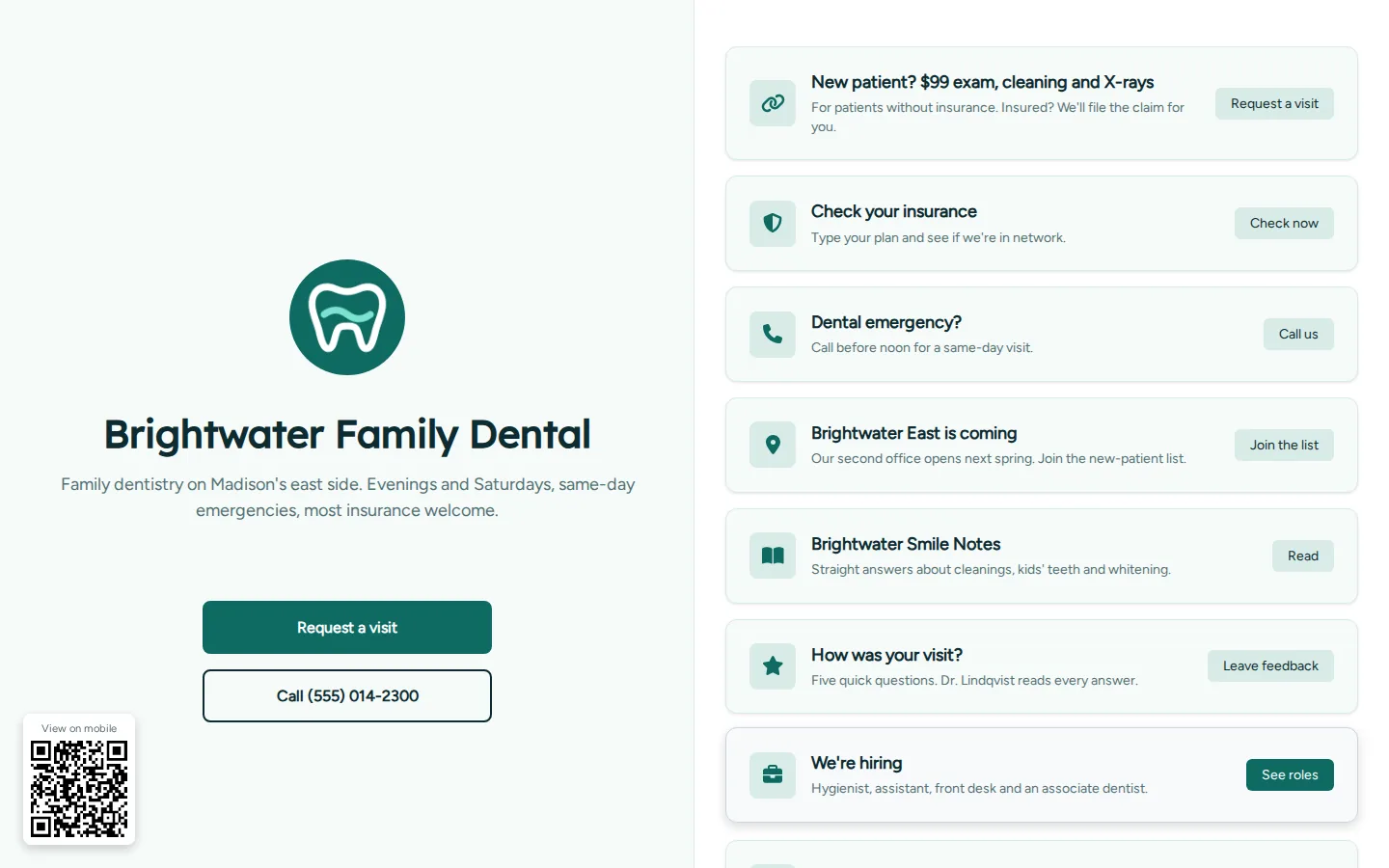
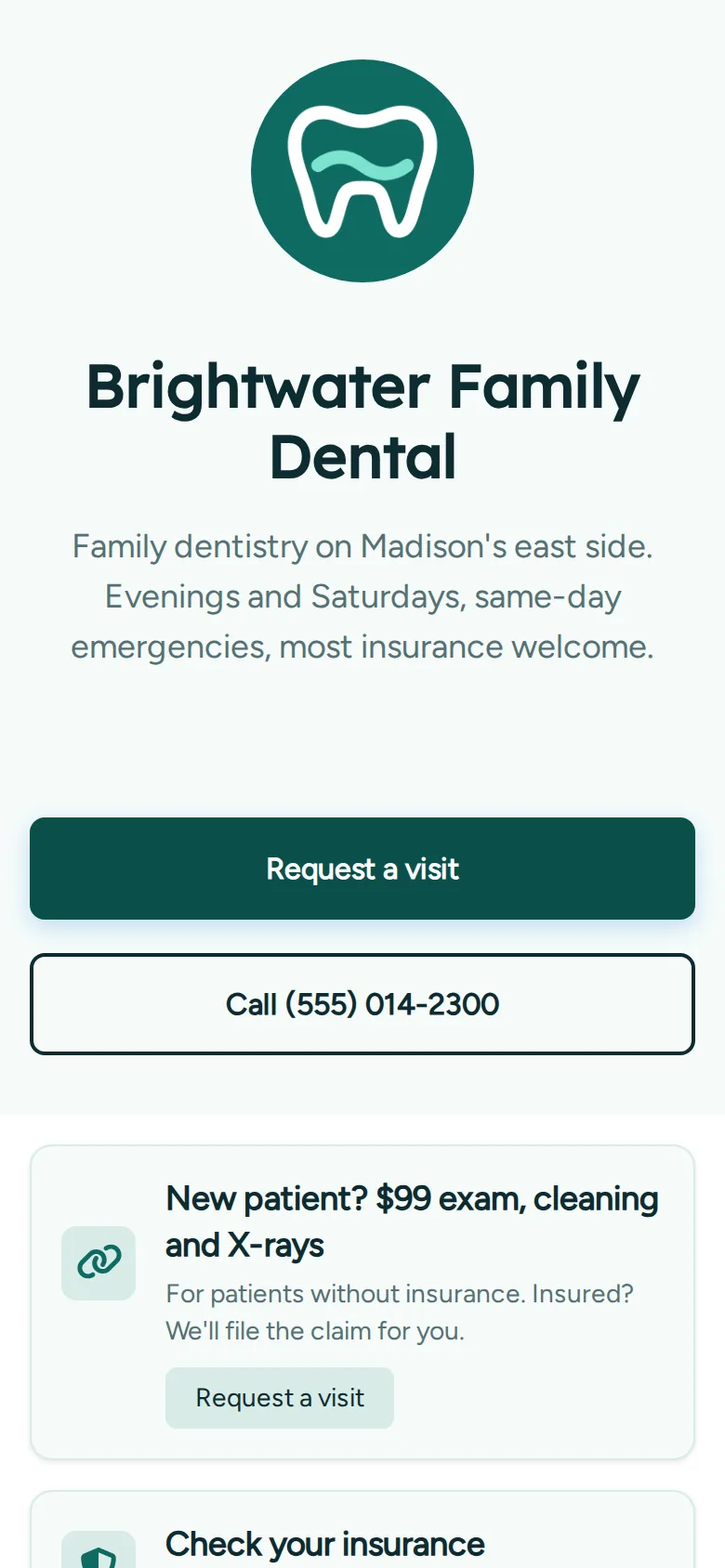
Brightwater's links page puts the new-patient offer, the insurance check, the emergency line, the Brightwater East waitlist, the blog, the survey and careers in one place. It's the link on their Facebook and Instagram profiles, on their own domain and in their own colors.
- Clicks counted per link
- Drag to reorder, change any time
Short links and QR codes for print
Dental offices hand out a lot of paper: the appointment card, the take-home care sheet, the sign at reception. Brightwater prints a QR code on each, pointing at a short link like go.brightwaterdental.com/review, and sees exactly which ones get scanned.
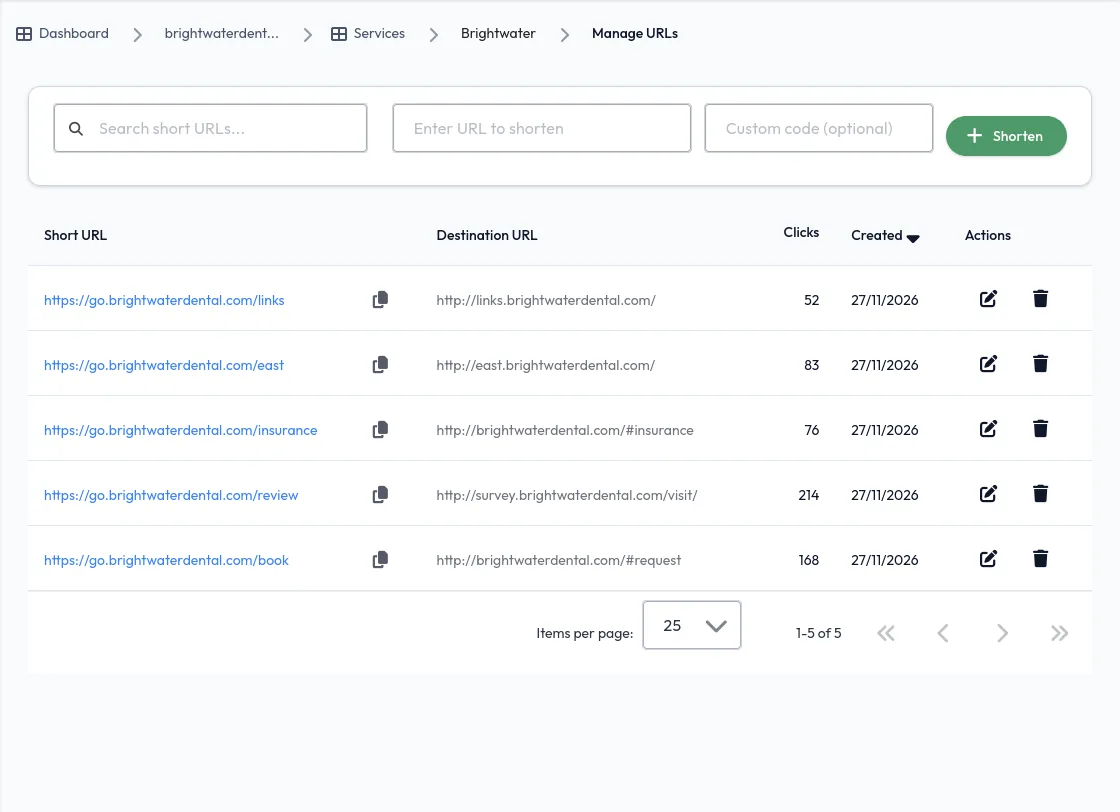
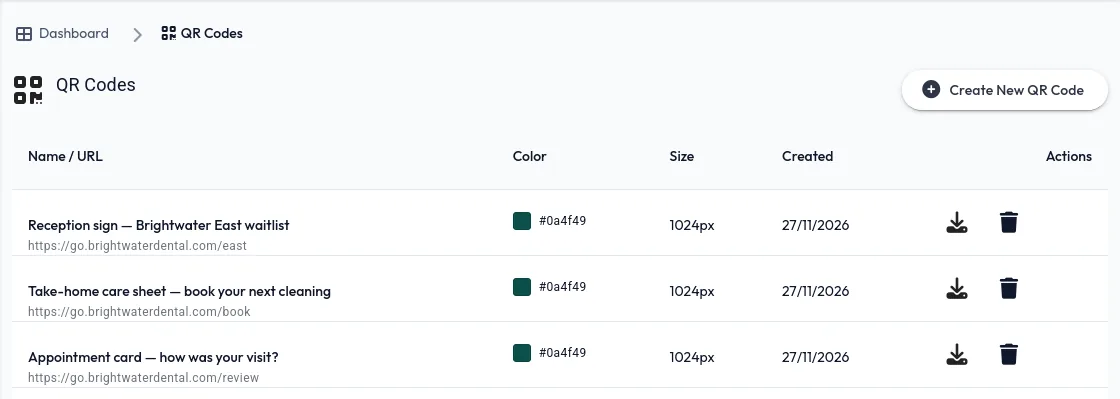
It all looks like Brightwater. It all reports to one place.
Styled to the last button
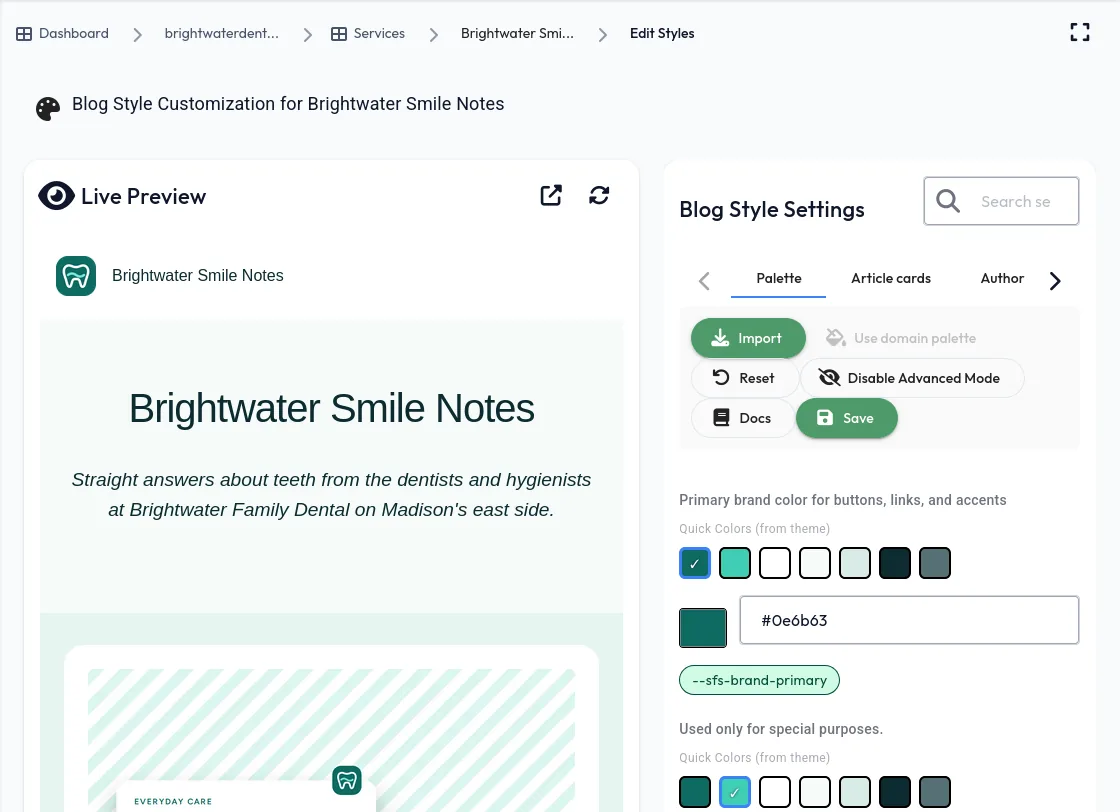
Every page and widget takes Brightwater's teal and mint, and its fonts. Start from the brand colors on the domain, then fine-tune any page or widget with a live preview.
See what's working
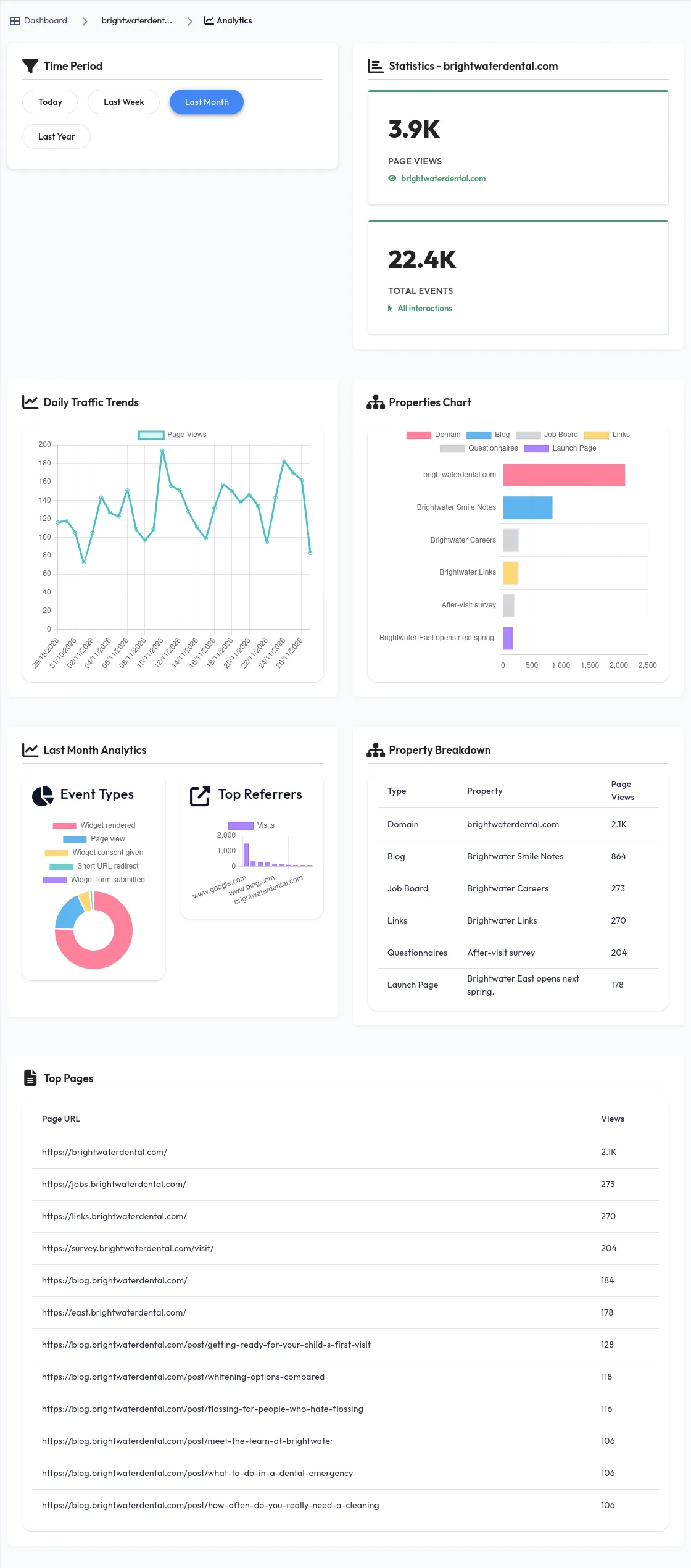
Page views and events across the website, blog, job board, links page, launch page and survey, in one analytics view, including which appointment cards and care sheets get scanned. No extra tracking code.
Try everything first. Bring the whole team.
Test on your free app address
Every account gets its own yourname.presencewave.com address. Build the new-patient form, the blog and the survey there, click through them, share them with the team, then point your own domain at them when you're ready.
Invite as many collaborators as you like
There's no limit on team members. Brightwater's front desk answers new-patient requests, the hygienists write for the blog, and the dentists read the survey results, all in one workspace with no per-seat pricing.
Go live on your own domain
Connect your own domain and put each page on it: blog., jobs., links. and the rest. Your website only needs one snippet for all of its widgets.
Run a dental practice or clinic?
This can be yours this week.
Start free on your own app address, invite your team, and pick the tools you need. Add one snippet to your website when you're ready to go live.
Set up my practice